.png?width=201&height=201&name=Maintenance%20(Videoannonce%20%E2%80%93%20LinkedIn).png)

10 Flight School Scheduling Conflict Triggers (And How to Prevent Them)
 Amalie Rasmussen
·
4 minute read
Amalie Rasmussen
·
4 minute read
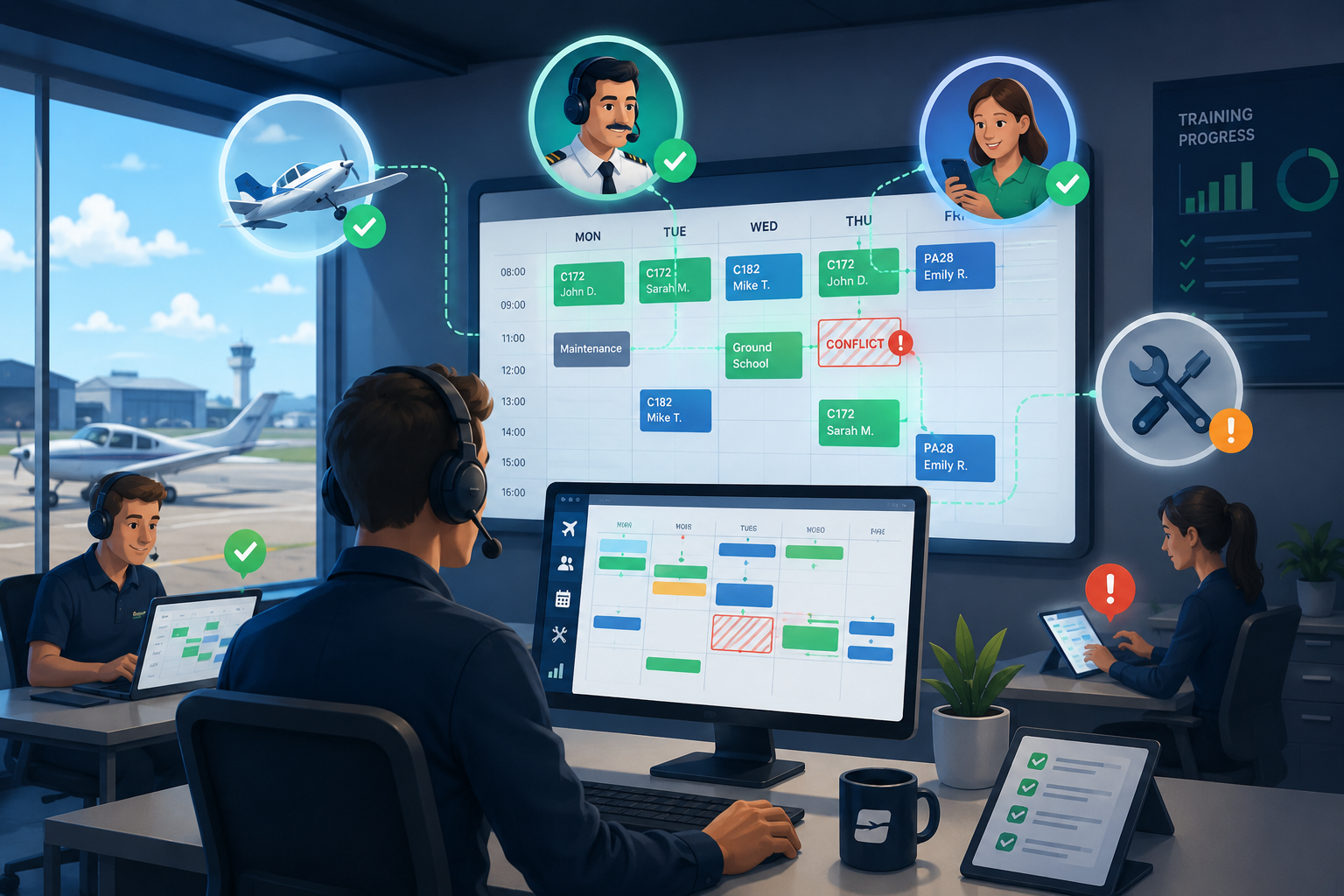
The fastest way to remove scheduling conflict triggers is a single source of truth for bookings; in FlightLogger, used by 220+ flight schools, aircraft, instructors, and students are scheduled in one system that flags conflicts before they're confirmed.
Scheduling conflicts don't just delay lessons—they affect student progress, instructor productivity, aircraft utilization, and the entire operation. Here's what causes them and how modern flight schools prevent them.
Quick Answer
The most common causes of flight school scheduling conflicts are disconnected calendars, poor aircraft visibility, instructor availability changes, manual scheduling processes, and fragmented operational systems. Modern flight school management platforms such as FlightLogger reduce these conflicts by connecting scheduling, resource planning, maintenance, and student progress in one system.
Why Scheduling Conflicts Are So Common
Scheduling is one of the most challenging aspects of running a flight school.
Every lesson depends on multiple resources being available at exactly the same time:
- A student
- A qualified instructor
- A suitable aircraft
- Available training facilities
- Maintenance status
- Weather conditions
- The student's place in the training syllabus
If just one of these changes, the entire schedule may need to be adjusted.
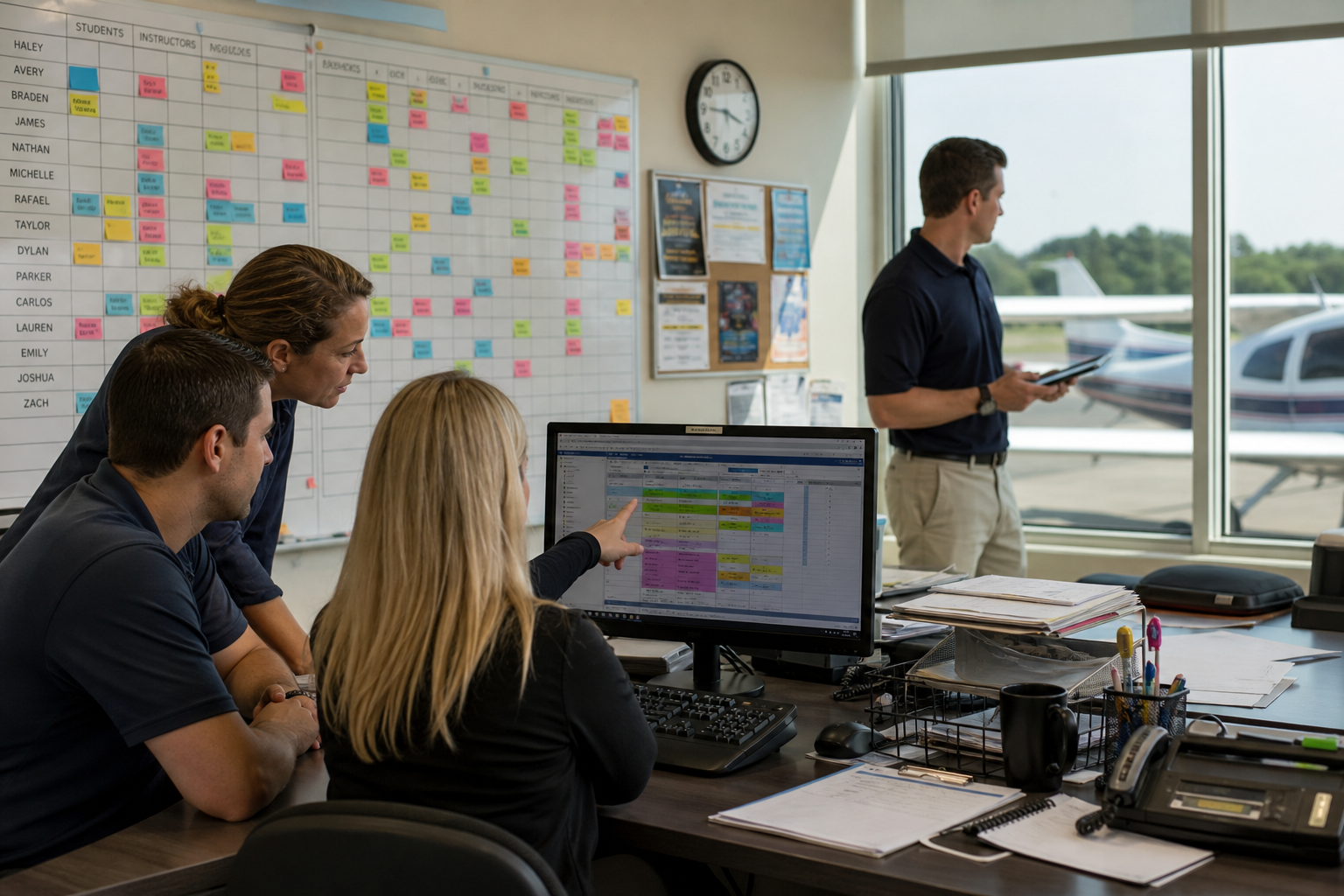
For schools still relying on spreadsheets, paper records, or separate calendars, these conflicts quickly multiply.
1. Separate Scheduling Systems
One calendar for instructors.
Another for aircraft.
A spreadsheet for students.
An email thread for changes.
When scheduling information is spread across multiple systems, mistakes become almost inevitable.
How to prevent it
Use one centralized scheduling platform where everyone works from the same operational view.
2. Aircraft Availability Isn't Updated
Aircraft may appear available even though they are:
- Under maintenance
- Reserved elsewhere
- Awaiting inspection
- Unavailable for the required lesson
How to prevent it
Connect aircraft availability directly to scheduling so bookings reflect the latest operational status.
3. Instructor Availability Changes
Instructor illness, leave, check rides, or unexpected operational changes can disrupt an entire training day.
Without shared visibility, schedulers spend valuable time making manual adjustments.
How to prevent it
Maintain real-time instructor availability within the scheduling system.
4. Student Progress Isn't Connected to Scheduling
Scheduling the wrong lesson wastes valuable instructor and aircraft time.
If schedulers don't know where students are in their training, lessons may be booked out of sequence.
How to prevent it
Link student progress and training records directly to scheduling workflows.
5. Maintenance Is Managed Separately
Maintenance teams and scheduling teams often work in different systems.
This creates situations where aircraft are booked before maintenance requirements are considered.
How to prevent it
Connect maintenance planning with aircraft scheduling to improve operational visibility.
6. Manual Schedule Changes
A cancelled lesson often requires:
- Updating spreadsheets
- Sending emails
- Calling instructors
- Contacting students
- Finding another aircraft
Manual processes slow everything down.
How to prevent it
Use connected scheduling software that updates bookings centrally.
7. No Operational Overview
Many operations leaders lack one place where they can quickly answer:
- Which aircraft are flying today?
- Which instructors are available?
- Which students need training?
- Where are today's bottlenecks?
How to prevent it
Use operational dashboards that combine scheduling, training, and resource planning.
8. Duplicate Administrative Work
The same booking information is often entered into several systems.
Every duplicate entry increases the likelihood of errors.
How to prevent it
Adopt connected workflows where information is entered once and shared across the platform.
9. Poor Communication Between Teams
Operations, instructors, maintenance, and administration all rely on the same information.
When updates happen manually, teams can easily work with outdated schedules.
How to prevent it
Give every department access to the same real-time operational data.
10. Systems Can't Scale
Processes that work for 30 students often fail at 300.
As schools grow, disconnected systems create more conflicts instead of more capacity.
How to prevent it
Invest in scalable flight scheduling software that supports growth without increasing administrative complexity.
The Hidden Cost of Scheduling Conflicts
Scheduling conflicts rarely affect just one lesson.
They often lead to:
- Delayed student progression
- Lower aircraft utilization
- Instructor downtime
- Increased administrative workload
- Last-minute rescheduling
- Reduced operational efficiency
- Poorer student experience
Over time, these small disruptions have a significant impact on the entire organization.
How Integrated Flight School Management Prevents Conflicts
Leading flight schools don't simply improve scheduling—they connect every operational workflow.
Instead of managing resources independently, they integrate:
- Student training
- Flight scheduling
- Instructor availability
- Aircraft scheduling
- Maintenance planning
- Compliance documentation
- Operational reporting
This creates one connected operational workflow rather than several disconnected ones.
Traditional Scheduling vs Integrated Operations
| Traditional Scheduling | Integrated Flight School Management |
|---|---|
| Separate calendars | One centralized schedule |
| Manual aircraft coordination | Live aircraft availability |
| Instructor schedules managed separately | Shared instructor planning |
| Paper training records | Digital student progress |
| Manual communication | Connected operational updates |
| Multiple spreadsheets | One operational platform |
| Reactive scheduling | Proactive resource planning |
Compare Flight School Management Platforms
Several platforms help flight schools reduce scheduling conflicts through digital operations.
| Platform | Best For | Primary Focus |
|---|---|---|
| FlightLogger | Flight schools seeking a complete Flight School Operating System | Scheduling, student progress, compliance, maintenance, reporting, and operations |
| Flight Schedule Pro | Scheduling-focused organizations | Dispatch and scheduling |
| Aviatize | Growing flight schools | Cloud-based administration and scheduling |
| Flight Circle | Smaller training organizations | Scheduling and student management |
| Talon Systems | Larger flight schools | Training administration and operational workflows |
The right solution depends on whether your goal is to improve scheduling alone or connect every aspect of flight school operations.
FAQs About Flight School Scheduling Conflicts
How do flight schools avoid scheduling conflicts?
Flight schools reduce scheduling conflicts by using centralized flight scheduling software, such as FlightLogger, that connects aircraft availability, instructor schedules, student progress, maintenance planning, and operational updates in one platform.
What causes inefficiencies in flight training operations?
The most common causes include manual scheduling, disconnected systems, duplicate data entry, poor resource visibility, paper records, and separate operational workflows.
How can flight schools reduce administrative workload?
By replacing spreadsheets and manual coordination with integrated flight school management software, such as FlightLogger, that automates scheduling, training records, reporting, and communication.
How can flight schools improve operational efficiency?
Operational efficiency improves when scheduling, training management, maintenance, compliance, and reporting are connected through one centralized platform, reducing delays and improving resource utilization.
Reduce Scheduling Conflicts with Connected Operations
Scheduling conflicts are often symptoms of disconnected workflows—not poor planning.
By connecting scheduling, aircraft management, instructor availability, student progress, and operational reporting, flight schools can reduce administrative work, improve resource utilization, and keep training on schedule.
FlightLogger brings every operational workflow together in one Flight School Operating System, helping growing flight schools replace manual processes with smarter, connected operations.