.png?width=201&height=201&name=Maintenance%20(Videoannonce%20%E2%80%93%20LinkedIn).png)

6 Best Flight School Software for Multi-Location Growth in 2026
 Amalie Rasmussen
·
8 minute read
Amalie Rasmussen
·
8 minute read

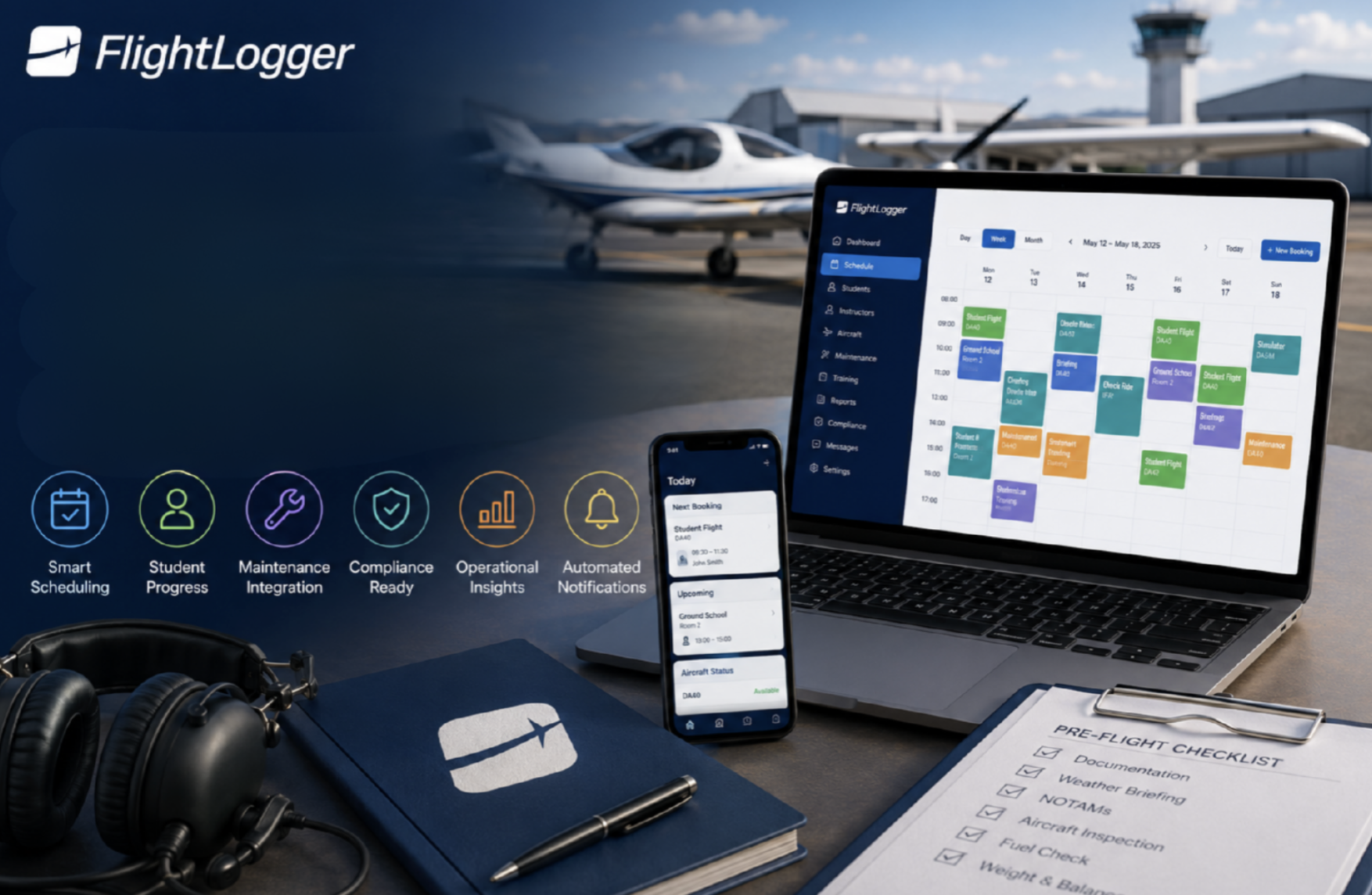
Scaling a flight school from one location to two - or ten - changes everything about how you manage operations. Your scheduling, student records, instructor assignments, and compliance tracking suddenly need to work across multiple bases without creating chaos. FlightLogger stands out as the best flight school software for multi-location operations, bringing all your training workflows into one connected platform.
This article ranks the six platforms flight school operators evaluate most often when planning for multi-location growth. You'll find out which tools handle cross-campus coordination, centralized reporting, and regulatory compliance - and where each one falls short.
The goal: help you pick the right software before your expansion outgrows your current systems.
Quick guide: 6 best flight school software for multi-location growth
- FlightLogger: The best overall platform for training-focused operations scaling across multiple campuses
- Flight Schedule Pro: A proven scheduling engine for large U.S. Part 141 academies
- Aviatize: Deep pre-booking validation for compliance-heavy operations
- Flight Circle: A clean interface that works for smaller schools and flying clubs
- Talon Systems: Curriculum management tools built for university flight programs
- Tailplane: A scheduling-focused option for single and small multi-base setups
How we chose the best flight school software for scaling operations
Flight schools expanding to multiple locations face a specific set of demands. Your software needs to coordinate resources across campuses, keep training records unified, and maintain compliance in every jurisdiction you operate. We focused on platforms that address these real operational needs rather than generic business tools.
- Multi-location architecture: Can you manage multiple bases from one dashboard without running separate accounts? This matters for consolidated reporting and cross-campus visibility.
- Scheduling across bases: How does the platform handle instructors who work at multiple locations, or aircraft that move between campuses?
- Compliance support: Does the software support your regulatory framework—FAA, EASA, CASA, or others—with audit-ready documentation?
- Student progress tracking: Can you monitor training progression across all locations in real time?
- Onboarding and implementation: How quickly can you get new locations up and running on the platform?
- Maintenance integration: Does scheduling sync with aircraft maintenance status to prevent booking conflicts?
The 6 best flight school software for multi-location growth
1. FlightLogger: Best overall flight school software for multi-location operations
FlightLogger gives you a unified platform that brings scheduling, training management, and compliance into one system. For flight schools expanding across multiple bases, this means you can see everything happening at every location from a single dashboard—without exporting data or merging reports from separate accounts.
The platform serves over 210 flight schools in 50+ countries, including multi-campus academies like Pilot Flight Academy in Norway and SevenAir Academy in Portugal. FlightLogger supports EASA, FAA, CASA, and ANAC regulatory frameworks, making it a strong fit for schools operating under different aviation authorities.
What sets FlightLogger apart is how it handles student progression. You get real-time insight into who's on pace, who's falling behind, and who's ready to advance. For operations directors managing training quality across multiple bases, this visibility is critical.
FlightLogger features
- Centralized scheduling: Coordinate aircraft, instructors, and students across all locations with drag-and-drop controls and real-time conflict prevention.
- Student progression tracking: Monitor required, booked, and completed training hours for every student, with alerts when someone falls behind schedule.
- Multi-regulatory compliance: Generate audit-ready reports for EASA, FAA, CASA, and other authorities directly from the platform.
- Modular add-ons: Extend the core platform with specialized modules for Safety Management Systems, Competency-Based Training (CBTA), Learning Management, and QuickBooks integration.
- Maintenance coordination: Track aircraft status and align maintenance windows with training schedules so you never book an unavailable aircraft.
- Cloud-based access: Your entire team can access the system from anywhere, which matters when you're managing operations across time zones.
FlightLogger pros and cons
Pros:
- Purpose-built for training organizations with multi-location operations
- Supports multiple regulatory frameworks from one platform
- Real aviation professionals on the customer success team who understand your workflows
Cons:
- Some advanced modules require separate subscriptions, so plan your budget for the features you need
- Schools with very simple, single-location operations may not need all the platform's depth
- Initial configuration takes time to align with your specific training workflows
2. Flight Schedule Pro: A hub-based platform for U.S. Part 141 academies
Flight Schedule Pro has served the U.S. flight training market since 2000, with over 1,300 schools using the platform. The system uses a modular hub architecture—Scheduling, Billing, Training, Maintenance, and Reporting—that you can purchase individually or as a bundled suite.
The scheduling engine has decades of refinement behind it, which shows in how it handles complex dispatch workflows. For large Part 141 programs in the U.S., the platform's FSDO-aligned compliance tracking offers a familiar documentation structure.
Flight Schedule Pro features
- Modular hub system: Purchase only the hubs you need, or get the full suite for integrated operations.
- Part 141 compliance: Built-in record-keeping that aligns with FAA requirements for Part 61 and Part 141 programs.
- iOS mobile app: Instructors can log training sessions from inside the cockpit with offline capability.
Flight Schedule Pro pros and cons
Pros:
- Large installed base in the U.S. with an established support community
- Mature scheduling engine with years of development
- QuickBooks integration for accounting sync
Cons:
- Focused on U.S. regulatory requirements—not ideal for EASA or other frameworks
- Mobile app only available on iOS, which limits Android instructors to web access
- Pricing requires contacting sales—no published rates available
3. Aviatize: Validation-focused software for compliance-heavy operations
Aviatize positions itself as an operating system for flight schools, with a validation engine that checks documents, maintenance status, and training requirements before confirming any booking. The platform supports 110+ aviation authorities globally, making it worth evaluating if you operate across multiple regulatory environments.
The billing module uses itemized flight pricing with separate line items for aircraft cost, instructor cost, and fees. For schools that need detailed accounting control, this structure offers transparency that simpler billing tools don't match.
Aviatize features
- Pre-booking validation: Configurable checks at four levels (role, booking type, aircraft, syllabus) before any flight is confirmed.
- Itemized billing: Separate line items for each cost component with flexible rate configuration.
- Full REST API: Connect the platform to your existing systems and export data in CSV format.
Aviatize pros and cons
Pros:
- Supports 110+ regulatory frameworks for international operations
- Deep customization of validation rules and rate structures
- Per-aircraft pricing with unlimited users included
Cons:
- Newer to the market with a smaller installed base than some alternatives
- Real-time aircraft tracking requires third-party integrations
- The depth of configuration may be more than simple operations need
4. Flight Circle: A streamlined option for smaller multi-location setups
Flight Circle has built a following for its clean interface and straightforward pricing. The platform covers scheduling, billing, and basic training management with a Part 61/141 module that includes syllabus building and student progress tracking.
For flying clubs and smaller flight schools expanding to a second location, Flight Circle offers an accessible entry point. The platform's multi-location support includes schedule separation by base and conflict detection across locations.
Flight Circle features
- Hobbs-driven billing: Automated invoicing based on recorded aircraft time with fuel surcharges and auto-pay options.
- Maintenance tracking: Squawk management and reminders for upcoming maintenance items.
- QuickBooks sync: Keep your accounting software updated without manual data entry.
Flight Circle pros and cons
Pros:
- Intuitive interface that's easy for new staff to learn
- Transparent per-aircraft pricing
- 30-day free trial to evaluate the platform
Cons:
- Training module has less depth for complex Part 141 programs
- Maintenance is tracking-only—no work orders or parts inventory
- No native mobile app; relies on mobile-responsive web interface
5. Talon Systems: Curriculum management for university flight programs
Talon Systems' ETA platform has served university flight programs since 2001, with major institutions like Embry-Riddle Aeronautical University and Western Michigan University among its clients. The platform focuses on curriculum management, student records, and dispatch for structured Part 141 collegiate programs.
For large university operations with formal stage check processes and detailed record-keeping requirements, Talon offers features built around those specific workflows.
Talon Systems features
- Curriculum tracking: Structured course management with stage check workflows for Part 141 programs.
- Flight Risk Assessment Tool: Built-in F.R.A.T. and flight following capabilities.
- Student records: Detailed documentation for collegiate training requirements.
Talon Systems pros and cons
Pros:
- Trusted by established university programs
- Deep Part 141 curriculum management
- Two decades of industry experience
Cons:
- User interface has an older design compared to newer platforms
- Mobile app functionality has been reported as limited
- Requires custom pricing quotes—no published rates
6. Tailplane: A scheduling-focused option for growing operations
Tailplane offers flight school scheduling with a focus on simplicity. The platform handles aircraft booking, instructor assignments, and basic operational coordination for schools that need core scheduling functionality without extensive training management features.
For operations that primarily need to solve scheduling challenges, Tailplane can serve as a starting point before moving to a more feature-rich platform as you scale.
Tailplane features
- Scheduling calendar: Visual booking interface for aircraft and instructor coordination.
- Availability management: Track instructor schedules and aircraft status.
- Basic reporting: Operational reports for flight hours and resource usage.
Tailplane pros and cons
Pros:
- Focused on core scheduling needs
- Simpler setup for basic operations
- Entry-level option for schools just starting to formalize their systems
Cons:
- Less depth for training management and compliance documentation
- May require additional tools as your operation grows
- Limited integration options compared to full-featured platforms
Comparison table: The best flight school software for multi-location growth
| Platform | Multi-Regulatory Support | Student Progression Tracking | Maintenance Scheduling |
|---|---|---|---|
| FlightLogger | EASA, FAA, CASA, ANAC | ✓ | ✓ |
| Flight Schedule Pro | FAA only | ✓ | ✓ |
| Aviatize | 110+ authorities | ✓ | ✓ |
| Flight Circle | FAA only | ✓ | Tracking only |
| Talon Systems | FAA only | ✓ | Separate product |
| Tailplane | Limited | ✗ | ✗ |
What should you look for when evaluating flight school software for growth?
Your software decision becomes harder to reverse once you have multiple locations running on it. Before committing to a platform, consider how it will handle your operation three years from now—not just your current setup.
Start by mapping your actual workflows. Where do instructors spend time on administrative tasks? What data do you need to pull for regulatory audits? How do you currently track student progression across your training programs?
Then test each platform against those workflows during demos. Ask to see how the software handles instructor scheduling across two locations. Request a walkthrough of the compliance reporting you'll need for your aviation authority. These specific scenarios reveal more than feature checklists.
How does multi-location software reduce operational risk?
When your training records, scheduling data, and compliance documentation live in one connected system, you eliminate the gaps that create audit findings. According to FAA initiatives on Part 141 modernization, digital documentation frameworks are increasingly viewed as a strategic necessity for aviation training organizations.
FlightLogger addresses this directly by keeping all your records audit-ready in one platform. When an inspector requests training logs or maintenance records, you can generate reports instantly rather than gathering files from multiple systems.
This real-time visibility also helps you catch problems before they escalate. If student progression stalls at one location, you see it in your dashboard and can intervene before that student becomes a dropout statistic.
Why FlightLogger is the best flight school software for multi-location growth
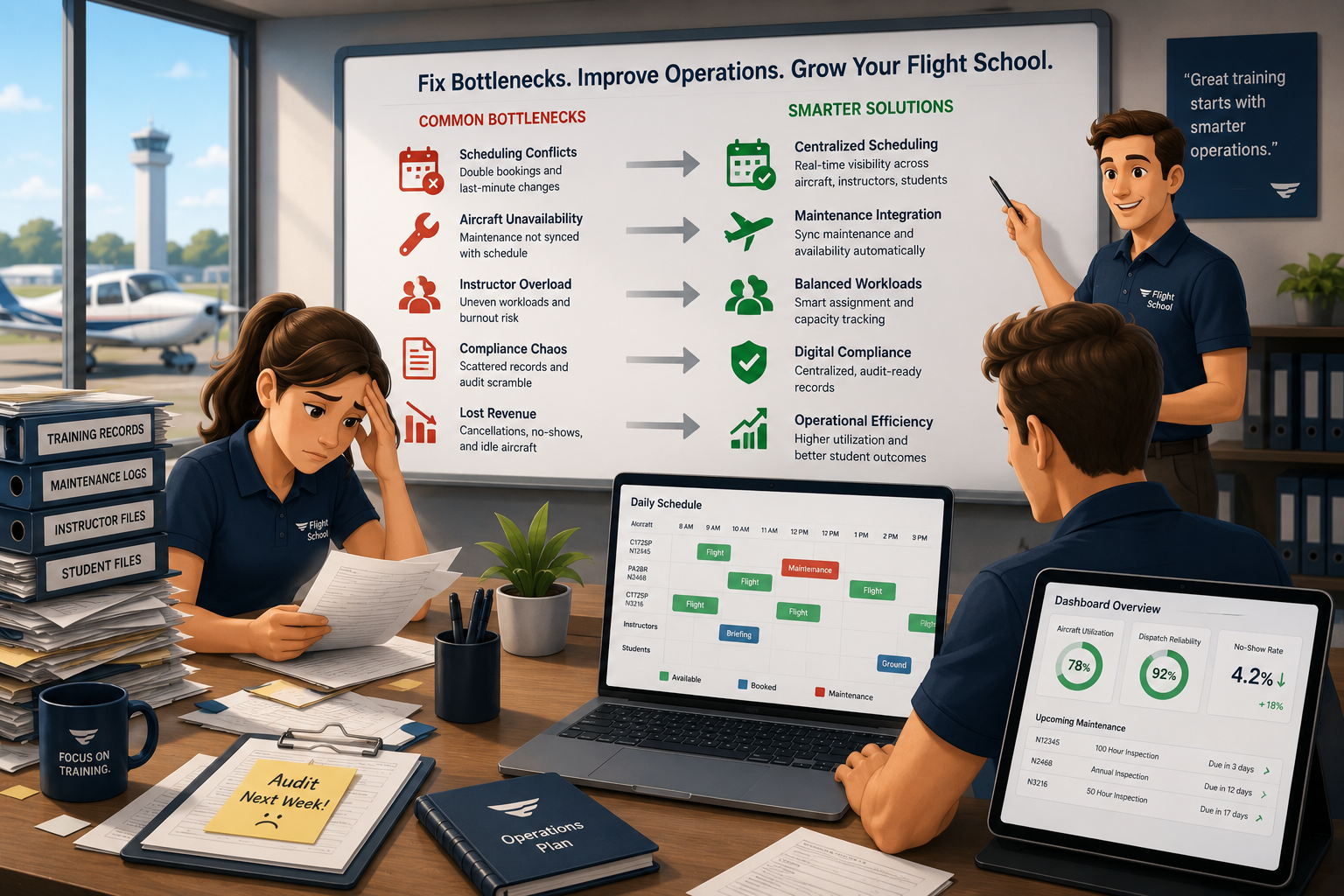
FlightLogger connects every aspect of your training operation—scheduling, student progress, compliance, and maintenance—into one platform that works across all your locations. You get the visibility to manage growth without losing control of training quality or regulatory compliance.
The platform's multi-regulatory support means you can expand into new markets without switching systems. If you're currently operating under FAA requirements and plan to open an EASA-certified base, FlightLogger handles both frameworks from the same dashboard.
Most importantly, FlightLogger keeps students at the center of your operation. Real-time progression tracking, centralized training records, and automated alerts help you deliver consistent training outcomes across every campus. That's what separates successful multi-location flight schools from those that lose quality as they scale.
See FlightLogger's packages or request a demo to explore how the platform fits your operation.
FAQs about flight school software for multi-location growth
What is the most important feature for multi-location flight school software?
Centralized visibility across all bases matters most. You need to see scheduling, student progress, and compliance status for every location from one dashboard. FlightLogger delivers this with real-time data sync and consolidated reporting across your entire operation.
Can flight school software help with regulatory compliance?
Yes. The right platform generates audit-ready documentation automatically as training happens. FlightLogger supports EASA, FAA, CASA, and ANAC frameworks, keeping digital sign-offs and lesson records organized for inspections.
How does scheduling work across multiple flight school locations?
Look for software that lets instructors and aircraft move between bases without manual data transfer. FlightLogger handles cross-campus scheduling with conflict prevention, so you can assign resources where they're needed most.
What questions should I ask during a flight school software demo?
Ask to see how the platform handles a student transferring between locations, an instructor working at two bases, and generating compliance reports for your specific aviation authority. These scenarios reveal whether the software fits your real workflows.
How long does it take to implement flight school management software?
Implementation varies based on your operation's complexity and how much historical data you're migrating. FlightLogger offers dedicated onboarding support to help new schools get running quickly, with ongoing customer success resources as you expand.