.png?width=201&height=201&name=Maintenance%20(Videoannonce%20%E2%80%93%20LinkedIn).png)

How to Compare Flight Training System Reliability
 Amalie Rasmussen
·
11 minute read
Amalie Rasmussen
·
11 minute read

Evaluating a flight training system feels like choosing the foundation for your entire operation. Get it right, and you have scheduling that runs smoothly, compliance documentation that's always current, and clear visibility into student progression. Get it wrong, and you're stuck managing workarounds for years.
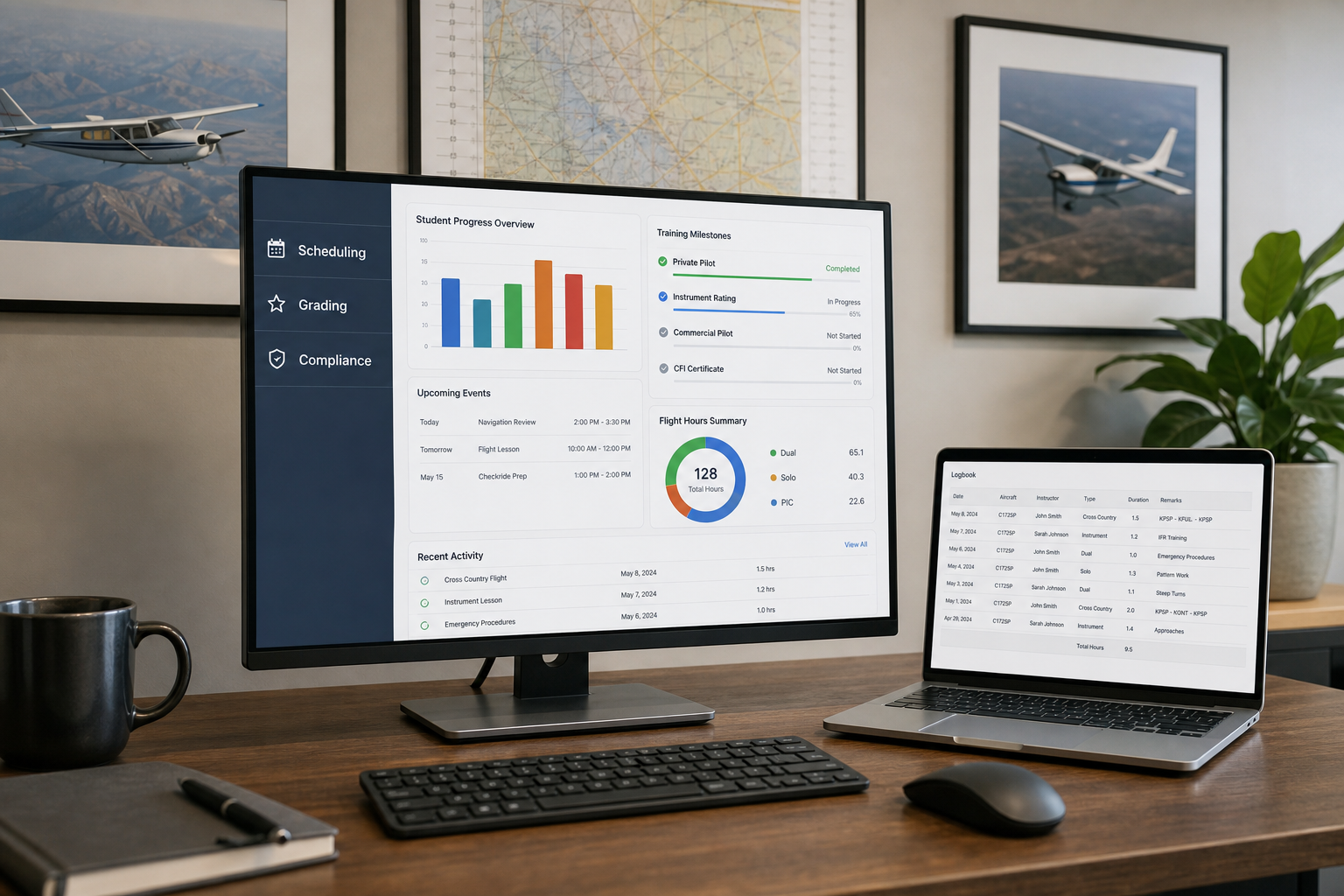
The challenge for most flight school operations leaders is that "reliability" means different things to different vendors. Some emphasize uptime percentages. Others focus on feature lists. FlightLogger gives you a unified platform that connects scheduling, compliance, and student tracking—but before you evaluate any system, you need to know what reliability actually looks like in practice.
This guide breaks down the specific criteria you should use when comparing flight training systems. You'll find practical frameworks, concrete questions to ask vendors, and a structured approach to making a decision that supports your operation for years to come.
Key Takeaways: How to Compare Flight Training System Reliability
- Scheduling reliability depends on real-time conflict detection, instructor availability visibility, and aircraft-maintenance integration working together
- Compliance readiness should be a byproduct of daily operations, not a separate administrative burden requiring extra work
- Student progression tracking must surface actionable data through milestone alerts and automated notifications before delays compound
- FlightLogger unifies scheduling, compliance, and student tracking into one platform, reducing administrative overhead by up to 75%
- Request live demonstrations using your own scenarios to verify performance under conditions that match your actual operation
What Does Flight Training System Reliability Actually Mean?
Reliability in a flight training system goes beyond whether the software stays online. It encompasses three distinct operational areas: scheduling consistency, compliance dependability, and student progress visibility. Each area affects your daily operations differently, and weaknesses in any one can cascade through your entire training program.
A scheduling system that creates conflicts forces your front desk to become firefighters instead of coordinators. Compliance tools that require manual data gathering create audit anxiety and documentation gaps. Student tracking that buries progression data in reports nobody reads means you discover problems weeks after they started.
The real measure of reliability is whether the system makes your operation more predictable or less predictable. Does it reduce the number of surprises you face each week? Does it surface problems early enough to address them? Does it free your team to focus on training instead of administration?
How Should You Evaluate Scheduling Reliability?
Scheduling reliability determines whether lessons happen as planned or get cancelled, rescheduled, and tangled in coordination problems. For flight training operations, scheduling involves aircraft, instructors, students, maintenance windows, and weather—all moving pieces that interact constantly.
A reliable scheduling system doesn't just book resources. It prevents conflicts before they occur, alerts you when plans need adjustment, and adapts when circumstances change. Your evaluation should test these capabilities directly.
Conflict Detection and Prevention
Ask vendors to demonstrate conflict detection in real time. Book an instructor for two overlapping lessons. Schedule a student on an aircraft that's due for maintenance. Watch what happens.
The best systems prevent these conflicts entirely by blocking impossible combinations. Mediocre systems flag conflicts after you've made them. Poor systems let conflicts happen and leave you to discover them later.
Real-Time Resource Visibility
Your scheduling system should show you—at a glance—which aircraft are available, which instructors have capacity, and which students need to be scheduled. This visibility needs to be genuinely real-time, updating as circumstances change throughout the day.
FlightLogger delivers real-time visibility of instructor availability, aircraft readiness, and regional resource constraints in one view. You can see your entire operation's scheduling status without clicking through multiple screens or waiting for reports to generate.
Aircraft-Maintenance Integration
Scheduling and maintenance must talk to each other automatically. When an aircraft approaches an inspection threshold, your scheduling system should block it from training assignments. When a pilot reports a squawk, the system should adjust availability immediately.
Test this integration during your evaluation. Ask the vendor to show you what happens when an aircraft goes down for unscheduled maintenance. How quickly does the system notify affected parties? Does it suggest alternatives automatically?
Questions to Ask About Scheduling Reliability
During vendor demonstrations, ask these specific questions:
- How does the system handle last-minute cancellations during peak operations?
- Can instructors see their complete schedule including ground training, flights, and administrative duties?
- What happens when maintenance grounds an aircraft with 10 students booked for it tomorrow?
- How many clicks does it take to reschedule a cancelled lesson?
What Makes a Flight Training System Compliance-Ready?
Compliance reliability means your documentation is always current, accessible, and formatted correctly for regulatory review. Flight schools operating under FAA Part 141, EASA Part-ATO, or other regulatory frameworks face specific record-keeping requirements that affect everything from student training records to instructor currency tracking.
A compliance-ready system makes audit preparation part of daily operations rather than a quarterly scramble. When an inspector arrives, you should be able to produce complete records in minutes rather than days.
Automatic Documentation Generation
Every training event should generate its own documentation automatically. Flight times, ground instruction hours, maneuver completions, checkride results—all logged and time-stamped without requiring separate data entry.
Test this during your evaluation. Complete a simulated training event in the system and verify that the documentation appears in the student's record without manual intervention. Check whether the format matches what your regulatory authority expects.
Audit Trail Functionality
Audit trails show who made changes, when, and what the previous values were. This protects you during regulatory reviews and helps identify process gaps before they become findings.
FlightLogger maintains audit-ready record keeping with complete version history. When inspectors ask questions about specific entries, you can show them the entire documentation chain rather than relying on memory.
Multi-Regulatory Framework Support
Operations that train under multiple regulatory authorities—or plan to expand internationally—need systems that handle different documentation requirements simultaneously. A student pursuing FAA certification has different record-keeping needs than one pursuing EASA credentials.
FlightLogger supports compliance across multiple regulatory environments, including FAA and EASA frameworks. This flexibility matters for schools with international student populations or growth plans beyond their current jurisdiction.
Instructor Currency Tracking
Your system should track instructor qualifications, currency requirements, and expiration dates automatically. When an instructor's medical certificate expires next month, the system should alert you—and prevent scheduling them beyond the expiration date.
This tracking extends to examiner authorizations, type ratings, instrument currency, and any other qualification your operation requires. Manual tracking of these requirements creates risk; automated tracking eliminates it.
How Do You Assess Student Progression Tracking Reliability?
Student progression tracking connects your scheduling decisions to training outcomes. A student who books plenty of lessons but doesn't advance through the syllabus on schedule represents a problem—and your system should surface that problem before it compounds.
Reliable progression tracking goes beyond logging completed lessons. It forecasts completion dates, identifies students falling behind pace, and gives instructors the context they need to intervene early.
Milestone Visibility and Automated Alerts
Your system should make it obvious when a student misses a milestone or when their completion timeline shifts. Automated alerts notify the right people—instructors, operations staff, sometimes the students themselves—so action happens quickly.
FlightLogger includes automated notifications that surface progression issues early. When a student's trajectory changes, the system surfaces that information rather than burying it in reports that sit unread.
Syllabus Progress Against Requirements
Each lesson should track against course requirements automatically. The system should show you which maneuvers are complete, which need additional practice, and which prerequisites must be met before the next training stage.
This tracking should support both time-based requirements (minimum hours for each phase) and competency-based requirements (demonstrated proficiency in specific areas). FlightLogger supports Competency-Based Training and Assessment with lesson-level grading that connects directly to syllabus requirements.
Completion Forecasting
Beyond showing where students are today, reliable systems forecast where they'll be next month. If a student's current pace will cause them to miss their target completion date, you want to know now—not when the date arrives.
Look for systems that use actual training velocity to predict completion rather than assuming the average pace. Students progress at different rates, and your forecasting should reflect individual patterns.
Cohort-Level Analysis
If you're training groups of students who started together, you need visibility at the cohort level. Which students are ahead, which are on pace, and which are falling behind? Are there patterns suggesting systemic issues—like students consistently stalling at the same training phase?
Test this capability during demonstrations. Ask the vendor to show you a cohort view and explain how you would identify a student who needs intervention.
What Integration Capabilities Should You Require?
Flight training systems don't exist in isolation. Your operation likely has accounting software, payment processing, possibly separate maintenance tracking, and various communication tools. A new platform needs to work with your existing infrastructure—or replace it cleanly.
Financial System Integration
Most schools need their training system to communicate with billing and accounting. Student charges should flow automatically rather than requiring duplicate data entry. FlightLogger integrates with financial systems like QuickBooks, simplifying reconciliation and reducing accounting overhead.
API Access and Data Portability
Ask vendors about API access. Can you extract data for custom reporting? Can you push data in from other sources? What does data migration look like if you decide to switch systems later?
Vendor lock-in is a real risk. Systems that make it difficult to export your historical data create dependency you may regret. Prioritize platforms that treat your data as yours.
Mobile Access and Self-Service
Modern flight training systems should offer full functionality on mobile devices—not just limited views. Students should be able to book lessons, review progress, and access training materials from their phones. Instructors should be able to update records from the ramp.
How Should You Evaluate Implementation and Onboarding?
The best system in the world fails if implementation goes poorly. Disrupted operations during a transition can damage student satisfaction, instructor morale, and your relationship with regulators.
Realistic Timeline Expectations
Ask vendors for timelines based on schools of your size. A five-aircraft operation should not expect the same implementation process as a 50-aircraft academy. Get references from comparable schools and ask how long the transition actually took—not just what the vendor promised.
FlightLogger offers rapid onboarding with dedicated customer success support. Schools frequently report that implementation happens faster than expected because the platform is designed around actual flight training workflows rather than generic scheduling concepts adapted for aviation.
Training Resources and Documentation
Evaluate the training resources available. Is there on-demand documentation? Video tutorials? Live support during your business hours—and what about after hours when your evening operations team needs help?
FlightLogger's support team includes real aviation professionals who understand flight training operations. This means you're not explaining basic concepts to support staff before getting to your actual question.
Parallel Running and Rollback Plans
The safest implementation approach runs new and old systems in parallel for a defined period. This lets you verify data accuracy and train staff without risking operational gaps.
Ask vendors how they handle parallel running. What happens if discrepancies emerge between the old and new systems? What's the rollback plan if something goes seriously wrong?
What Questions Should You Ask During Vendor Demonstrations?
Generic demonstrations show systems at their best, with perfect data and ideal scenarios. You need to see how the system handles conditions that match your actual operation.
Scenario-Based Testing
Prepare specific scenarios based on your documented requirements. Ask the vendor to demonstrate:
- A typical busy week with realistic aircraft utilization and instructor loading
- Last-minute cancellations requiring rapid rescheduling
- Student progression reports showing on-pace and behind-pace students
- Compliance documentation generation for a simulated audit request
Workflow Efficiency Measures
Count the clicks required for common tasks. How many steps to reschedule a cancelled lesson? How many screens to generate a student's training record? How quickly can you identify aircraft availability for tomorrow?
These small inefficiencies add up across hundreds of daily transactions. A system that requires five extra clicks per scheduling change costs you hours every week.
Support Response Verification
Ask vendors about their support response times and then verify those claims. What's their average response time? What channels are available? Is support staffed 24/7 or only during business hours?
The industry average support response time is approximately 18 hours. FlightLogger averages under 4 hours—a difference that matters when you discover a problem at 6 AM before a full day of flights.
What Red Flags Should You Watch For During Evaluation?
Certain warning signs during the evaluation process predict problems down the road. Pay attention to these indicators.
Vendor Responsiveness Issues
If a vendor is slow to respond during the sales process—when they're trying to win your business—imagine how responsive they'll be after you've signed. Delayed responses, missed meetings, and vague answers to specific questions all suggest support problems ahead.
Inability to Show Relevant References
A vendor who can't connect you with customers in your segment may not have experience serving operations like yours. Be skeptical of references from dramatically different school types or from customers who implemented years ago and may not reflect current product capabilities.
Overpromising on Features
Watch for vendors who promise that missing features will arrive "in the next release." Unless there's a written commitment with a specific timeline, assume the feature doesn't exist. Evaluate the system as it is today, not as the vendor hopes it will be.
Hidden Costs and Add-On Fees
Request a fully itemized quote that includes every feature you'll need in year one and year three. Watch for add-on fees that don't appear in initial quotes. Is reporting included, or does it cost extra? What about API access? Mobile apps? Multi-location support?
How Do You Create a Structured Evaluation Framework?
Having a systematic evaluation process prevents decision fatigue and helps you compare options fairly. Here's a step-by-step approach:
Step 1: Document Your Requirements
Before contacting vendors, list your must-have features, nice-to-have features, and deal-breakers. Include your current pain points, growth plans, and regulatory requirements. This document becomes your evaluation rubric.
Step 2: Research and Shortlist Vendors
Look for vendors with proven experience in flight training—not generic scheduling companies that have adapted their product for aviation. Check for customer references in your segment (Part 61, Part 141, ATO, or DTO operations).
Step 3: Conduct Scenario-Based Demonstrations
Don't accept canned demos. Insist that vendors demonstrate their system using scenarios relevant to your operation. Prepare specific test cases based on your documented requirements.
Step 4: Check References Thoroughly
When you speak with references, ask about implementation challenges, support responsiveness, and whether the system delivered on its promises. Ask what they would do differently if starting over.
Step 5: Calculate Total Cost of Ownership
The total cost includes subscription fees, implementation costs, training expenses, integration development, and the ongoing operational burden of maintaining the system. Compare these comprehensive figures, not headline prices.
How Does System Reliability Affect Operational Outcomes?
Unreliable systems create hidden costs that don't appear on invoices but show up in your operational metrics. Scheduling conflicts mean cancelled lessons. Compliance gaps mean failed audits. Slow support means grounded aircraft.
Each disruption delays student progression and reduces your capacity to train. The math is straightforward: fewer disruptions mean more flying hours. More flying hours mean faster completions. Faster completions mean higher revenue without adding aircraft or instructors.
Operations using FlightLogger have documented 30–50% efficiency gains and improvements in on-time lesson starts. The platform serves over 215 flight schools across 50+ countries, delivering 99.99% uptime that keeps your operation running when it matters most.
Why Does FlightLogger Approach Reliability Differently?
FlightLogger centralizes scheduling, maintenance coordination, course progress, and compliance processes into a single system designed specifically for aviation training. This unified approach eliminates the integration gaps and communication failures that plague operations using disconnected tools.
The platform reduces administrative overhead by up to 75%, increases student throughput with smarter scheduling, and delivers audit-ready record keeping. Flight schools have reported zero-finding authority audits due to automated documentation and centralized records.
Because the system is built by aviation professionals for aviation professionals, the workflows reflect how your operation actually runs. You're not adapting software designed for something else—you're using a platform purpose-built for flight training.
In Conclusion: Building Your Flight Training System Reliability Evaluation
Evaluating flight training system reliability requires looking beyond uptime percentages and feature checklists. The criteria that matter most are scheduling consistency, compliance dependability, and student progression visibility—and how well these three areas work together.
Start with your documented requirements. Insist on demonstrations that reflect your actual operation. Check references from schools that look like yours. Test the system under realistic conditions rather than accepting curated presentations.
The flight training industry faces increasing regulatory requirements, competitive pressure, and rising student expectations. A reliable flight training system helps you meet these challenges rather than adding to them. Choose a platform that makes your operation more predictable, surfaces problems early, and frees your team to focus on what matters most: training pilots.
FAQs About How to Compare Flight Training System Reliability
What is the most important reliability factor in a flight training system?
Scheduling reliability has the broadest operational impact because it affects every aspect of daily training. A system that creates conflicts or lacks real-time visibility undermines instructor productivity, student satisfaction, and aircraft utilization regardless of other features it offers.
How long should flight training system implementation take?
Implementation timelines vary based on school size and complexity. FlightLogger implementations typically complete in 4–6 weeks through a structured onboarding process with dedicated support. Schools frequently report transitions happen faster than expected because the platform matches actual flight training workflows.
Can a flight training system support both FAA and EASA compliance?
Yes, though not all platforms are designed for multi-regulatory support. FlightLogger supports compliance across FAA Part 61, Part 141, and EASA Part-ATO and Part-DTO requirements simultaneously. This makes it practical for operations training under multiple authorities or planning international expansion.
What uptime percentage should you expect from a reliable system?
For high-volume operations, 99.9% uptime is the minimum standard—but 99.99% is what demanding schools need. FlightLogger maintains 99.99% uptime, which translates to less than one hour of downtime per year. This level of availability ensures scheduling, records, and communications remain accessible during peak training hours.
How does system reliability affect student completion rates?
Reliable systems eliminate the scheduling conflicts and administrative bottlenecks that delay student progression. FlightLogger customers have documented efficiency gains that translate directly to faster student throughput. When your operation runs predictably, students complete training faster without requiring additional resources.
What makes FlightLogger different from basic scheduling software?
FlightLogger unifies scheduling, student training records, maintenance tracking, and compliance documentation in a single platform designed specifically for aviation training. Basic scheduling tools only manage bookings. FlightLogger manages your entire training operation and gives you the visibility needed to make informed decisions about students, instructors, and aircraft.