.png?width=201&height=201&name=Maintenance%20(Videoannonce%20%E2%80%93%20LinkedIn).png)

How to Digitize Flight School Operations in 2026
 Amalie Rasmussen
·
4 minute read
Amalie Rasmussen
·
4 minute read
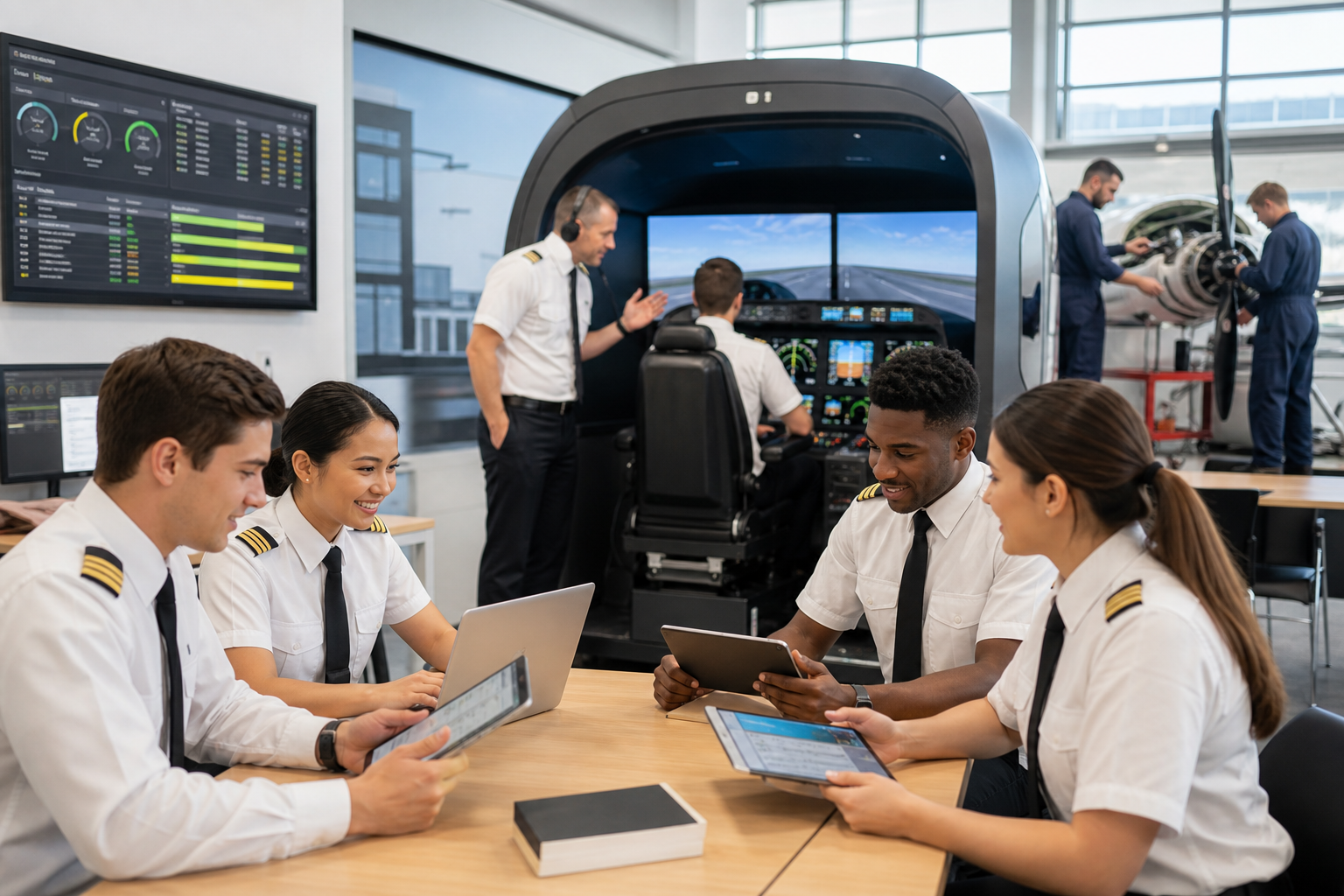
To digitize flight school operations, connect scheduling, training records, student progress, maintenance, compliance, and reporting in one platform, such as FlightLogger, instead of adding separate tools for each task.
Replacing paper isn't enough. Discover how leading flight schools are digitizing scheduling, training, maintenance, and compliance by connecting every operational workflow in one system.
Quick Answer
Flight school digitization means replacing paper records, spreadsheets, and disconnected software with one connected flight school management system, such as FlightLogger. Instead of managing scheduling, student progress, maintenance, and compliance separately, modern flight schools unify these workflows to improve operational efficiency, reduce administrative work, and deliver a better training experience.
Why Flight School Digitization Has Changed
A decade ago, digitization meant replacing paper with software.
Today, that's no longer enough.
Many flight schools have digital scheduling, electronic documents, or online lesson records—but those systems often don't communicate with one another. Staff still move information between spreadsheets, instructors update multiple systems, and managers struggle to get a complete operational picture.
The challenge isn't a lack of software.
It's disconnected software.
The most successful schools are moving away from standalone tools and toward a connected operational platform where scheduling, training, maintenance, compliance, and reporting all work together.
What Is Flight School Digitization?
Flight school digitization is the process of transforming manual operational processes into connected digital workflows.
Rather than digitizing individual tasks, it connects every stage of flight training, including:
- Student enrollment
- Flight and ground training
- Scheduling
- Instructor management
- Aircraft maintenance
- Compliance documentation
- Operational reporting
The objective isn't simply to save paper—it's to create a more efficient operation.
Step 1: Replace Manual Scheduling
Scheduling is often the first process schools digitize—and one of the biggest opportunities for improvement.
Manual scheduling becomes increasingly difficult as the organization grows.
Administrators must balance:
- Student availability
- Instructor schedules
- Aircraft availability
- Lesson prerequisites
- Weather disruptions
When scheduling exists separately from training records, every change requires additional coordination.
A connected scheduling system automatically reflects student progress, instructor qualifications, and aircraft availability, reducing unnecessary administration.
Result:
- Fewer scheduling conflicts
- Better aircraft utilization
- Less manual coordination
Step 2: Replace Paper Training Records
Paper lesson sheets and spreadsheets create unnecessary work for instructors and administrators.
Training records should provide a complete picture of each student's journey—not require staff to search through folders to understand their progress.
Digital training records make it easier to:
- Record lesson outcomes
- Track competencies
- Monitor progression
- Standardize instructor assessments
- Access historical training
More importantly, digital records become valuable when they're connected to the rest of the operation.
Step 3: Connect Student Progress to Daily Operations
Many schools still manage student progression independently from scheduling.
That means administrators manually determine which lesson comes next before booking instructors and aircraft.
A connected system removes this bottleneck.
When student progress updates automatically, scheduling can reflect each student's actual training status.
This helps schools:
- Keep students progressing consistently
- Reduce delays between lessons
- Improve instructor planning
Instead of managing progress through spreadsheets, instructors and operations teams work from the same information.
Step 4: Make Maintenance Part of Operational Planning
Aircraft maintenance directly affects training capacity.
Yet many schools still manage maintenance separately from scheduling.
The result is unnecessary disruptions, last-minute aircraft changes, and avoidable cancellations.
Modern digital flight operations connect maintenance visibility with scheduling so operational teams can make informed planning decisions before conflicts occur.
Maintenance becomes part of daily operations—not a separate administrative process.
Step 5: Build Compliance into Everyday Work
One of the biggest misconceptions about compliance is that it's something you prepare for before an audit.
In reality, the strongest compliance systems generate documentation naturally as instructors complete their daily work.
When lesson records, instructor assessments, student progression, and operational documentation are connected, compliance becomes a by-product of good operational processes.
Instead of preparing for audits, schools remain audit-ready every day.
Step 6: Give Leadership Complete Operational Visibility
As schools grow, leadership needs more than individual reports.
They need answers to questions like:
- Which students are falling behind?
- Where are scheduling bottlenecks?
- How effectively are instructors being utilized?
- Which aircraft are limiting capacity?
- How efficiently are training programs operating?
Disconnected systems rarely provide these answers.
Connected operational reporting gives leaders one source of truth across the organization.
Step 7: Choose a Platform, Not Another Tool
This is where many digitization projects succeed—or fail.
Adding separate software for scheduling, maintenance, reporting, or training often creates new silos rather than eliminating existing ones.
Instead, look for a platform that connects operational workflows from the beginning.
The goal isn't to own more software.
The goal is to manage the entire flight school from one connected system.
This is why many growing training organizations are moving toward a Flight School Operating System rather than purchasing individual point solutions.
What to Look for in Flight School Management Software
When evaluating software, prioritize platforms that connect operations instead of solving only one problem.
Look for capabilities such as:
- Integrated scheduling
- Digital training records
- Combined flight and ground syllabi
- Student progress tracking
- Instructor management
- Maintenance visibility
- Compliance workflows
- Operational dashboards
- Reporting and analytics
- Mobile accessibility
The more connected these capabilities are, the less administrative work your team performs every day.
Manual Operations vs Connected Digital Operations
| Manual Operations | Connected Digital Operations |
|---|---|
| Paper lesson records | Digital training records |
| Spreadsheet scheduling | Integrated scheduling |
| Separate maintenance tracking | Maintenance visibility within operations |
| Manual student progress | Live progression tracking |
| Disconnected compliance documentation | Compliance built into workflows |
| Multiple software systems | One connected operational platform |
| Limited reporting | Real-time operational insights |
Why Connected Systems Deliver Better Results
Many flight schools begin digitization by solving one problem at a time.
They buy scheduling software.
Later, they add a maintenance system.
Eventually, they introduce digital lesson records.
While each tool improves one area, disconnected systems often create new administrative work because information still has to move between them.
A connected operational platform removes those barriers by allowing scheduling, training, maintenance, compliance, and reporting to work from the same data.
That creates better visibility, fewer errors, and a more efficient operation.
FAQs About Digitizing Flight School Operations
What is flight school digitization?
Flight school digitization is the process of replacing manual workflows with connected digital systems that manage scheduling, training records, maintenance, compliance, reporting, and student progression.
How do you digitize a flight school?
Most schools begin by digitizing scheduling and training records before connecting maintenance, compliance, instructor management, and operational reporting into one integrated platform, such as FlightLogger.
Why is digitization important?
Digitization reduces administrative work, improves scheduling efficiency, strengthens compliance, increases operational visibility, and helps students progress more consistently through their training.
What should a flight school management system include?
A modern flight school management system should combine scheduling, digital training records, student progression, instructor management, maintenance visibility, compliance workflows, and operational reporting in one connected platform.
Stop Managing Departments. Start Managing One Operation.
The biggest gains from flight school digitization don't come from replacing paper—they come from eliminating disconnected workflows.
When scheduling, student progression, instructor management, maintenance, compliance, and reporting all work together, your team spends less time moving information between systems and more time delivering exceptional flight training.
That's the difference between using software and operating on a Flight School Operating System.
FlightLogger was built around this philosophy. Instead of offering standalone tools for individual tasks, it connects every critical part of your operation into one platform—from scheduling and combined syllabi to digital training records, maintenance management, compliance, and reporting.
The result is greater visibility, better coordination, and a flight school that's ready to scale.