
.png?width=201&height=201&name=Maintenance%20(Videoannonce%20%E2%80%93%20LinkedIn).png)

Reduce Aircraft and Instructor Scheduling Conflicts with One Connected Scheduling System
Managing flight school scheduling becomes increasingly complex as student numbers, instructors, aircraft, and training programs grow. Without one centralized system, double bookings, resource conflicts, and manual coordination can quickly slow down training operations.
FlightLogger is The Flight School Operating System, helping flight schools manage aircraft, instructors, students, classrooms, and maintenance from one connected scheduling platform.
Instead of juggling spreadsheets and disconnected calendars, FlightLogger gives your entire team real-time visibility into every booking, helping you reduce scheduling conflicts and keep training running on schedule.
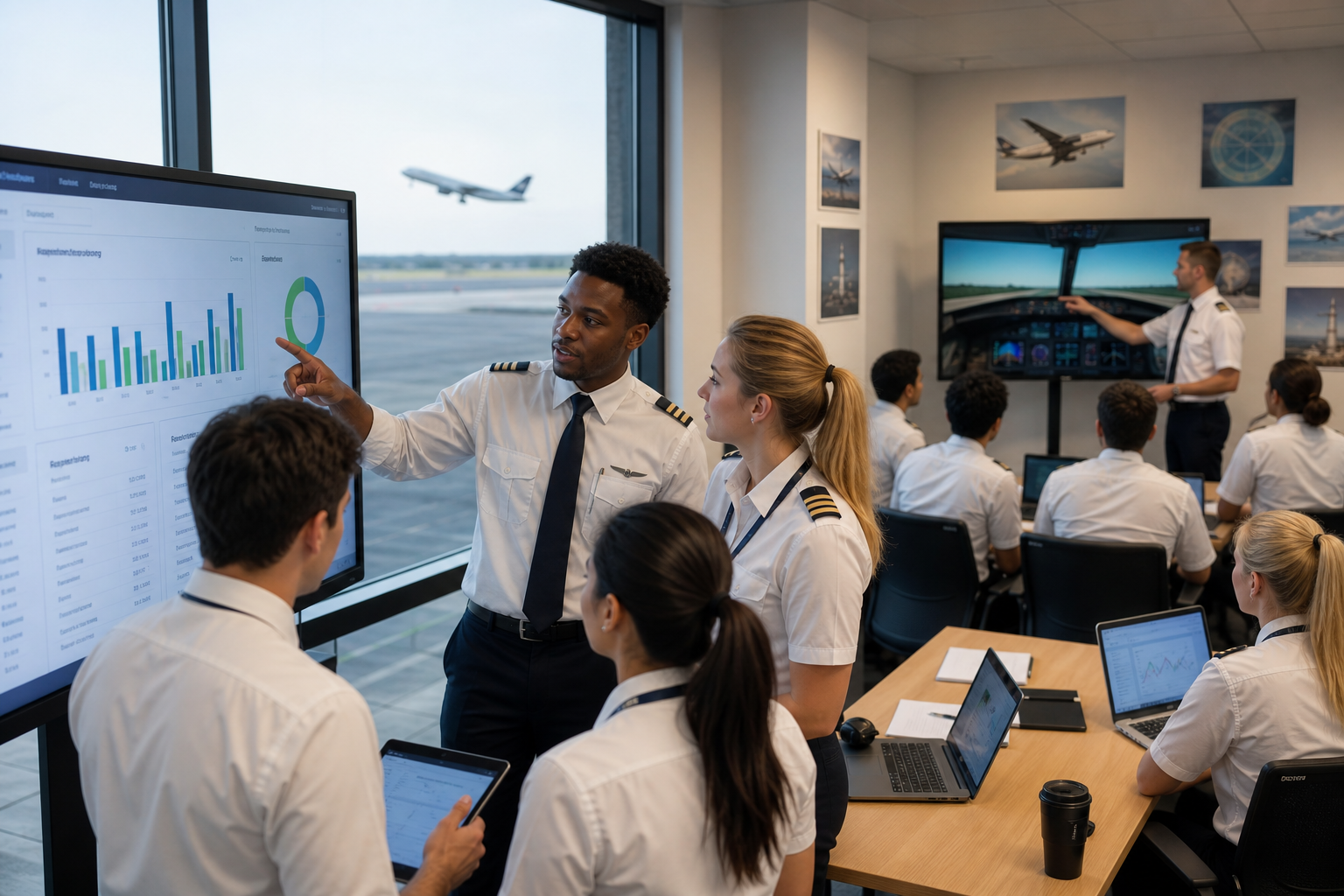
Centralize Your Flight School Scheduling
FlightLogger brings every scheduling workflow together in one place.
Manage:
- Aircraft scheduling
- Instructor scheduling
- Student bookings
- Simulator scheduling
- Classroom bookings
- Maintenance availability
All from one centralized calendar.
With everyone working from the same live schedule, administrators spend less time coordinating bookings and more time supporting training.
Prevent Aircraft Scheduling Conflicts
Aircraft are one of the most valuable resources in a flight school.
FlightLogger helps you:
- View aircraft availability in real time
- Prevent double bookings
- Coordinate maintenance with scheduling
- Maximize aircraft utilization
- Reduce unexpected cancellations
By connecting aircraft availability with daily operations, schools can keep more lessons on schedule.
One Platform
Improve Instructor Scheduling
Coordinating instructor availability manually often leads to unnecessary delays and uneven workloads.
FlightLogger allows training managers to:
- View instructor availability instantly
- Assign instructors based on training needs
- Balance instructor workloads
- Minimize scheduling gaps
- Adapt quickly to schedule changes
This creates a smoother experience for both instructors and students.
Keep Student Training Moving
Scheduling isn't just about filling calendar slots—it's about supporting student progression.
FlightLogger connects scheduling with:
- Student training records
- Lesson completion
- Training milestones
- Instructor evaluations
- Program progression
This helps ensure students are booked into the right lesson at the right time, reducing delays and keeping training on track.
Coordinate Maintenance and Operations
Maintenance shouldn't create last-minute scheduling surprises.
FlightLogger connects maintenance planning with flight scheduling, allowing your team to:
- Block unavailable aircraft automatically
- Plan maintenance proactively
- Reduce operational disruptions
- Improve fleet utilization
This helps schools deliver more consistent training while protecting aircraft availability.
One Scheduling Platform for the Entire Flight School
Unlike standalone scheduling tools, FlightLogger connects scheduling with every operational workflow.
Within one platform you can manage:
- Flight scheduling
- Aircraft scheduling
- Instructor scheduling
- Student progression
- Digital training records
- Compliance
- Maintenance
- Reporting
Everything works together to provide one complete operational overview.
Why Flight Schools Choose FlightLogger
Growing flight schools choose FlightLogger because it simplifies scheduling while improving operational visibility.
Benefits include:
- Fewer scheduling conflicts
- Better aircraft utilization
- Improved instructor productivity
- Reduced administrative workload
- Better student progression
- Connected maintenance planning
- Real-time operational visibility
FlightLogger vs Manual Scheduling
| Capability | Manual Scheduling | FlightLogger |
|---|---|---|
| Aircraft scheduling | Multiple calendars | ✅ One centralized schedule |
| Instructor scheduling | Manual coordination | ✅ Live instructor availability |
| Student bookings | Spreadsheet updates | ✅ Connected scheduling |
| Maintenance coordination | Separate planning | ✅ Integrated with scheduling |
| Conflict detection | Manual | ✅ Real-time visibility |
| Operational reporting | Manual reports | ✅ Live dashboards |
Frequently Asked Questions
How do you reduce scheduling conflicts in flight training?
The most effective way is to use a centralized scheduling platform that manages aircraft, instructors, students, and maintenance together. This provides real-time visibility, prevents double bookings, and reduces manual coordination.
What is the best way to manage aircraft and instructor scheduling?
The best approach is to connect aircraft scheduling and instructor scheduling within one platform. This allows training managers to coordinate resources, monitor availability, and optimize daily operations from a single calendar.
How can flight schools optimize scheduling?
Flight schools improve scheduling by centralizing bookings, connecting scheduling with student progression and maintenance, automating repetitive tasks, and providing instructors and administrators with a shared operational view.
Does FlightLogger support aircraft and instructor scheduling?
Yes. FlightLogger combines aircraft scheduling, instructor scheduling, student bookings, maintenance coordination, and training management in one connected platform designed specifically for flight schools.
Keep Every Lesson on Schedule
Efficient scheduling is essential for delivering consistent flight training.
With FlightLogger, your instructors, administrators, and training managers can coordinate aircraft, instructors, students, and maintenance from one connected scheduling platform—reducing conflicts, improving resource utilization, and keeping students progressing through their training.
Book a demo today and see how FlightLogger simplifies flight school scheduling.
Get Started with FlightLogger
Replacing spreadsheets and disconnected software doesn't have to be difficult.
With guided onboarding, connected workflows, and one platform for scheduling, student management, compliance, maintenance, and reporting, FlightLogger helps flight schools modernize their operations with confidence.
Book a demo today and see how quickly your flight school can get started with The Flight School Operating System.