.png?width=201&height=201&name=Maintenance%20(Videoannonce%20%E2%80%93%20LinkedIn).png)

How to Build a Flight School Digitization Plan

Why flight school digitization matters now
Flight schools face mounting pressure to deliver high-quality instruction, maintain regulatory compliance, and operate efficiently across multiple campuses. Behind every successful flight school is an operation balancing scheduling, maintenance, student records, and instructor coordination - often across different locations and jurisdictions.
The real question isn't whether to digitize. It's how to structure the transition without disrupting what's already working.
This guide walks you through a step-by-step approach to building a flight school digitization plan that addresses scheduling, maintenance coordination, and student records in one structured system. FlightLogger serves more than 215 flight training organizations across 50+ countries, and the patterns that emerge from those implementations inform this framework.
Step 1: Assess your current operational baseline
Before selecting any aviation training software, document what's actually happening in your operation today. This isn't about listing tools—it's about mapping workflows.
Start with three core areas:
- Scheduling workflows: How do instructors, students, and aircraft get matched? Who handles conflicts? What happens when weather forces last-minute changes?
- Maintenance coordination: How do maintenance schedules interact with training blocks? Are aircraft groundings anticipated or reactive?
- Student records: Where does student progress live? How do instructors log completions? What happens during audits?
For each workflow, identify who owns it, how long it takes, and where information gets stuck. These friction points become your digitization priorities.
Step 2: Define your digitization objectives
Digitization isn't about replacing everything at once. It's about solving specific operational problems in a structured sequence.
For most flight schools, digitization objectives fall into four categories:
- Operational efficiency: Eliminating duplicate data entry, reducing scheduling conflicts, and automating routine notifications
- Compliance readiness: Centralizing documentation so audits become verification exercises rather than scrambles
- Visibility: Giving operational leaders real-time access to instructor availability, aircraft status, and student progression
- Scalability: Building a foundation that supports growth without proportional increases in administrative overhead
Rank these objectives based on your operation's immediate pain points. A school struggling with audit preparation has different priorities than one focused on scaling across locations.
Step 3: Centralize scheduling and resource allocation
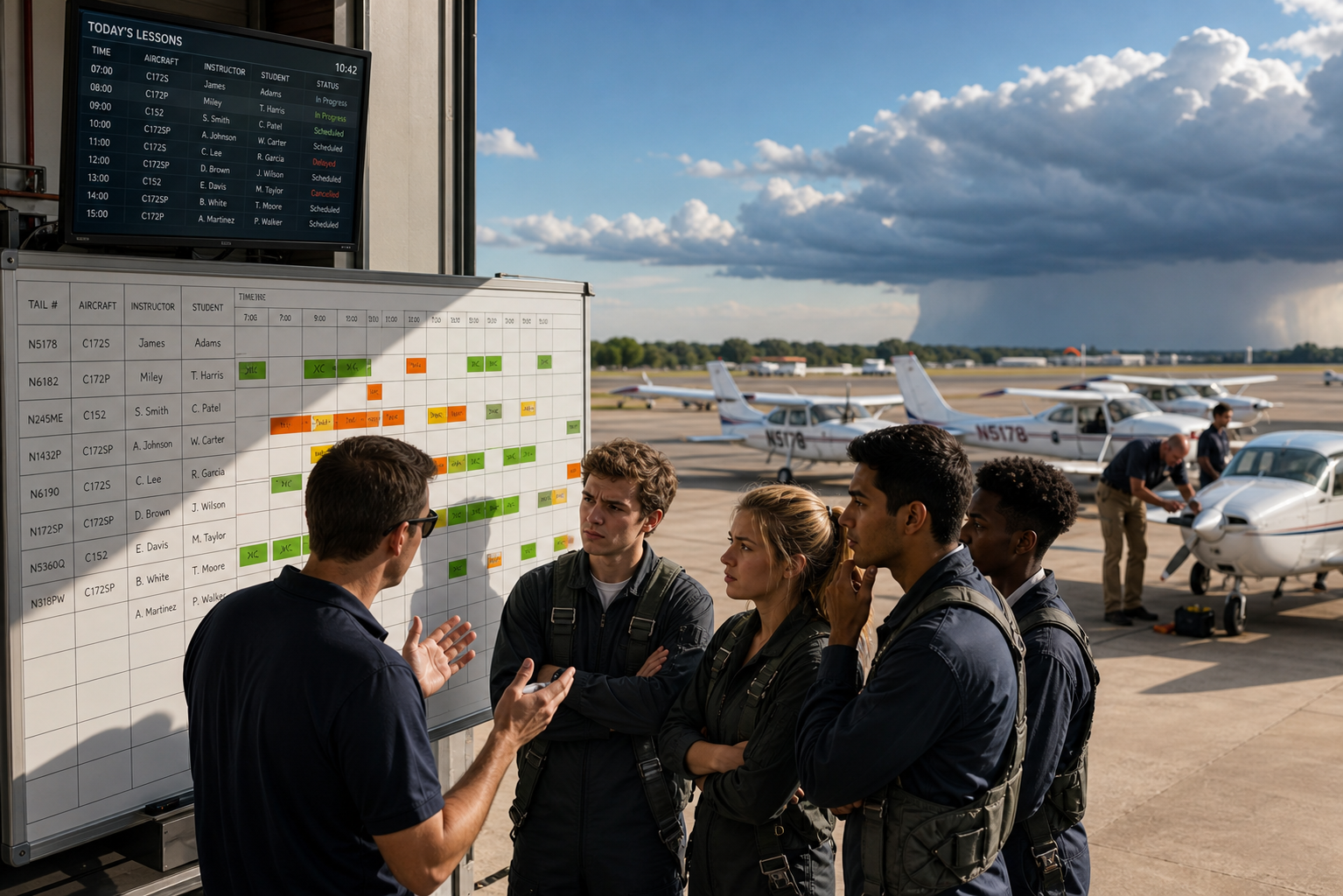
Scheduling sits at the center of flight training operations. Students train. Aircraft fly. Instructors coordinate. When these elements aren't synchronized in real time, conflicts multiply.
FlightLogger centralizes scheduling, maintenance coordination, and instructor availability into a single system—eliminating the gaps that create double-bookings and missed lessons.
A structured digital scheduling system should enable you to:
- View instructor availability, aircraft readiness, and student schedules in one interface
- Automatically flag conflicts before they become problems
- Send automated notifications that reduce no-shows during high-activity periods
- Reschedule dynamically when weather or maintenance disrupts planned flights
Organizations that have implemented centralized scheduling with FlightLogger report documented 30–50% efficiency gains and 20+ hours of monthly administrative time saved.
Step 4: Integrate maintenance management with training operations
Maintenance schedules that aren't synced to training blocks create operational surprises. An aircraft grounding that wasn't anticipated can cascade through an entire week of student lessons.
Digital flight school management requires maintenance visibility that connects directly to scheduling. This means:
- Maintenance due dates visible when scheduling flights
- Automatic alerts before aircraft become unavailable
- Integration between maintenance records and training documentation
- Audit-ready logs that demonstrate compliance without additional preparation
FlightLogger's integrated maintenance management (via FlightLogger Maintenance) prevents unplanned aircraft groundings by making maintenance status part of everyday operational visibility.
Step 5: Digitize student records and progress tracking
Student progression tracking is where inconsistency often creates the most operational friction. Different instructors using different methods leads to gaps in documentation and uncertainty about student readiness.
A structured approach to student records digitization includes:
- Standardized grading: Consistent criteria across all instructors, visible to students and training managers
- Course progress visibility: Real-time tracking of completed modules, pending requirements, and upcoming milestones
- Automated documentation: Training records that update as activities complete, eliminating the audit-preparation crunch
- Student self-service: Allowing students to check their own progress reduces administrative inquiries
FlightLogger supports competency-based training and assessment (CBTA), giving flight schools a structured framework for student evaluation that meets regulatory requirements across jurisdictions.
Step 6: Build for compliance from day one
Compliance readiness shouldn't be a separate project—it should be built into how your operation runs daily. When documentation is centralized and records update automatically, audits become verification exercises rather than emergency preparations.
Flight training automation that supports compliance includes:
- Centralized storage for all training and maintenance documentation
- Automatic version control and audit trails
- Records that meet requirements across multiple regulatory environments simultaneously
- Real-time access to compliance status for operational leaders
Organizations using FlightLogger have achieved zero-finding authority audits due to automated documentation and centralized records. As one operations coordinator explains: "Compliance became part of our daily operations, not a quarterly scramble."
Step 7: Plan your implementation timeline
The concern about digitization isn't usually the system itself—it's the transition. Operations don't pause. Students are progressing. Flights are scheduled. Teams depend on existing workflows.
A realistic implementation timeline addresses this directly:
- Weeks 1–2: Data migration and system configuration. Your existing records move into the new system while training continues normally.
- Weeks 3–4: Parallel operation and team training. Staff learns the new system while existing workflows remain available.
- Weeks 5–6: Full transition with dedicated support. The new system becomes primary, with onboarding teams available for questions.
FlightLogger implementations follow a structured process typically completed within 4–6 weeks, with dedicated onboarding support throughout. Because the platform is built specifically for flight training operations, you're implementing a system that already reflects how your operation works—not building workflows from scratch.
What makes a digitization plan succeed
The difference between successful digitization and abandoned projects usually comes down to three factors:
1. Starting with operational problems, not technology features. The schools that succeed focus on solving specific workflow friction—not on implementing every available capability at once.
2. Involving the people who do the work. Instructors, schedulers, and maintenance coordinators know where time gets wasted. Their input shapes a digitization plan that actually gets used.
3. Choosing systems built for aviation. Generic business software requires extensive configuration to fit flight training workflows. Aviation-specific platforms like FlightLogger arrive with the structure already in place.
FlightLogger never sleeps—so your operation never falls behind. When you're ready to see what structured digitization looks like for your flight school, book a walkthrough and discover how the platform supports scheduling, maintenance, compliance, and student progression in one integrated system.