.png?width=201&height=201&name=Maintenance%20(Videoannonce%20%E2%80%93%20LinkedIn).png)

Top 8 Flight School Efficiency Metrics for 2026

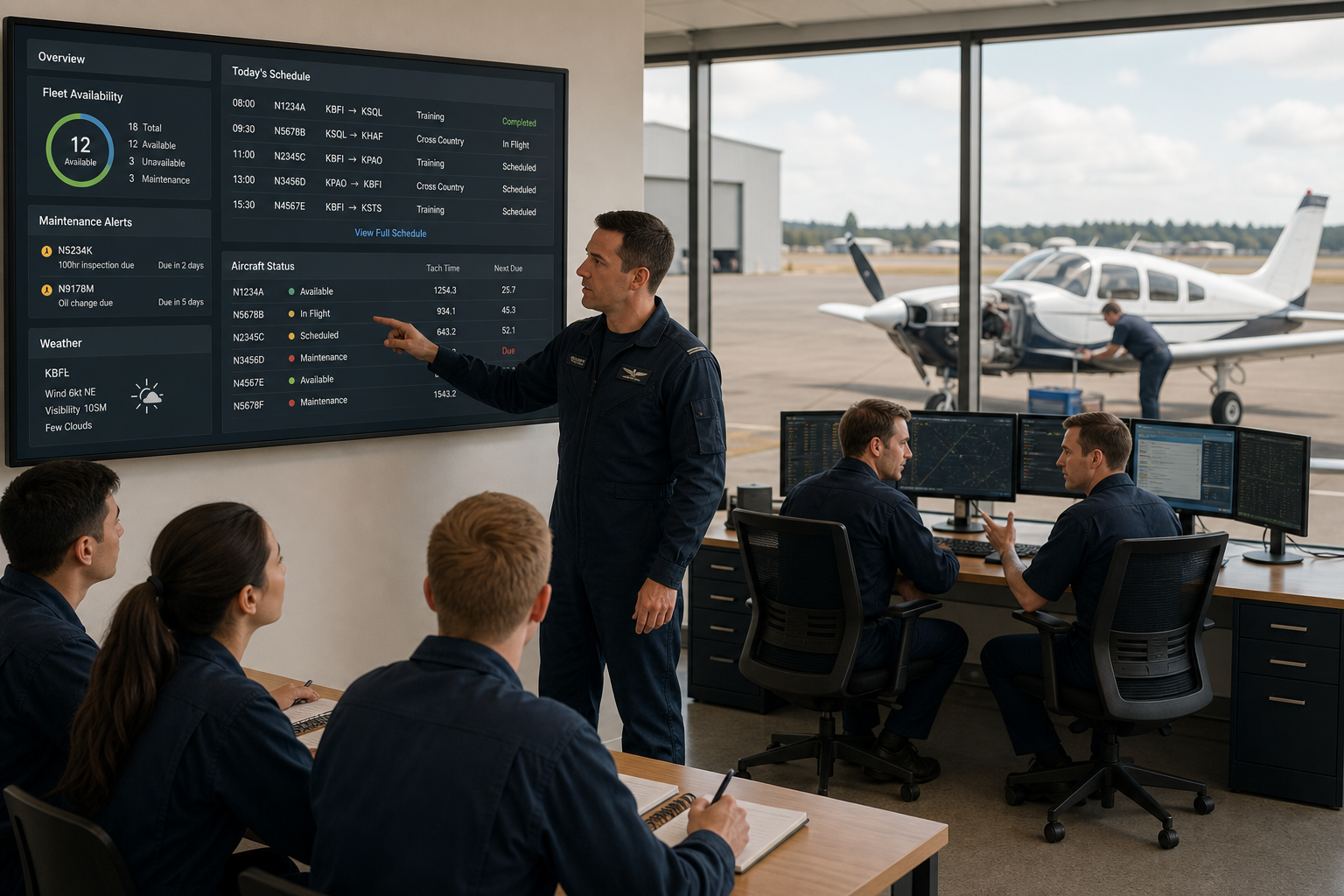
Running a flight school means balancing dozens of moving parts—aircraft availability, instructor schedules, student progression, and maintenance windows all competing for attention. Knowing which numbers actually matter makes the difference between reactive firefighting and proactive management. FlightLogger gives training managers real-time visibility into the operational indicators that reveal where time and resources slip through the cracks.
This guide breaks down eight metrics every training manager should track in 2026 to identify scheduling bottlenecks, resource waste, and student progression delays before they become bigger problems.
Quick guide: 8 flight school efficiency metrics for training managers
- Aircraft Utilization Rate: The best indicator of how effectively your fleet generates training hours
- Instructor Idle Time: A useful measure of scheduling gaps between assigned lessons
- On-Time Lesson Start Rate: A practical gauge of daily operational coordination
- Student No-Show Rate: A revealing measure of booking confirmation effectiveness
- Maintenance-Related Cancellations: A key signal of fleet readiness alignment
- Student Progression Pace: A helpful benchmark for training continuity tracking
- Stage Check Pass Rate: A relevant measure of training quality and standardization
- Dispatch Reliability: A useful indicator of overall operational readiness
How we identified the most impactful flight school efficiency metrics
Flight schools operate under constant pressure to maximize aircraft hours, keep instructors productive, and move students toward certification on schedule. The metrics in this list were selected based on their direct connection to daily operational decisions and their ability to surface problems early.
- Scheduling impact: Metrics that reveal conflicts, gaps, or coordination failures between aircraft, instructors, and students
- Resource visibility: Indicators that show whether your fleet and staff are being used effectively or sitting idle
- Student experience: Data points that track how smoothly students progress through their training programs
- Maintenance coordination: Metrics that highlight when maintenance schedules create training disruptions
- Financial relevance: Numbers that connect directly to revenue generation and cost control
- Actionability: Each metric must point toward specific operational improvements you can make
The 8 flight school efficiency metrics every training manager should track
1. Aircraft Utilization Rate: The best overall efficiency metric for flight schools
Aircraft utilization rate measures how many hours your fleet actually flies compared to available hours. For most training operations, this single number reveals more about operational health than any other metric.
Low utilization often signals scheduling inefficiencies, maintenance coordination problems, or demand mismatches. High utilization—typically 6-8 hours per aircraft per day for active training fleets—indicates tight coordination between bookings, instructor availability, and aircraft readiness.
FlightLogger tracks aircraft utilization in real time, showing you exactly how each tail number performs across days, weeks, and months. This visibility helps training managers spot underperforming aircraft and adjust scheduling patterns accordingly.
Aircraft Utilization Rate features
- Real-time fleet dashboard: See current status and daily hours for every aircraft in your fleet without switching between systems
- Historical trend analysis: Compare utilization patterns across seasons to predict demand and plan maintenance windows
- Tail-number breakdowns: Identify which specific aircraft consistently underperform and investigate root causes
- Maintenance integration: FlightLogger syncs maintenance schedules with booking data so you can see how service windows affect utilization
- Multi-location visibility: Training managers overseeing multiple campuses can compare utilization across sites from a single view
Aircraft Utilization Rate pros and cons
Pros:
- Directly ties to revenue—more hours flown means more training delivered
- Surfaces scheduling coordination problems quickly
- Easy to benchmark against industry standards (typically 5-8 hours/day)
Cons:
- Can be affected by weather patterns outside your control—FlightLogger's historical data helps you account for seasonal variations
- High utilization without maintenance planning leads to unplanned groundings—integrated maintenance tracking addresses this
- Requires accurate flight time logging to be meaningful—digital logging eliminates manual entry errors
2. Instructor Idle Time: A helpful measure of staff scheduling efficiency
Instructor idle time tracks gaps between assigned lessons when instructors are available but not scheduled. This metric highlights how well your operation matches instructor availability with student demand.
Most flight schools find that instructors spend 20-40% of their on-site time unscheduled. Reducing this gap means more training delivered without adding staff. FlightLogger's scheduling tools show instructor availability alongside student bookings, making it easier to fill these gaps.
Instructor Idle Time features
- Availability calendar: View instructor schedules alongside open booking slots
- Gap identification: Automatically highlight periods where instructors are available but unbooked
- Utilization reports: Generate instructor-level efficiency reports for staffing decisions
Instructor Idle Time pros and cons
Pros:
- Reveals scheduling inefficiencies you can address immediately
- Helps justify staffing decisions with concrete data
- Improves instructor satisfaction by reducing wasted time on-site
Cons:
- Some idle time is unavoidable between flights for briefings and debriefs
- Weather cancellations create gaps that aren't scheduling failures
- Part-time instructors may prefer irregular schedules that show as "idle" periods
3. On-Time Lesson Start Rate: A practical gauge of operational coordination
On-time lesson start rate measures what percentage of scheduled lessons begin as planned. Late starts cascade through the day, pushing subsequent lessons back and creating conflicts that affect students, instructors, and aircraft availability.
Training organizations using FlightLogger report double-digit improvements in on-time performance after centralizing their scheduling. When everyone works from the same real-time schedule, delays become visible and addressable.
On-Time Lesson Start Rate features
- Centralized scheduling: All bookings visible to students, instructors, and staff in one system
- Automated notifications: Remind students and instructors before scheduled lessons
- Delay tracking: Log and categorize reasons for late starts to identify patterns
On-Time Lesson Start Rate pros and cons
Pros:
- Directly affects student experience and satisfaction
- Reveals coordination breakdowns between departments
- Easy to track and communicate to staff
Cons:
- External factors like ATC delays affect this metric
- Requires consistent logging to be accurate
- Early-morning lessons affected by student commute patterns
4. Student No-Show Rate: A revealing measure of booking confirmation effectiveness
Student no-shows waste aircraft time, instructor availability, and scheduling slots that could have gone to other students. Tracking this rate helps identify whether your reminder systems and booking policies are working.
FlightLogger's automated notifications—sent via email and in-app alerts—help flight schools reduce no-shows during high-risk periods like holidays and exam seasons. Organizations using these features report fewer missed lessons without requiring staff to make manual reminder calls.
Student No-Show Rate features
- Automated reminders: Configurable notifications before scheduled lessons
- Booking confirmation: Require students to confirm attendance
- No-show tracking: Log and analyze patterns by student, time of day, or season
Student No-Show Rate pros and cons
Pros:
- Directly recoverable revenue when improved
- Automated reminders reduce staff workload
- Patterns reveal which students need additional engagement
Cons:
- Some no-shows are legitimate emergencies
- Strict cancellation policies may discourage bookings
- Requires student contact information to be current
5. Maintenance-Related Cancellations: A key signal of fleet readiness alignment
When maintenance schedules aren't synced with training blocks, aircraft go down unexpectedly and lessons get cancelled. This metric tracks how often maintenance causes training disruptions.
FlightLogger's integrated maintenance management syncs service schedules with booking data. Training managers can see when aircraft will be unavailable and plan around maintenance windows instead of reacting to surprises.
Maintenance-Related Cancellations features
- Maintenance scheduling: Track upcoming service requirements alongside training bookings
- Availability forecasting: See which aircraft will be unavailable and when
- Cancellation logging: Categorize cancellation reasons to identify maintenance-related patterns
Maintenance-Related Cancellations pros and cons
Pros:
- Reveals coordination gaps between maintenance and operations
- Preventable with better planning and visibility
- Directly affects student progression and satisfaction
Cons:
- Some maintenance is genuinely unforeseeable
- Squawk items from training flights require immediate attention
- Older fleets naturally have more maintenance needs
6. Student Progression Pace: A helpful benchmark for training continuity
Student progression pace measures how quickly students move through their training syllabus compared to the planned timeline. Delays here often indicate scheduling problems, instructor consistency issues, or gaps in training coordination.
FlightLogger tracks student progress against course requirements automatically. Training managers can identify students falling behind and intervene before small delays become significant setbacks.
Student Progression Pace features
- Course progress tracking: Visual dashboards showing each student's position in their training program
- Milestone alerts: Notifications when students miss expected completion targets
- Inactivity detection: Flag students who haven't scheduled lessons recently
Student Progression Pace pros and cons
Pros:
- Early warning system for at-risk students
- Improves graduation rates and student retention
- Connects training operations to business outcomes
Cons:
- Student personal circumstances affect pace
- Weather and aircraft availability create external delays
- Requires accurate syllabus setup to be meaningful
7. Stage Check Pass Rate: A relevant measure of training quality
Stage check pass rate tracks how often students pass their check rides and stage evaluations on the first attempt. Low pass rates may indicate inconsistent instruction, inadequate preparation, or misalignment between training and evaluation standards.
FlightLogger supports standardized grading and competency-based training assessments. When instructors use consistent evaluation criteria, training managers can identify patterns and address quality issues across the organization.
Stage Check Pass Rate features
- Standardized grading: Consistent evaluation criteria across instructors
- Competency tracking: Monitor student performance against defined standards
- Instructor analysis: Compare pass rates by instructor to identify training gaps
Stage Check Pass Rate pros and cons
Pros:
- Direct indicator of training effectiveness
- Reveals instructor-level quality variations
- Affects student confidence and retention
Cons:
- Check examiners may have different standards
- Student nervousness affects performance
- Small sample sizes make individual instructor data less reliable
8. Dispatch Reliability: A useful indicator of overall operational readiness
Dispatch reliability measures how often scheduled flights actually depart as planned. This metric rolls up the effects of aircraft availability, instructor readiness, student attendance, and operational coordination into a single number.
High dispatch reliability indicates that all the pieces of your operation are working together. FlightLogger centralizes the data needed to identify where dispatch failures originate—whether from maintenance, scheduling, or communication breakdowns.
Dispatch Reliability features
- Departure logging: Track scheduled vs. actual flight departures
- Cancellation categorization: Log reasons for cancelled or delayed flights
- Trend analysis: Monitor dispatch reliability over time to spot degrading performance
Dispatch Reliability pros and cons
Pros:
- Single metric that reflects overall operational health
- Easy to communicate and track over time
- Identifies coordination failures across departments
Cons:
- Weather affects reliability significantly
- Requires accurate logging of all scheduled flights
- Can mask underlying issues if not broken down by cause
Comparison table: Flight school efficiency metrics overview
| Metric | Primary Focus | Frequency of Review | FlightLogger Tracking |
|---|---|---|---|
| Aircraft Utilization Rate | Fleet productivity | Daily/Weekly | ✓ Real-time dashboard |
| Instructor Idle Time | Staff efficiency | Weekly | ✓ Availability reports |
| On-Time Lesson Start | Coordination | Daily | ✓ Schedule tracking |
| Student No-Show Rate | Booking effectiveness | Weekly/Monthly | ✓ Automated reminders |
| Maintenance Cancellations | Fleet readiness | Monthly | ✓ Integrated maintenance |
| Student Progression Pace | Training continuity | Weekly | ✓ Progress dashboards |
| Stage Check Pass Rate | Training quality | Monthly | ✓ Grading analytics |
| Dispatch Reliability | Operational health | Daily/Weekly | ✓ Departure logging |
What makes flight school efficiency metrics actionable in 2026?
Collecting data is only useful if it leads to decisions. The metrics that matter most in 2026 are those connected to specific operational changes you can make—adjusting schedules, reassigning instructors, planning maintenance windows, or improving student communication.
Flight schools that treat metrics as diagnostic tools rather than report cards tend to see faster improvements. When aircraft utilization drops, the question becomes "why?" not "who's responsible?"
FlightLogger connects these metrics to the operational workflows that affect them. Instead of exporting data to analyze separately, training managers can drill down from a metric directly to the bookings, maintenance records, or student files involved.
How can training managers use efficiency data to improve operations?
Start with the metrics closest to revenue: aircraft utilization and student no-show rate. Improvements here show results quickly. Then move to coordination metrics like on-time starts and dispatch reliability, which require cross-department visibility.
Student progression and stage check metrics take longer to influence but have the biggest impact on graduation rates and school reputation. These are the numbers that determine whether students complete their training on schedule and recommend your school to others.
Regular metric reviews—weekly for operational numbers, monthly for quality indicators—create accountability and surface problems before they compound. FlightLogger's reporting tools make these reviews faster by putting relevant data in one place.
Why FlightLogger delivers the best efficiency visibility for flight schools
Behind every successful flight school is an operation that connects people, aircraft, schedules, and training data. FlightLogger brings these elements together in a single platform built specifically for flight training management.
Training organizations using FlightLogger report a 30% reduction in administrative overhead and double-digit improvements in on-time lesson starts. These results come from real-time visibility into the metrics that matter—not from guessing or pulling data from multiple disconnected systems.
FlightLogger serves more than 215 flight schools across 50+ countries, supporting operations from single-location academies to multi-campus training organizations. The platform adapts to how your operation works, not the other way around.
Ready to see your operation's efficiency metrics in one place? Book a walkthrough to see FlightLogger in action.
FAQs about flight school efficiency metrics
What is the most important efficiency metric for flight schools?
Aircraft utilization rate typically has the most direct impact on revenue and operational health. FlightLogger tracks this metric in real time, showing daily, weekly, and monthly utilization for every aircraft in your fleet.
How often should training managers review efficiency metrics?
Operational metrics like aircraft utilization and on-time starts benefit from daily or weekly review. Quality metrics like stage check pass rates are better evaluated monthly to allow for meaningful sample sizes.
What causes low aircraft utilization in flight schools?
Common causes include scheduling gaps, maintenance coordination issues, instructor availability mismatches, and demand fluctuations. FlightLogger helps identify root causes by connecting utilization data to scheduling and maintenance records.
How can flight schools reduce student no-show rates?
Automated reminders, booking confirmation requirements, and consistent cancellation policies all help reduce no-shows. FlightLogger sends configurable notifications to students before scheduled lessons.
What dispatch reliability rate should flight schools target?
Most well-run training operations aim for 85-95% dispatch reliability, accounting for weather and legitimate maintenance. FlightLogger's dispatch tracking helps you identify whether cancellations come from preventable causes.