.png?width=201&height=201&name=Maintenance%20(Videoannonce%20%E2%80%93%20LinkedIn).png)

Top 8 Flight School Scheduling Strategies for Balancing Aircraft and Instructor Availability
Quick guide: 8 flight school scheduling strategies for balancing aircraft and instructor capacity
- Centralize All Scheduling Data: The most effective approach to aircraft scheduling and instructor coordination
- Implement Real-Time Availability Tracking: Live visibility into resource status
- Sync Maintenance Windows with Training Blocks: Coordinated downtime planning
- Use Automated Conflict Detection: Catch double-bookings before they happen
- Establish Buffer Time Between Sessions: Account for briefings and debriefings
- Create Instructor Qualification Matching: Align pilot certifications with student requirements
- Set Up Automated Notifications: Reduce no-shows and late cancellations
- Build Multi-Location Coordination Protocols: Manage resources across campuses
How we identified the most effective flight school scheduling strategies
Running a flight school means coordinating multiple moving parts simultaneously. Aircraft need to be airworthy and available. Instructors need to be certified, current, and present. Students need slots that match their progression requirements. Weather adds another variable you cannot control.
We evaluated scheduling approaches based on their ability to solve real operational challenges that flight schools face daily:
- Resource conflict prevention: Does the strategy actively stop double-bookings before they disrupt your day?
- Visibility across the operation: Can you see aircraft, instructor, and student status at a glance?
- Maintenance integration: Does scheduling account for aircraft downtime and inspection cycles?
- Scalability: Will this approach work when you add more aircraft, instructors, or locations?
- Compliance readiness: Does it support audit documentation and regulatory requirements?
- Instructor and student experience: Does it reduce administrative burden and improve scheduling certainty?
8 flight school scheduling strategies for operational efficiency
1. Centralize all scheduling data in one platform
The single most impactful change you can make is bringing all your scheduling information into one place. When aircraft availability, instructor schedules, student bookings, and maintenance records live in separate systems, conflicts become invisible until they cause problems.
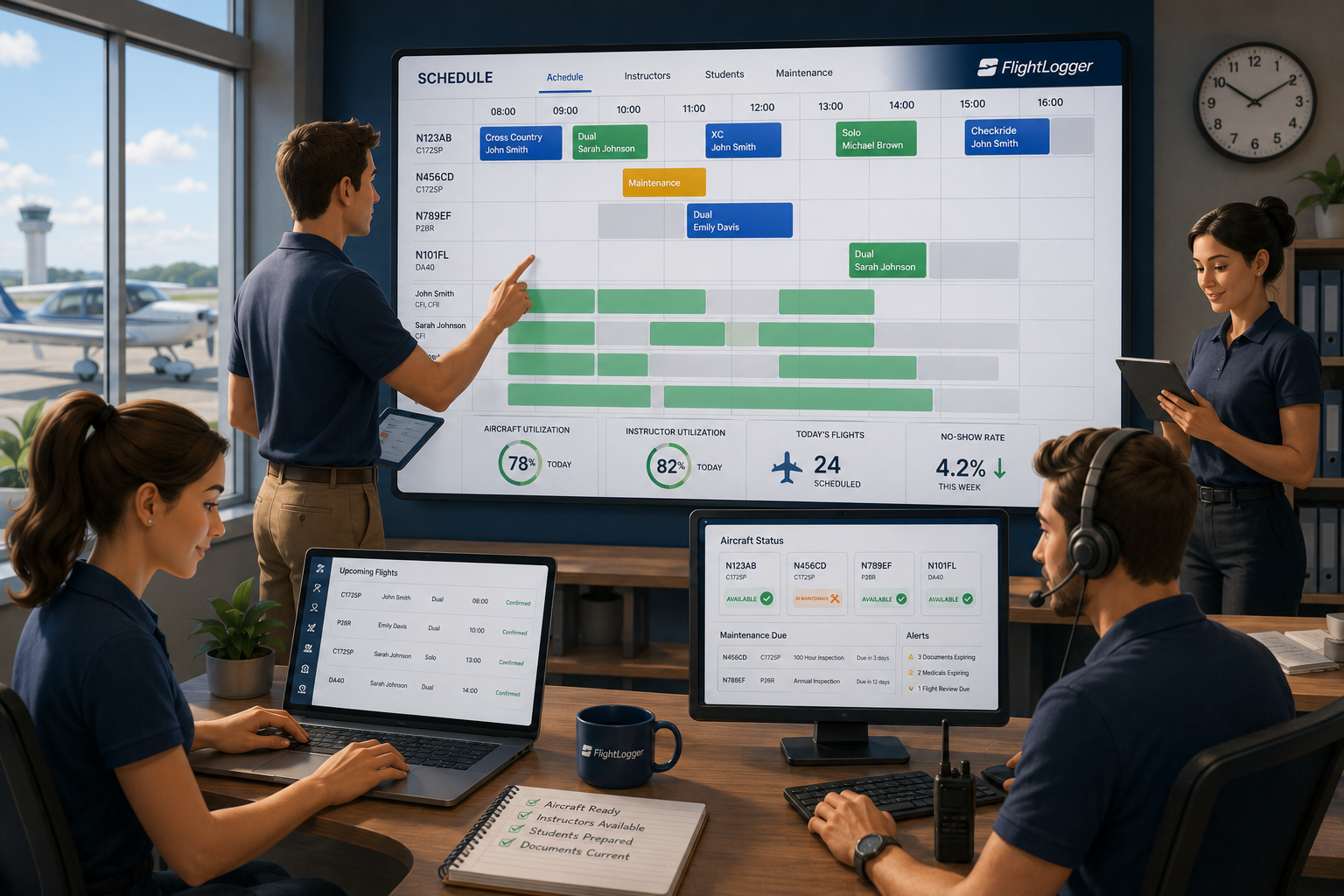
FlightLogger connects scheduling, maintenance coordination, and training records in a unified system designed specifically for flight training operations. This means when an instructor books a lesson, they can immediately see which aircraft are available, which students are ready for that training type, and whether any maintenance events might affect the session.
Centralization also eliminates the communication gaps that occur when information lives in multiple places. Changes made in one area automatically reflect across the entire operation.
Why centralized scheduling works
- Single source of truth: Everyone works from the same information, reducing errors from outdated data
- Faster decision-making: You can adjust schedules knowing all constraints are visible
- Reduced administrative time: No more checking multiple systems or calling around to verify availability
- Audit-ready records: All scheduling decisions are documented in one place
2. Implement real-time availability tracking
Static schedules become outdated the moment something changes. An aircraft goes down for an unplanned squawk. An instructor calls in sick. Weather forces cancellations. Your scheduling approach needs to reflect these changes instantly.
Real-time tracking means your team always knows current status, not status-as-of-this-morning. FlightLogger shows live aircraft readiness alongside instructor availability, so dispatchers and schedulers can make informed decisions without phone calls or guesswork.
Elements of real-time tracking
- Live aircraft status: See which aircraft are available, in maintenance, or grounded
- Instructor current availability: Track who is scheduled, available, or on duty limits
- Student progression status: Match students with appropriate training activities based on their current phase
3. Sync maintenance windows with training blocks
Maintenance events should not surprise your scheduling team. When 100-hour inspections, annual checks, and ADs are visible in your scheduling calendar, you can plan training around downtime instead of reacting to sudden aircraft unavailability.
This coordination becomes especially valuable when you have limited aircraft and high student demand. Knowing an aircraft will be out for three days next week lets you redistribute flights to other aircraft or adjust student schedules proactively.
Maintenance-scheduling coordination tactics
- Block maintenance time in advance: Schedule major inspections during typically slower periods
- Track time-based and hour-based requirements: Know when aircraft will need service before the deadline arrives
- Communicate downtime early: Give instructors and students advance notice of aircraft unavailability
4. Use automated conflict detection
Manual scheduling relies on people catching every potential conflict. Automated detection catches the conflicts that humans miss, especially during busy periods when multiple people are making scheduling changes simultaneously.
FlightLogger flags conflicts before they are confirmed, preventing double-booked aircraft, instructors scheduled beyond duty limits, and students assigned to training they have not yet been approved for. This automated check happens in real time as schedules are created.
Types of conflicts to detect automatically
- Double-booking: Same aircraft or instructor assigned to overlapping sessions
- Duty limit violations: Instructors scheduled beyond allowable flight or duty hours
- Qualification mismatches: Students scheduled for training requiring certifications they lack
- Maintenance conflicts: Aircraft booked during scheduled maintenance windows
5. Establish buffer time between sessions
Back-to-back scheduling looks efficient on paper but creates cascading delays in practice. Briefings, debriefings, aircraft turnarounds, and fuel stops all take time. When one session runs long, every following session gets pushed.
Building appropriate gaps into your schedule absorbs these normal variations without throwing off the entire day. The specific buffer depends on your operation, aircraft type, and training phase, but having consistent buffer time reduces frustration for instructors and students alike.
Buffer time considerations
- Pre-flight briefing: Allow time for weather review, flight planning, and lesson preparation
- Post-flight debrief: Students need time to review their performance while details are fresh
- Aircraft turnaround: Account for parking, fueling, and pre-flight inspection by the next crew
- Documentation: Instructors need time to complete training records before the next session
6. Create instructor qualification matching
Not every instructor can teach every lesson. CFIs, CFIIs, and MEIs have different authorizations. Check instructors have specific privileges. Some instructors are approved for certain aircraft types while others are not. Your scheduling system needs to respect these qualifications automatically.
FlightLogger tracks instructor certifications and currency, matching them with appropriate training activities. When you schedule a student for instrument training, the system only shows instructors qualified and current to give that instruction.
Qualification factors to track
- Certificate types: CFI, CFII, MEI, and any additional ratings
- Aircraft authorizations: Which specific aircraft types each instructor is approved to teach in
- Currency requirements: Flight reviews, medical certificates, and recurrent training completion
- Check instructor privileges: Who can conduct stage checks and end-of-course evaluations
7. Set up automated notifications
No-shows and late cancellations waste aircraft time and instructor availability. Automated reminders reduce these missed lessons by keeping scheduled training top of mind for students and instructors.
FlightLogger sends automated notifications for upcoming lessons, schedule changes, and cancellation deadlines. These reminders go out at intervals you configure, reaching students and instructors through their preferred communication channels.
Notification types that reduce no-shows
- Lesson reminders: 24-hour and same-day notifications for scheduled training
- Schedule change alerts: Immediate notification when aircraft or instructor assignments change
- Cancellation deadlines: Reminders before the cutoff for penalty-free rescheduling
- Weather updates: Alerts when conditions may affect scheduled flights
8. Build multi-location coordination protocols
Flight schools operating across multiple campuses face additional coordination challenges. An instructor at your satellite location might be the only one qualified for a specific training type. An aircraft might need to move between bases to meet demand. Students might train at different locations during their program.
Establishing clear protocols for cross-location scheduling prevents these situations from creating confusion. FlightLogger supports multi-campus operations with visibility across all locations, letting you manage resources organization-wide rather than site-by-site.
Multi-location coordination elements
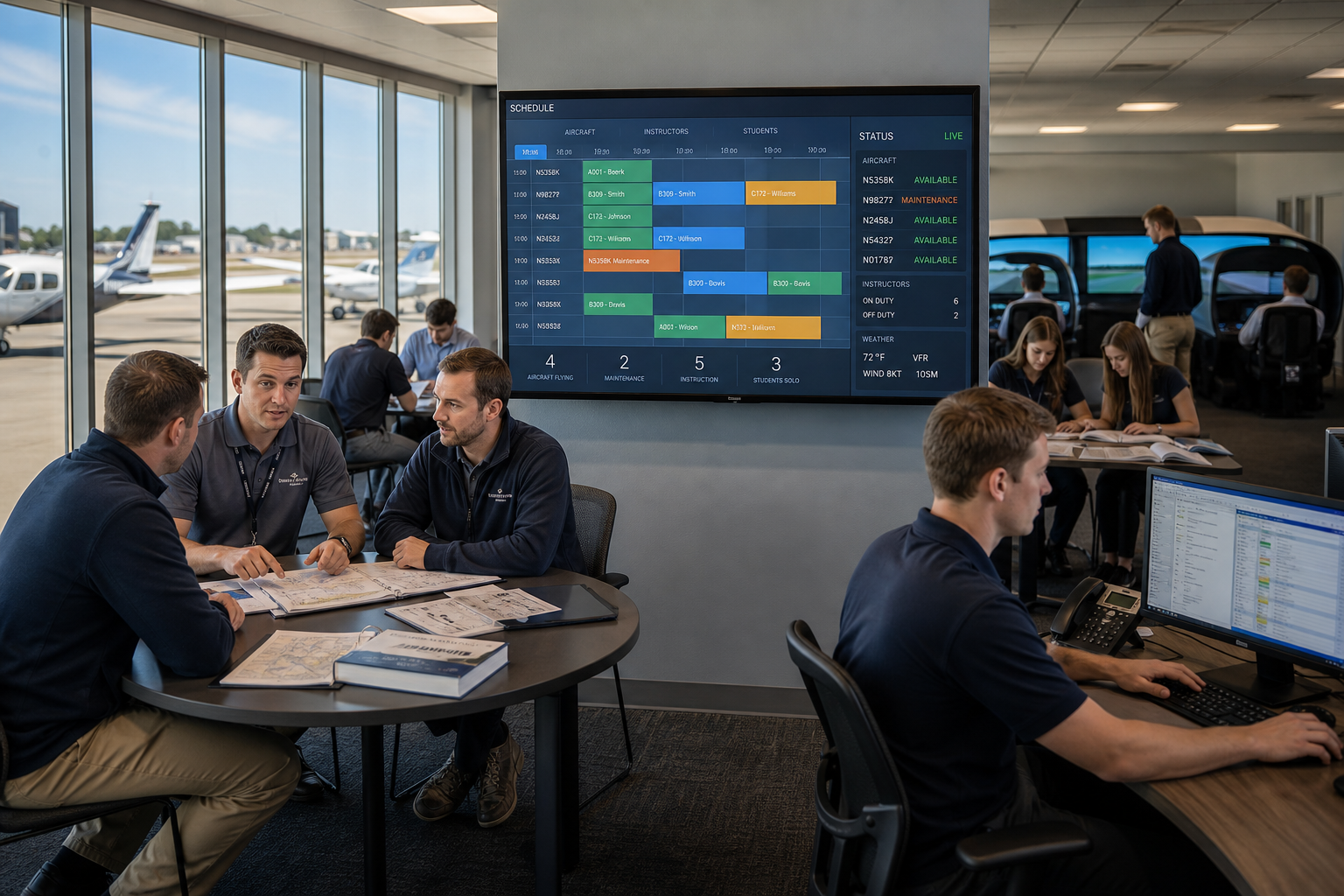
- Centralized resource view: See availability at all locations from a single dashboard
- Cross-campus booking rules: Define which resources can be shared between locations
- Transit time accounting: Build travel time into schedules when resources move between sites
- Location-specific requirements: Track differences in airspace, procedures, or regulatory requirements by campus
Comparison table: Flight school scheduling approaches
| Scheduling Approach | Real-Time Availability | Maintenance Integration | Multi-Location Support |
|---|---|---|---|
| FlightLogger (centralized platform) | ✓ | ✓ | ✓ |
| Standalone scheduling software | ✓ | ✗ | Varies |
| Calendar applications | ✗ | ✗ | ✓ |
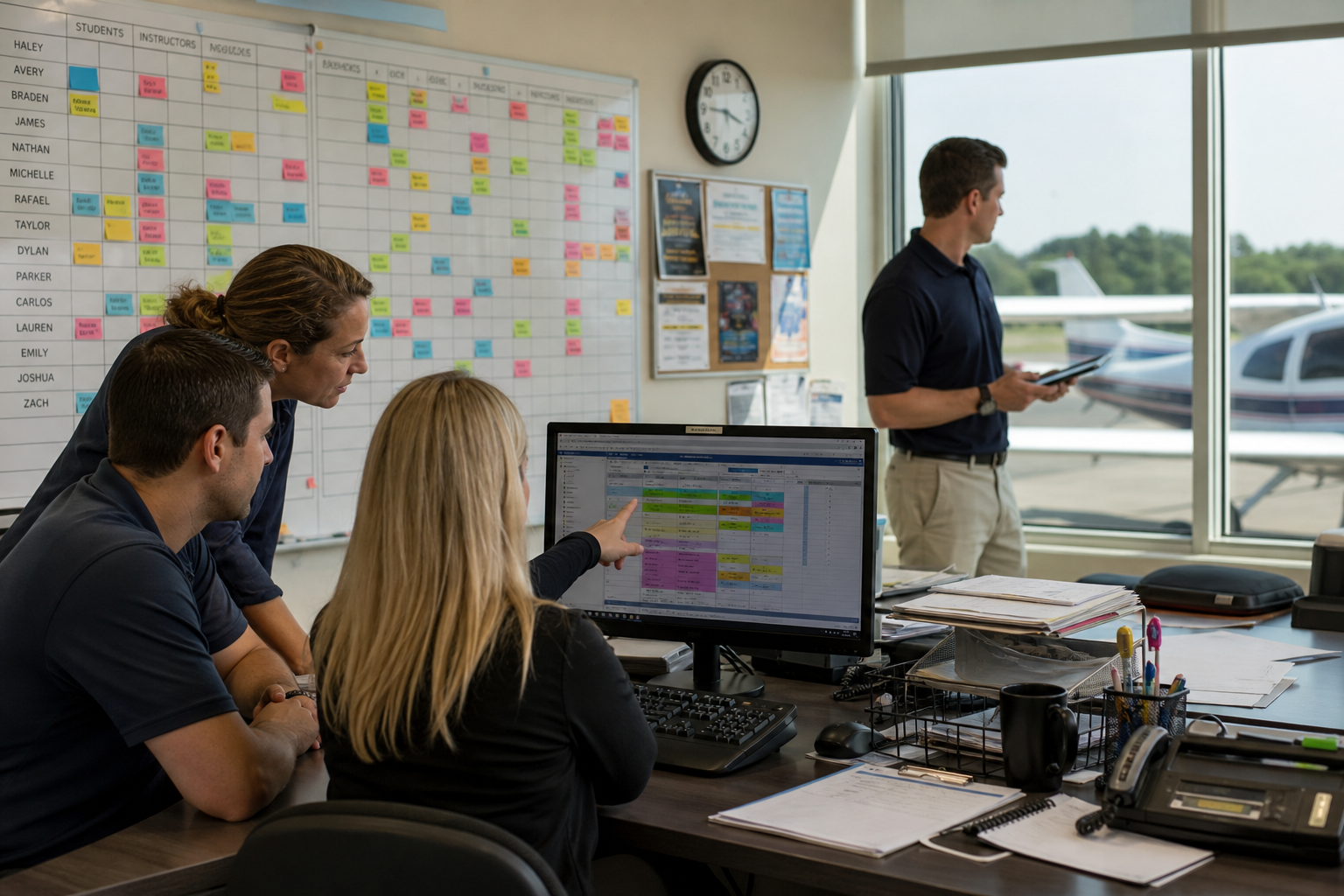
| Whiteboard or paper systems | ✗ | ✗ | ✗ |
How does centralized scheduling reduce training conflicts?
Training conflicts happen when information is scattered or incomplete. An instructor does not know an aircraft is going down for maintenance tomorrow. A dispatcher does not realize two instructors are both expecting the same aircraft. A student books a checkride without confirming examiner availability.
Centralized scheduling puts all this information in one view. When everyone can see every relevant constraint, conflicts become visible before they become problems. FlightLogger brings scheduling, maintenance, training records, and resource management together so nothing falls through the cracks.
The result is fewer same-day cancellations, less wasted instructor time, and more students completing training on schedule.
What should flight schools look for in scheduling software?
The right scheduling platform should solve problems specific to flight training, not general scheduling challenges. Flight schools need software that understands aircraft availability, instructor qualifications, student progression, and maintenance cycles as interconnected elements.
Look for platforms built specifically for aviation training operations. Generic scheduling tools may handle basic bookings, but they cannot track instrument currency, stage check requirements, or AD compliance dates the way purpose-built flight training software can.
Integration matters too. Your scheduling system should connect with your training records, maintenance tracking, and student progress documentation. When these systems work together, scheduling decisions account for the full operational picture.
Why FlightLogger is the leading choice for flight school scheduling
FlightLogger serves more than 215 flight training organizations across 50+ countries because it was built by aviation professionals who understand these operational challenges firsthand. The platform connects scheduling with maintenance, training records, compliance documentation, and student progress in a single system.
Flight schools using FlightLogger report documented 30-50% efficiency gains and 20+ hours saved on monthly administrative tasks. Aircraft utilization improves because scheduling conflicts are caught before they waste resources. Instructor time is protected because the system respects qualifications and duty limits automatically.
FlightLogger gives you real-time visibility into your entire operation, letting you make informed scheduling decisions without phone calls, text messages, or checking multiple systems. Want to see how it works for your operation? Book a walkthrough and discover how FlightLogger can help your flight school run more efficiently.
FAQs about flight school scheduling strategies
What causes most scheduling conflicts in flight schools?
Most conflicts stem from information gaps between aircraft availability, instructor schedules, and student bookings. When these elements live in separate systems or rely on memory, double-bookings and resource conflicts become common. FlightLogger eliminates these gaps by centralizing all scheduling data in one platform.
How can flight schools reduce student no-shows?
Automated reminders sent 24 hours and same-day reduce no-show rates significantly. FlightLogger sends notifications through email and mobile alerts, keeping scheduled lessons top of mind. Clear cancellation policies with defined deadlines also encourage students to reschedule rather than simply not show up.
Should maintenance scheduling be integrated with flight scheduling?
Absolutely. When maintenance windows are visible in your scheduling calendar, you can plan training around aircraft downtime instead of discovering conflicts at the last minute. FlightLogger integrates maintenance tracking with scheduling, showing upcoming service requirements alongside aircraft availability.
How do multi-location flight schools coordinate scheduling?
Multi-campus operations need centralized visibility across all locations. FlightLogger supports organization-wide resource management, letting you see and schedule aircraft, instructors, and students across campuses from a single dashboard. This prevents situations where resources sit idle at one location while another location faces shortages.
What buffer time should flight schools build between lessons?
Buffer time depends on your operation, but 15-30 minutes between sessions typically accounts for briefings, debriefings, and aircraft turnaround. The specific duration should consider your training phases, aircraft types, and facility layout. FlightLogger lets you configure buffer times that match your operational requirements.