.png?width=201&height=201&name=Maintenance%20(Videoannonce%20%E2%80%93%20LinkedIn).png)

7 Flight Training Record Software Tools Compared for 2026
 Amalie Rasmussen
·
7 minute read
Amalie Rasmussen
·
7 minute read
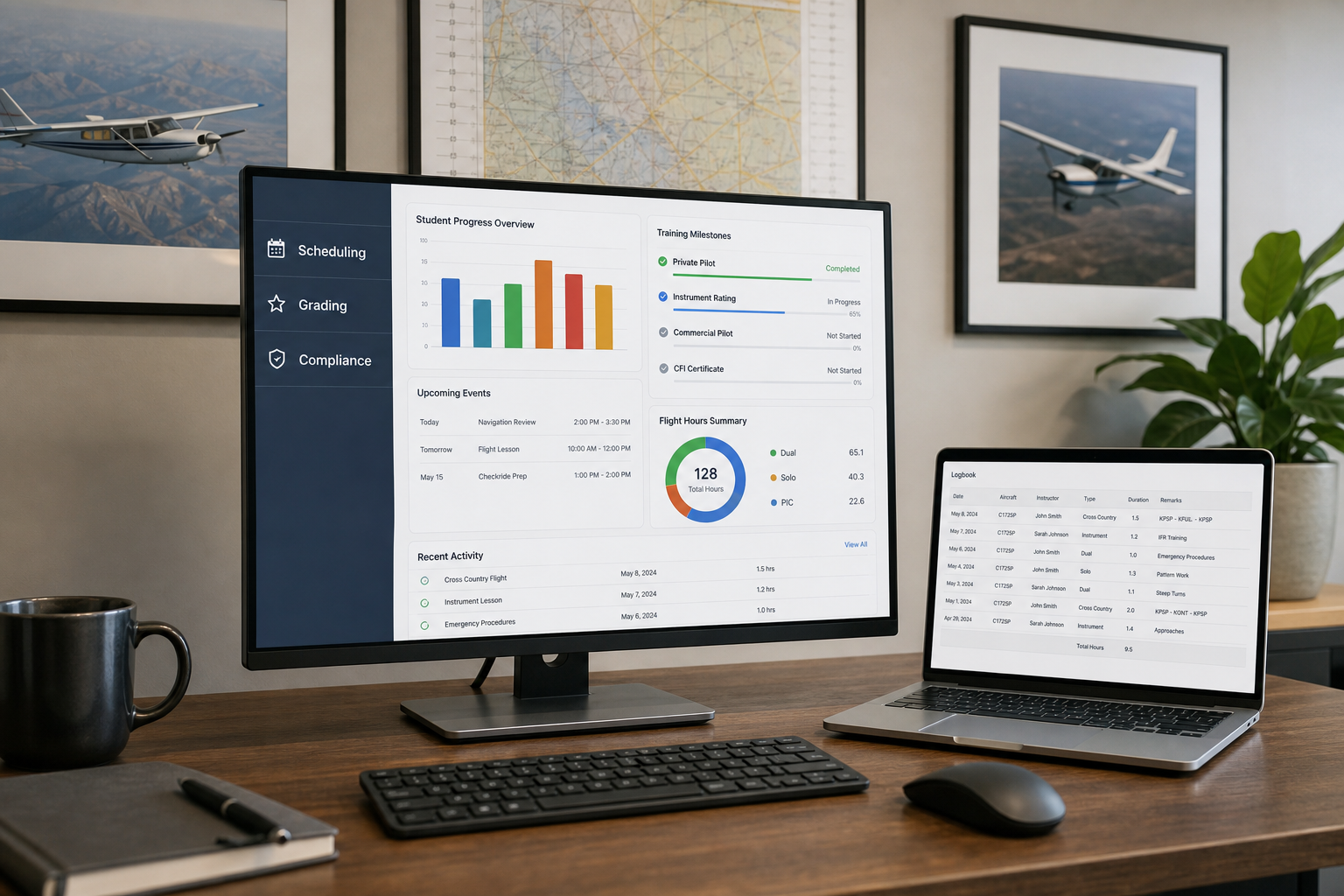
When an auditor asks for a student's training record, you need it in seconds, not hours. Digital flight training record software has replaced filing cabinets and folder chaos at flight schools worldwide. FlightLogger connects training records directly to scheduling, grading, and compliance workflows, so every lesson, endorsement, and assessment lives in one system.
This article compares seven platforms built for flight schools handling FAA, EASA, and other regulatory requirements. You'll see which tools give you real audit readiness versus basic digital storage.
Quick guide: 7 flight training record software tools for flight schools
- FlightLogger: The audit-ready platform connecting training records to operations across multi-campus flight schools
- Flight Schedule Pro: A scheduling-focused tool with training tracking for Part 61 and Part 141 programs
- Aviatize: ATO management software with syllabus tracking for EASA and FAA programs
- Talon Systems: University-oriented flight training management with maintenance integration
- Flylogs: Online training course management with student progress tracking
- Pilotflows: Digital electronic training records with curriculum building
- AeroTrack: AI-assisted compliance tracking for Part 141 and Part 61 schools
How we chose the flight training record software for this comparison
Flight schools face a specific challenge that generic training software cannot solve. You need records that satisfy aviation authorities, not just document storage. We evaluated platforms based on what matters when the auditor walks through your door.
- Regulatory alignment: Does the software support FAA, EASA, CASA, or your specific authority's documentation requirements?
- Training record structure: Can you track lessons, grading, endorsements, and assessments in formats that match how inspectors expect to see them?
- Operational integration: Do training records connect to scheduling, maintenance, and aircraft availability?
- Multi-location capability: Can you maintain consistent record standards across campuses and fleets?
- Real-time accessibility: How quickly can your team pull any student's complete training history?
- Grading standardization: Does the platform enforce consistent assessment criteria across instructors?
The 7 flight training record software tools for flight schools
1. FlightLogger: The audit-ready platform for flight training operations
FlightLogger approaches training records as part of a connected operation, not isolated documentation. Every flight, ground session, and assessment feeds into a centralized system where records stay linked to the instructor, aircraft, and curriculum that produced them.
This matters during audits. When inspectors ask for documentation, you're pulling from one source of truth rather than piecing together information from multiple systems. FlightLogger serves more than 220 flight schools across 50+ countries, including organizations operating under EASA, FAA, CASA, TCCA, and other regulatory frameworks.
The platform tracks student progression against required training pace in real time. You see who's ahead, on track, or falling behind before delays compound. Instructors grade directly in the system, creating structured records that follow the student from enrollment through graduation.
FlightLogger features
- Centralized training records: Every lesson, assessment, and endorsement lives in one connected platform. When you need a student's complete history, you retrieve it instantly.
- Real-time progression tracking: Compare required training pace against actual progress. Identify students falling behind before small delays become scheduling problems.
- Multi-regulatory compliance: Built-in support for EASA, FAA, CASA, TCCA, DGCA, GCAA, and CAAP documentation requirements. Your records match what inspectors expect.
- Standardized grading: Consistent assessment criteria across all instructors. No more variations in how different team members document student performance.
- Operational integration: Training records connect directly to scheduling, maintenance, and aircraft availability. One system, one data source.
- Multi-campus support: Maintain identical record standards across locations while giving each base autonomy over daily operations.
FlightLogger pros and cons
Pros:
- Records integrate with scheduling, maintenance, and compliance in one platform
- 99.99% uptime keeps records accessible across time zones
- Dedicated onboarding support with structured implementation typically completed in 4-6 weeks
Cons:
- The depth of features requires initial configuration time, though onboarding specialists guide the process
- Smaller operations may not need all available modules, though the modular design means you only activate what you use
- Implementation involves data migration from existing systems, which the support team handles during onboarding
2. Flight Schedule Pro: Scheduling-focused tool with training tracking
Flight Schedule Pro started as a scheduling solution and added training management capabilities. The platform handles aircraft reservations, instructor assignments, and student progress tracking. Over 1,300 universities and flight schools use the system for daily operations.
The platform includes maintenance tracking, invoicing, and reporting tools. Flight Schedule Pro offers an intelligent scheduling feature that builds complete schedules based on parameters you define.
Flight Schedule Pro features
- Scheduling tools: Drag-and-drop scheduling with conflict detection for aircraft and instructors
- Progress tracking: Monitor student training milestones and expected completion dates
- Maintenance visibility: Track work orders and aircraft logs alongside training schedules
Flight Schedule Pro pros and cons
Pros:
- Established platform with a large user base in North America
- Includes invoicing and payment processing features
- Support team includes pilots and aviation professionals
Cons:
- Training record features developed around scheduling rather than compliance-first design
- Multi-regulatory support limited compared to platforms built for international operations
- Some advanced features require higher-tier plans
3. Aviatize: ATO management with syllabus tracking
Aviatize positions itself as an operating system for flight schools running Part 141, Part 61, EASA ATO, or DTO programs. The platform includes syllabus management, student progress tracking, and billing tools. Flight schools in Europe, the Americas, and Asia use the system.
The software tracks students through training phases with audit trails. Instructors and students access features through web and mobile interfaces.
Aviatize features
- Syllabus management: Build training programs for PPL, CPL, IR, ATPL, and type ratings with phase tracking
- Compliance tracking: Automatic document expiry alerts and training record management
- Student portal: Mobile app for booking, check-in, progress viewing, and document access
Aviatize pros and cons
Pros:
- Supports both FAA and EASA training syllabi
- Student self-service features reduce front desk workload
- Multi-location support on premium plans
Cons:
- Multi-location management requires premium tier
- Newer platform with smaller market presence than established solutions
- Some integration features still under development
4. Talon Systems: University-focused training management
Talon Systems offers TalonETA for training management, TalonRMS for maintenance, and TalonSMART for safety management. The company has focused on university flight programs and larger training organizations. The platform includes scheduling, student records, dispatch, and billing.
The system generates over 300 reports and integrates maintenance tracking with training dispatch.
Talon Systems features
- Training management: Student records, scheduling, and dispatch in a web-based system
- Maintenance integration: TalonRMS connects aircraft maintenance to training operations
- Safety management: TalonSMART handles incident reporting and hazard tracking
Talon Systems pros and cons
Pros:
- Established presence in university aviation programs
- Separate modules for training, maintenance, and safety
- Recognized by industry publications for flight training software
Cons:
- Modular approach means separate systems rather than unified platform
- University focus may not match needs of commercial flight schools
- Implementation complexity for organizations wanting all modules
5. Flylogs: Online training course management
Flylogs offers flight school management with a focus on training courses and student progress. The platform supports EASA FCL and FAA regulations. Features include scheduling, digital logbooks, and student billing.
The software includes distance learning capabilities with online courses, tests, and multimedia content.
Flylogs features
- Course management: Build training courses with theory subjects, lessons, and class handouts
- Progress tracking: Monitor class attendance, exam results, and flight training completion
- Digital logbooks: Aircraft, instructor, and student logbooks in one system
Flylogs pros and cons
Pros:
- Free tier available for initial testing
- Online exam and distance learning tools included
- SMS system for safety reporting
Cons:
- Feature depth varies between free and premium tiers
- Interface designed for European regulatory environment primarily
- Smaller user community than larger platforms
6. Pilotflows: Digital electronic training records
Pilotflows focuses on replacing paper training records with digital Electronic Training Record (ETR) systems. The platform supports EASA, FAA, and ICAO standards. Features include curriculum building, intelligent scheduling, and financial tracking.
The company offers free data migration from paper records or other systems.
Pilotflows features
- Electronic training records: Digital ETR replacing paper folders with audit trails
- Curriculum builder: Create training programs with theory courses, modules, and exercise tasks
- Scheduling intelligence: Automatic briefing time allocation and conflict detection
Pilotflows pros and cons
Pros:
- Free migration from paper or other systems
- Authority-ready audit trails and export capabilities
- Student progress visibility reduces "how am I doing" conversations
Cons:
- Newer platform building market presence
- Feature set still expanding compared to established competitors
- Limited case studies from large multi-campus operations
7. AeroTrack: AI-assisted compliance tracking
AeroTrack targets Part 141 and Part 61 schools with AI-powered compliance tracking. The platform includes pre-built syllabi mapped to FAA Airman Certification Standards. Features cover student progress, CFI endorsements, and FSDO audit reporting.
The company positions itself for independent CFIs through large academies with tiered plans.
AeroTrack features
- ACS-aligned syllabi: Pre-built course templates for Private, Commercial, Instrument, and ATP ratings
- AI progress reports: Automated student progress summaries for stage checks and documentation
- Compliance dashboard: Part 141 and Part 61 tracking with audit-ready reports
AeroTrack pros and cons
Pros:
- Quick setup claimed in under 5 minutes
- AI-generated CFI progress summaries
- Plans scaled from solo CFIs to enterprise operations
Cons:
- FAA-focused with limited international regulatory support
- Newer platform with smaller track record
- Enterprise features require custom pricing discussion
Comparison table: Flight training record software for compliance
| Platform | Multi-Regulatory Support | Maintenance Integration | Multi-Campus Operations |
|---|---|---|---|
| FlightLogger | EASA, FAA, CASA, TCCA, DGCA, GCAA, CAAP | ✓ | ✓ |
| Flight Schedule Pro | FAA (Part 61, 141) | ✓ | Limited |
| Aviatize | FAA, EASA | ✓ | Premium only |
| Talon Systems | FAA | Separate module | ✓ |
| Flylogs | EASA FCL, FAA | ✗ | ✗ |
| Pilotflows | EASA, FAA, ICAO | ✗ | Limited |
| AeroTrack | FAA (Part 61, 141) | ✓ | Enterprise only |
What should flight schools look for in training record software?
Your choice of training record software affects more than documentation storage. It shapes how your operation handles audits, how instructors spend their time, and whether student records remain consistent as you grow.
Consider how training records connect to the rest of your operation. Isolated documentation systems create gaps. When records live separately from scheduling and maintenance, you lose the context that makes audits straightforward.
Think about your regulatory environment. If you operate across multiple authorities or plan to expand internationally, you need software that handles different documentation requirements from day one. Retrofitting compliance later creates friction and risk.
How do digital training records improve audit readiness?
Auditors expect to see structured documentation that tells a complete story of each student's training. Digital systems eliminate the scramble of gathering paper records from multiple locations. FlightLogger keeps training records linked to the lessons, instructors, and aircraft that produced them.
The difference shows up in response time. When an inspector asks for a specific student's progression through a curriculum, you pull it in seconds. When they want to see grading consistency across instructors, the data exists in structured form. When they need to verify completion dates align with logged flights, everything connects.
Flight schools using integrated platforms report reduced audit stress and faster inspector interactions. The documentation exists as a natural byproduct of daily operations rather than a separate administrative task.
Why FlightLogger gives you the audit readiness flight schools need
Flight training operations don't pause for documentation. Students progress. Instructors grade. Aircraft fly. FlightLogger captures all of it as training happens, creating the structured records that satisfy aviation authorities.
The platform connects training records to every other part of your operation. Your scheduling feeds into student progression tracking. Your grading creates consistent assessment records. Your compliance documentation stays current as a result of normal daily work.
FlightLogger serves training organizations across 50+ countries because the platform handles regulatory complexity that generic solutions cannot match. When you operate under EASA in one location and FAA in another, your records need to satisfy both frameworks. FlightLogger builds that capability into the core system.
FAQs about flight training record software
What is flight training record software?
Flight training record software digitizes the documentation of student pilot training. This includes lesson logs, grading records, endorsements, and progression through curricula. FlightLogger stores these records in a centralized system connected to scheduling, maintenance, and compliance workflows.
How does digital recordkeeping help during aviation audits?
Digital records eliminate the time spent locating and organizing paper documentation. When inspectors request student records, you retrieve complete training histories instantly. FlightLogger structures records to match how aviation authorities expect to see documentation.
Can flight training record software handle multiple regulatory authorities?
Some platforms specialize in single-authority compliance while others support multiple frameworks. FlightLogger handles EASA, FAA, CASA, TCCA, DGCA, GCAA, and CAAP requirements, making it suitable for international training organizations.
What features matter most for flight school compliance?
Focus on how training records connect to daily operations. Look for standardized grading, real-time progression tracking, and the ability to generate authority-ready documentation. FlightLogger integrates these features with scheduling and maintenance for complete operational visibility.
How long does implementation take for training record systems?
Implementation varies by platform and operation size. FlightLogger typically completes onboarding in 4-6 weeks with dedicated specialists handling data migration and configuration. The goal is getting your operation running on connected workflows without extended disruption.