.png?width=201&height=201&name=Maintenance%20(Videoannonce%20%E2%80%93%20LinkedIn).png)

Top 7 Flight School Record Tools With Audit Trails
 Amalie Rasmussen
·
8 minute read
Amalie Rasmussen
·
8 minute read
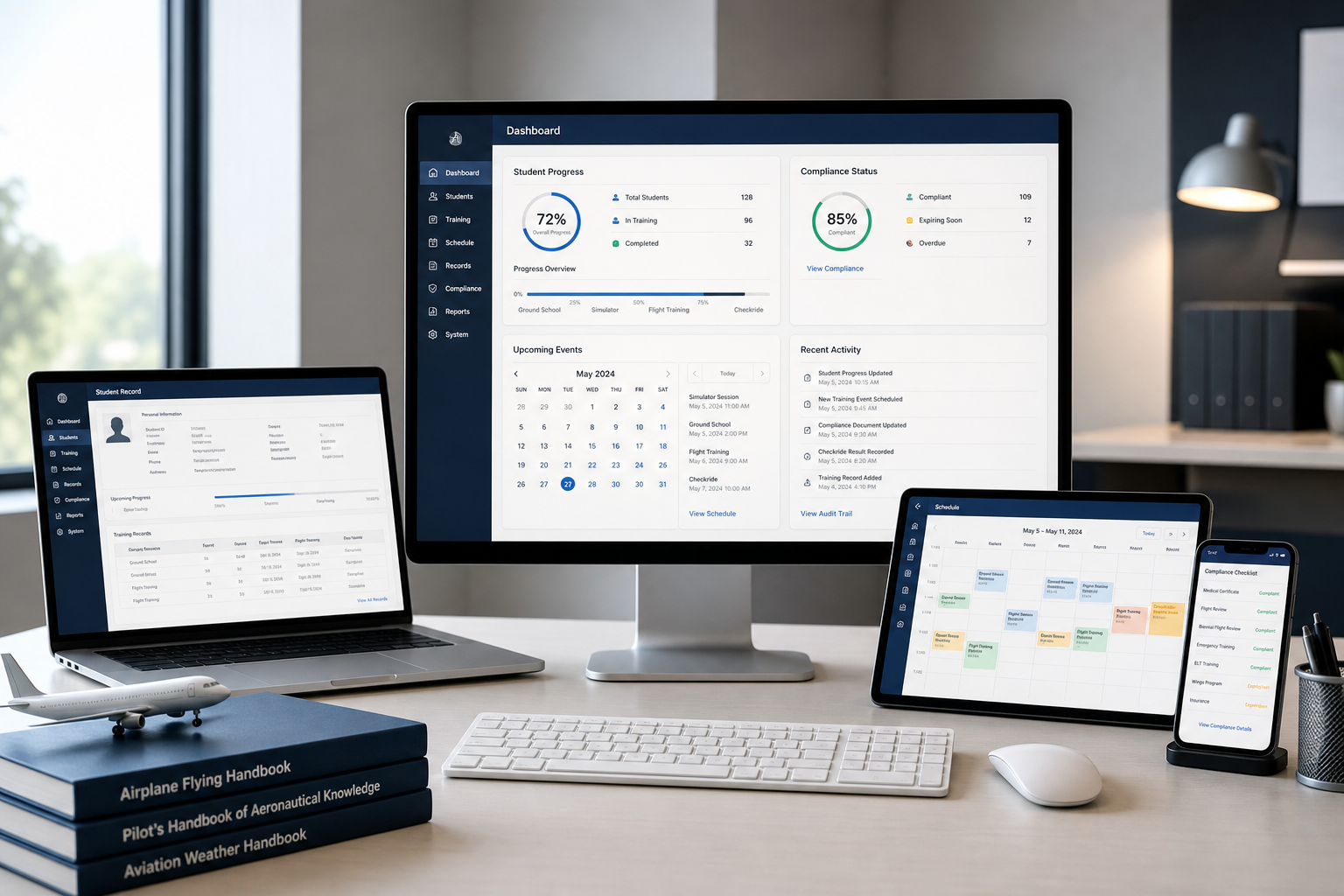
Quick guide: 7 flight school training record tools for aviation academies
- FlightLogger: The top flight training management platform with built-in audit trails and LMS integration
- Flight Schedule Pro: Scheduling-focused tool with Part 141 compliance features
- Aviatize: Compliance monitoring option with audit planning workflows
- AeroTrack: AI-powered platform with FAA compliance automation
- NAERON: SHGM and EASA-compliant system with modular ERP structure
- Flight Suite HQ: Part 141-focused tool with stage check management
- SC Training: Mobile-first training record tracking with analytics dashboard
Flight schools running more than 100 active students face a familiar challenge: keeping training records organized while staying audit-ready. When an inspector walks through the door, every flight hour, every ground session, and every instructor endorsement needs to be traceable back to its source. FlightLogger delivers that visibility by centralizing all training data in one platform, with digital audit trails that document every action.
This guide covers seven training record management tools built for flight school operations. Each option approaches recordkeeping differently, so you'll want to match the platform to your school's regulatory environment, fleet size, and growth plans.
How we chose the top flight school training record software
Finding the right training record software means looking beyond feature lists. Here's what matters when your school's compliance status depends on it:
- Audit trail depth — Every record change needs timestamps, user attribution, and version history. This is what separates audit-ready systems from glorified databases.
- Multi-regulatory support — Your platform should handle FAA, EASA, CASA, or ANAC requirements without forcing workarounds. Growing schools often need multiple frameworks running simultaneously.
- LMS connectivity — Ground training and flight training shouldn't live in separate systems. Integrated progress tracking keeps your operation aligned.
- Real-time visibility — You need current data on student progress, instructor assignments, and aircraft availability. Outdated dashboards create scheduling conflicts and compliance gaps.
- Scalability for multi-location operations — Single-base solutions break down when you add campuses. Look for platforms built for geographic expansion.
- Implementation support — The fastest system in the world means nothing if onboarding takes six months. Dedicated support teams matter.
The 7 top flight school training record tools with audit trails
1. FlightLogger: Top flight training management platform with audit trails and LMS integration
FlightLogger brings scheduling, training records, compliance documentation, and maintenance coordination into one connected platform. For flight schools managing complex operations across multiple bases, that integration eliminates the gaps where compliance issues typically hide.
The platform tracks every action with a complete digital audit trail. When you update a student's training record, assign an instructor, or log a flight, the system captures who made the change, when it happened, and what was modified. That level of documentation is what inspectors look for during regulatory audits.
FlightLogger connects ground training with flight training workflows, so student progress stays visible across both tracks. You can see which students are on pace, who needs intervention, and where scheduling conflicts might delay graduation. The platform supports EASA, FAA, CASA, ANAC, and other regulatory frameworks simultaneously—a critical capability for schools operating in multiple jurisdictions.
FlightLogger features
- Complete audit trail system — Every record change is timestamped and attributed, creating documentation that satisfies regulatory inspectors and simplifies audit preparation.
- Integrated training management — Connects scheduling, grading, syllabus management, and compliance reporting in one platform, eliminating data transfer errors between separate systems.
- Multi-regulatory compliance — Supports EASA, FAA, CASA, ANAC, and other frameworks, allowing schools to maintain compliance across different jurisdictions from a single platform.
- Real-time student progress tracking — Provides visibility into training status, competency assessments, and milestone completion so you can identify students falling behind before delays stack up.
- Maintenance and fleet coordination — Syncs aircraft maintenance schedules with training blocks, preventing resource shortages and unplanned groundings.
- Dedicated onboarding support — Implementation typically completes in 4-6 weeks with guided setup and ongoing client care.
FlightLogger pros and cons
Pros:
- FlightLogger unifies flight and ground training workflows, giving you visibility across the entire student journey
- Multi-regulatory support means one platform handles FAA, EASA, and other frameworks without workarounds
- Organizations report documented efficiency gains and reduced administrative workload after implementation
Cons:
- Schools with very basic Part 61 operations may not need all available modules
- Full platform adoption involves training your team on new workflows
- Some specialized reporting customizations require working with the support team
2. Flight Schedule Pro: Scheduling-focused tool with Part 141 compliance features
Flight Schedule Pro centers its platform around scheduling and billing workflows for flight schools. The system handles Part 61 record organization and includes Part 141 compliance features with FSDO-approved reports.
The platform connects student scheduling with financial tracking, allowing schools to set billing requirements and collect payments online. For operations focused primarily on scheduling efficiency and cash flow management, this integration addresses two common pain points.
Flight Schedule Pro features
- Self-service scheduling — Students and instructors can book appointments while administrators maintain control over resource allocation.
- Training record storage — Keeps Part 61 records organized in one location with access for students and instructors.
- Integrated payment collection — Connects billing to scheduling, allowing schools to require payment before booking and collect online.
Flight Schedule Pro pros and cons
Pros:
- Combines scheduling with payment collection in one workflow
- Includes FSDO-approved reports for Part 141 operations
- Offers a student portal with progress tracking and lesson preparation tools
Cons:
- Multi-regulatory support beyond FAA requires additional configuration
- Training record depth may not match specialized compliance platforms
- Integration with external LMS platforms requires manual data coordination
3. Aviatize: Compliance monitoring option with audit planning workflows
Aviatize positions itself as an operating system for flight schools, with specific emphasis on compliance monitoring and audit management. The platform includes tools for audit planning, findings tracking, and resolution workflows.
Compliance Monitoring Managers can create audit plans, schedule audits, invite auditors and auditees, and track findings resolution through the platform. Digital audit trails document the process, which supports regulatory review requirements.
Aviatize features
- Audit planning module — Allows compliance teams to create audit schedules, assign reviewers, and track recurring audit cycles.
- Findings management — Routes audit findings to responsible parties with workflows for solution proposals, acceptance, and documentation.
- Compliance monitoring — Tracks compliance status across operations with dashboards showing open findings and completion rates.
Aviatize pros and cons
Pros:
- Dedicated audit planning and findings resolution workflows
- Digital documentation of compliance processes
- Includes features for multi-location flight school operations
Cons:
- Audit-focused positioning may require separate tools for training delivery
- Platform maturity varies across different feature areas
- LMS integration capabilities depend on your existing tech stack
4. AeroTrack: AI-powered platform with FAA compliance automation
AeroTrack brings AI capabilities to flight school management, offering automated progress reports and compliance tracking for Part 141 and Part 61 programs. The platform includes pre-built syllabi aligned with FAA Airman Certification Standards for both helicopter and fixed-wing training.
The system generates AI-powered student progress summaries, which CFIs can use for stage checks, parent updates, and FSDO documentation. Automated reminders track medical expirations, endorsement deadlines, and stage check schedules.
AeroTrack features
- AI progress reports — Generates student summaries automatically, reducing time CFIs spend on documentation.
- ACS-aligned syllabi — Includes pre-built course templates mapped to FAA standards for Private, Commercial, Instrument, and ATP ratings.
- Fleet management — Tracks aircraft status, maintenance windows, and scheduling availability.
AeroTrack pros and cons
Pros:
- AI-generated reports reduce administrative time for instructors
- Quick setup process—most schools report being operational in under 5 minutes
- Covers both helicopter and fixed-wing training programs
Cons:
- Platform focus remains primarily on FAA regulations rather than multi-framework compliance
- Newer platform with a growing feature set compared to established competitors
- Enterprise features require custom pricing discussions
5. NAERON: SHGM and EASA-compliant system with modular ERP structure
NAERON has operated as a flight school management platform since 2015, primarily serving aviation training institutions in Turkey. The system maintains SHGM and EASA regulatory compliance with modular ERP capabilities covering flight planning, training management, and maintenance tracking.
The platform has processed over 1 million flight hours across 12 active flight schools. Its configurable rules module tracks certificate and license validities with automatic expiration warnings for personnel and managers.
NAERON features
- Regulatory compliance tracking — Maintains digital records for SHGM and EASA requirements with configurable control mechanisms.
- Flight planning module — Includes multi-location planning, duty time tracking, and conflict audits with automatic warning systems.
- Student and personnel management — Centralizes personal files, authorizations, certificates, and inventory processes.
NAERON pros and cons
Pros:
- Decade of operational experience with documented flight hour processing
- KVKK and GDPR compliant data processing policies
- Cloud-based with mobile device accessibility
Cons:
- Primary market focus on Turkish and EASA-region flight schools
- Interface language and support options may vary by region
- Integration with third-party LMS platforms may require custom development
6. Flight Suite HQ: Part 141-focused tool with stage check management
Flight Suite HQ targets Part 141 compliance specifically, with features built around FAA-approved training course tracking and stage check documentation. The platform includes Jeppesen syllabus templates and automatic aircraft grounding for overdue inspections.
Chief instructor oversight tools support sign-off workflows, instructor calibration reports, and program quality assurance dashboards. One-click student record PDF exports generate documentation formatted for FAA inspections.
Flight Suite HQ features
- Stage check scoring — Captures per-area-of-operation scores, examiner notes, and signed pass/fail records.
- Auto-grounded aircraft — Removes aircraft with overdue inspections from the schedule automatically until maintenance is completed.
- Student record export — Generates complete training records including flights, ground training, endorsements, and stage checks in one click.
Flight Suite HQ pros and cons
Pros:
- Purpose-built for Part 141 governance requirements
- Jeppesen syllabus library integration accelerates program setup
- Usage-based pricing scales with school size
Cons:
- FAA-focused design may not fit schools operating under other regulatory frameworks
- Ground training coordination requires matching with compatible LMS tools
- Feature depth for non-141 operations may be limited
7. SC Training: Mobile-first training record tracking with analytics dashboard
SC Training (formerly EdApp) operates as a general-purpose training record management tool with mobile-first design. While not aviation-specific, the platform handles training completion tracking, quiz administration, and progress analytics across workforce training programs.
The analytics dashboard collects data from courses, quizzes, and surveys automatically, replacing manual record-keeping with centralized reporting. Flight schools using SC Training typically pair it with aviation-specific operational software.
SC Training features
- Mobile-optimized delivery — Cloud-based platform designed for learning on any device.
- Course library — Includes pre-built training content with customization options.
- Analytics dashboard — Tracks completion rates, quiz scores, and training progress across your workforce.
SC Training pros and cons
Pros:
- Free tier available for small teams (up to 10 users)
- Mobile-first design works well for distributed workforces
- Authoring tools allow custom course creation
Cons:
- Not built specifically for aviation training compliance
- Lacks flight-specific features like scheduling or maintenance integration
- Requires pairing with operational software for complete flight school management
Comparison table: Top flight school training record software
| Platform | Multi-Regulatory Support | Integrated Maintenance | Ground + Flight Training Integration |
|---|---|---|---|
| FlightLogger | ✓ EASA, FAA, CASA, ANAC | ✓ | ✓ |
| Flight Schedule Pro | FAA (Part 61/141) | Limited | Partial |
| Aviatize | EASA, FAA | ✓ | Partial |
| AeroTrack | FAA (Part 61/141) | ✓ | Partial |
| NAERON | SHGM, EASA | ✓ | ✓ |
| Flight Suite HQ | FAA (Part 141) | ✓ | Partial |
| SC Training | ✗ | ✗ | ✗ |
What makes audit trails critical for flight school compliance?
Audit trails do more than satisfy regulatory checkboxes. They create accountability across your operation by documenting who did what, when they did it, and what changed as a result.
For flight schools, this matters in three specific situations. First, when inspectors arrive, you need to pull complete records quickly. An audit trail lets you generate documentation showing the full history of any training record, including modifications and approvals.
Second, audit trails help you catch discrepancies before they become compliance issues. When you can see every change to a student's training record, you can identify data entry errors, track down missing signatures, and verify that grading follows your school's standards.
Third, audit documentation protects your school during disputes. If a student questions their training record or an instructor's endorsement comes into question, timestamped logs show exactly what happened.
How does LMS integration improve flight training operations?
Ground training and flight training are two halves of the same program. When they run in separate systems, you create gaps where students fall through.
LMS integration connects classroom progress with flight progress in one view. You can see which students have completed their ground school requirements before scheduling their checkrides. You can identify students who are advancing in the aircraft but falling behind in academics. You can ensure prerequisites are met before moving students to the next stage.
FlightLogger connects ground training workflows with flight training scheduling and grading, so your instructors and operations team share the same data. That visibility helps you intervene when students need support, rather than discovering delays at stage checks.
Why FlightLogger is the top flight school training record platform
FlightLogger connects the pieces that other platforms leave separate. Scheduling, training records, compliance documentation, maintenance coordination, and student progress tracking all live in one system with complete audit trails.
For growing flight schools, that integration matters. When you add a second location or expand into a new regulatory environment, FlightLogger scales without forcing you to rebuild your workflows. The platform supports EASA, FAA, CASA, ANAC, and other frameworks simultaneously, so multi-jurisdictional operations don't require multiple systems.
FlightLogger reduces administrative overhead while improving compliance visibility. Organizations transitioning to the platform consistently report efficiency gains and reduced time spent on audit preparation. The dedicated onboarding team manages implementation through a structured process, typically completed in 4-6 weeks.
Want to see how FlightLogger can support your operation? Book a walkthrough and discover how quickly you can get started.
FAQs about flight school training record software
What is flight school training record software?
Flight school training record software centralizes student training data, flight hours, instructor endorsements, and compliance documentation in one digital platform. FlightLogger goes further by integrating this recordkeeping with scheduling, maintenance, and real-time progress tracking—so your entire operation stays connected.
Why do flight schools need audit trails in their training records?
Audit trails document every change to training records with timestamps and user attribution. FlightLogger captures this history automatically, creating the documentation regulatory inspectors expect during audits. You can show exactly who updated a record, when the change occurred, and what was modified.
Can training record software handle multiple regulatory frameworks?
Some platforms focus on single frameworks like FAA Part 141. FlightLogger supports EASA, FAA, CASA, ANAC, and other regulatory environments simultaneously, making it the right fit for schools operating across jurisdictions or planning international expansion.
How does LMS integration work with flight training management software?
LMS integration connects ground school progress with flight training records, so you see the complete student picture in one system. FlightLogger links classroom completion data with flight scheduling and grading, helping you catch students who need support before delays accumulate.
What should flight schools look for when choosing training record software?
Look for complete audit trail capabilities, multi-regulatory compliance support, real-time visibility into student progress, and integration between ground and flight training. FlightLogger delivers all of these in one platform, with dedicated onboarding support to get your team operational quickly.