.png?width=201&height=201&name=Maintenance%20(Videoannonce%20%E2%80%93%20LinkedIn).png)

FlightLogger vs Separate Flight School Tools
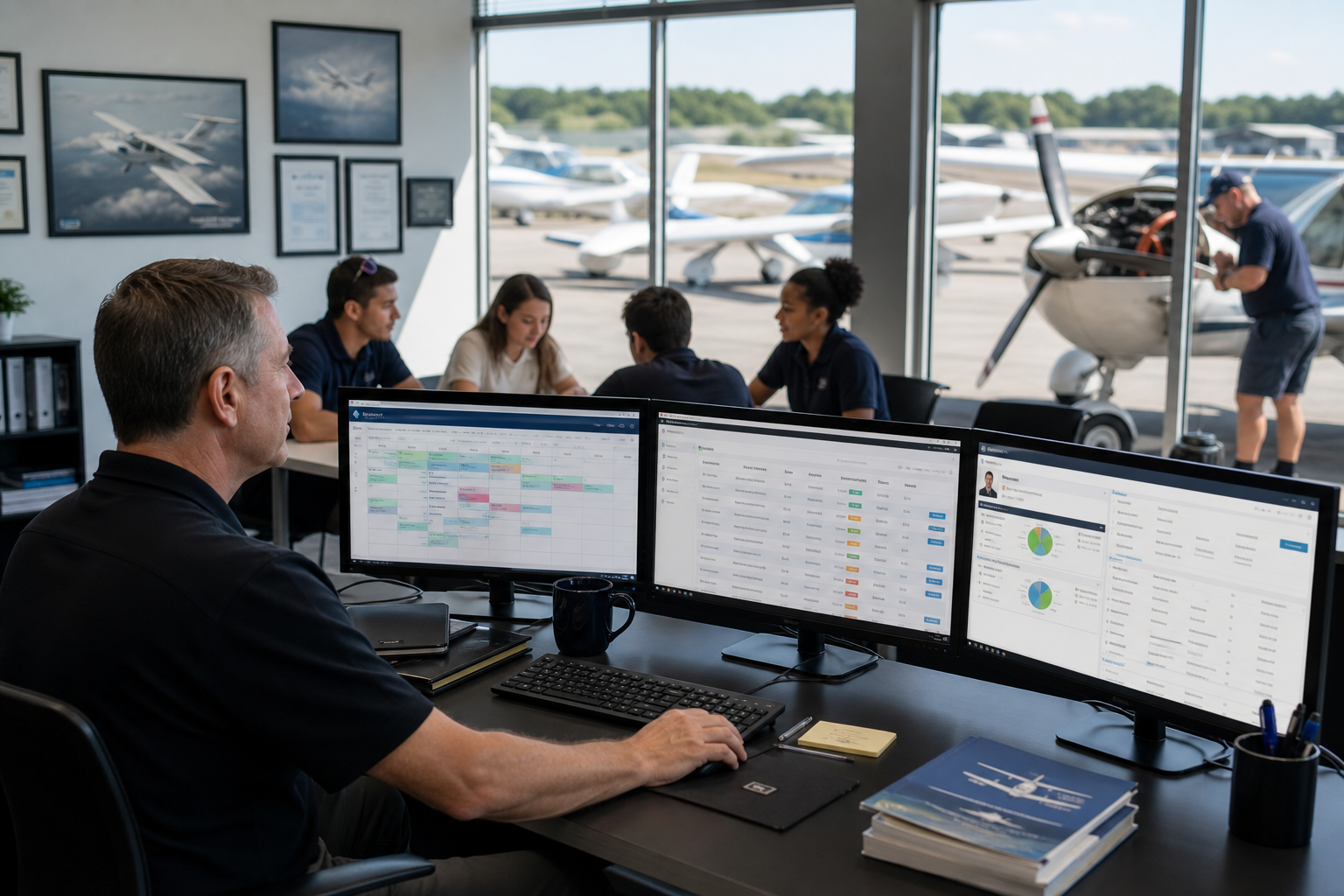
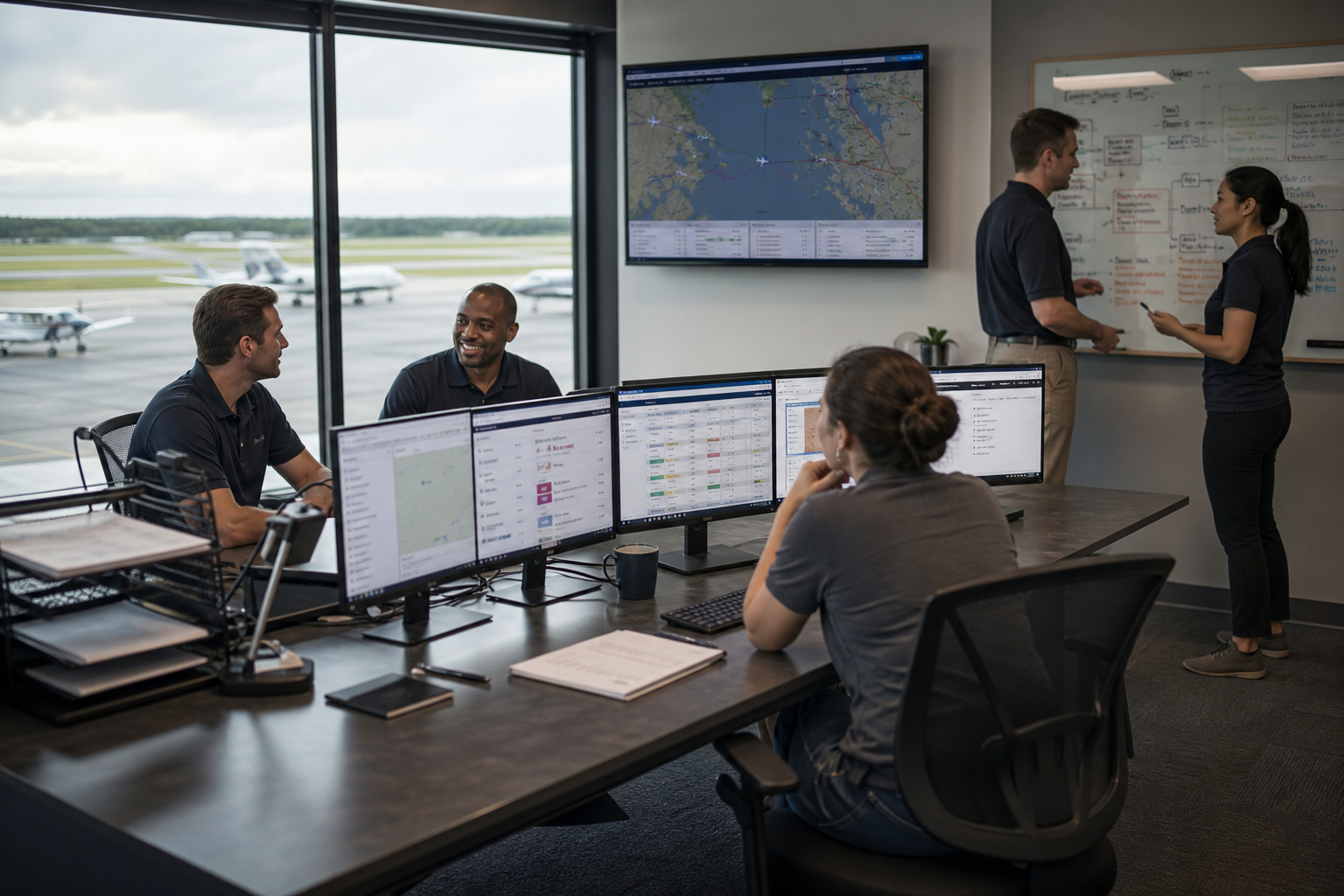
Managing a flight school means keeping aircraft schedules, student records, maintenance logs, and compliance documentation in sync—often across multiple locations. If you're using separate tools for each of these functions, you already know the friction that creates. FlightLogger offers flight school scheduling software that unifies these workflows in a single platform. This article breaks down how that compares to running your operation across disconnected systems.
You'll find an honest look at what a unified aviation training management system can do for your daily operations, where separate tools might fall short, and what questions to ask before making a decision.
Key Takeaways: FlightLogger vs Separate Flight School Tools
- FlightLogger centralizes scheduling, training records, maintenance tracking, and compliance in one cloud-based platform built for flight training operations.
- Disconnected tools require manual coordination between systems, increasing administrative time and the risk of scheduling conflicts or compliance gaps.
- Flight schools using FlightLogger have reported up to 75% reduction in administrative overhead and double-digit improvements in on-time lesson starts.
- A unified platform gives you real-time visibility into instructor availability, aircraft readiness, and student progress without switching between applications.
- Evaluating your current tool stack against a purpose-built solution can reveal hidden costs in staff time, data reconciliation, and audit preparation.
FlightLogger vs Separate Scheduling Tools: Overview
What is FlightLogger?
FlightLogger is a cloud-based flight training management platform designed specifically for flight schools, approved training organizations (ATOs), and aviation academies. It brings scheduling, student progress tracking, maintenance coordination, and regulatory compliance into a single system that's accessible from anywhere.
FlightLogger key features
- Integrated scheduling: Manage aircraft, instructor, and student bookings in one calendar with real-time availability updates and conflict detection.
- Student progress tracking: Monitor course completion, grades, and training milestones with standardized reporting across all instructors and locations.
- Maintenance management: Sync aircraft maintenance schedules with training blocks to prevent unexpected groundings and keep your fleet audit-ready.
- Compliance documentation: Maintain regulatory records in formats aligned with EASA, FAA, and other aviation authorities for faster audit responses.
- Automated notifications: Send reminders for upcoming lessons, document renewals, and schedule changes to reduce no-shows and missed deadlines.
FlightLogger pros and cons
Pros:
- Purpose-built for flight training operations, so configuration and onboarding reflect actual aviation workflows.
- Real-time visibility across scheduling, maintenance, and student progress eliminates manual cross-referencing between systems.
- Supports compliance requirements across multiple regulatory environments (EASA, FAA, CASA, and others) simultaneously.
Cons:
- Full platform adoption requires initial data migration, though FlightLogger's onboarding team assists with the transition.
- Some advanced reporting features may require brief training to customize for specific operational needs.
- Organizations with very simple scheduling needs may not use all available functionality immediately.
What are separate flight school tools?
Many flight schools operate using a combination of standalone applications: one for scheduling, another for student records, a third for maintenance tracking, and possibly separate systems for billing and compliance. These tools weren't designed to communicate with each other, so data moves between them manually or through custom integrations.
This approach can work for smaller operations, but as student volume grows or you add locations, the coordination effort scales faster than the operation itself.
Separate tools key features
- Scheduling applications: Calendar-based booking for aircraft and instructors, often with email or SMS notifications.
- Student management systems: Track enrollment, course progress, and grades in a dedicated database.
- Maintenance logs: Record aircraft service history and upcoming maintenance requirements separately from scheduling.
- Billing software: Invoice students and manage payments through accounting platforms not connected to training records.
- Compliance trackers: Store regulatory documents in file systems or specialized compliance tools.
Separate tools pros and cons
Pros:
- You can select specialized applications for each function based on individual feature preferences.
- Smaller operations may find it sufficient for basic scheduling and record-keeping.
- Familiar interfaces if your team has used specific tools in previous roles.
Cons:
- No automatic data sync between systems, requiring manual entry or custom integrations that need ongoing maintenance.
- Scheduling conflicts may not surface until after double-bookings occur because availability data lives in different places.
- Audit preparation takes longer when records must be gathered from multiple sources and reconciled.
FlightLogger vs Separate Tools: In-Depth Comparison
Scheduling and resource coordination
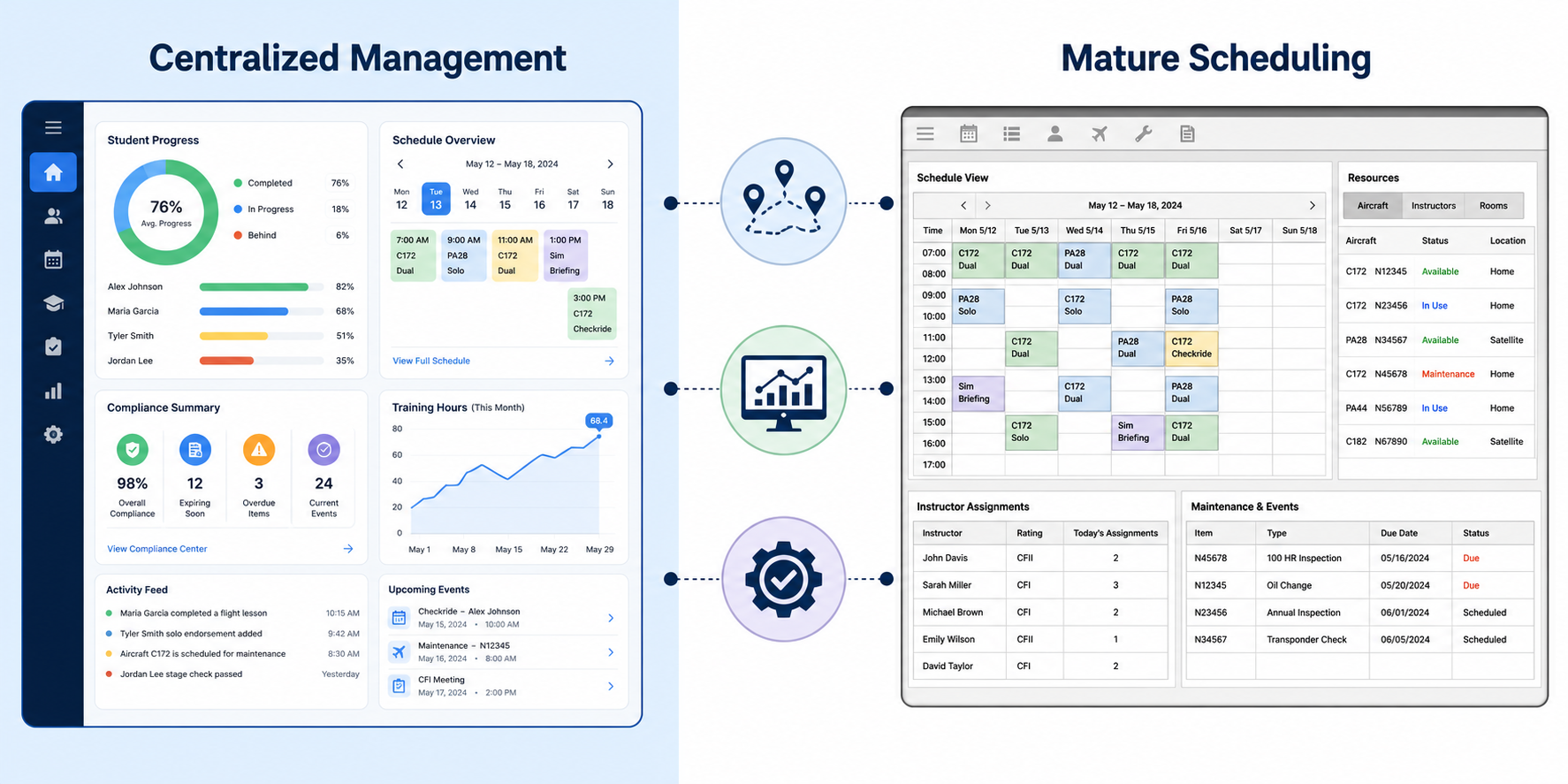
FlightLogger connects aircraft availability, instructor schedules, and student bookings in a single view. When an aircraft goes into maintenance, affected lessons automatically flag for rescheduling. Separate tools require someone to check maintenance logs, cross-reference the schedule, and notify instructors and students manually.
For operations running multiple aircraft and instructors, this difference compounds. FlightLogger's real-time updates mean dispatchers spend less time reconciling information and more time responding to operational changes.
Student progress and training records
Tracking a student from enrollment through checkride involves grades, flight hours, ground school completion, and milestone sign-offs. FlightLogger keeps all of this in one student profile that instructors and administrators can access. When grading standards need to stay consistent across instructors or campuses, having a single system of record helps.
With separate tools, student data often lives in one application while flight logs sit in another. Generating a complete progress report means exporting from both and combining the results—time that adds up across a cohort.
Maintenance and aircraft readiness
Unplanned groundings disrupt schedules and push back student timelines. FlightLogger syncs maintenance windows with training schedules, so lessons don't get booked against aircraft approaching service deadlines. Automated alerts notify operations staff before conflicts arise.
Standalone maintenance trackers may flag upcoming service, but without integration to your scheduling tool, someone still needs to block time manually. That gap is where scheduling conflicts and last-minute cancellations often originate.
Compliance and audit readiness
Aviation regulators expect documentation to be accurate, complete, and accessible on demand. FlightLogger stores training records, maintenance logs, and operational data in formats aligned with EASA, FAA, and other authorities. When an inspector arrives, you're not assembling files from multiple systems.
Flight schools using disconnected tools typically spend additional hours before audits gathering documentation and verifying that records match across systems. Organizations using FlightLogger have reported zero-finding audits thanks to centralized, automated record-keeping.
Scalability across locations
Adding a second campus or expanding your fleet introduces new coordination challenges. FlightLogger supports multi-location operations with centralized visibility, so headquarters can monitor schedules, student progress, and aircraft status across all sites without relying on manual reports.
Separate tools often require each location to manage its own data, with periodic exports to consolidate information. That lag in visibility can slow decision-making and make it harder to balance resources across the organization.
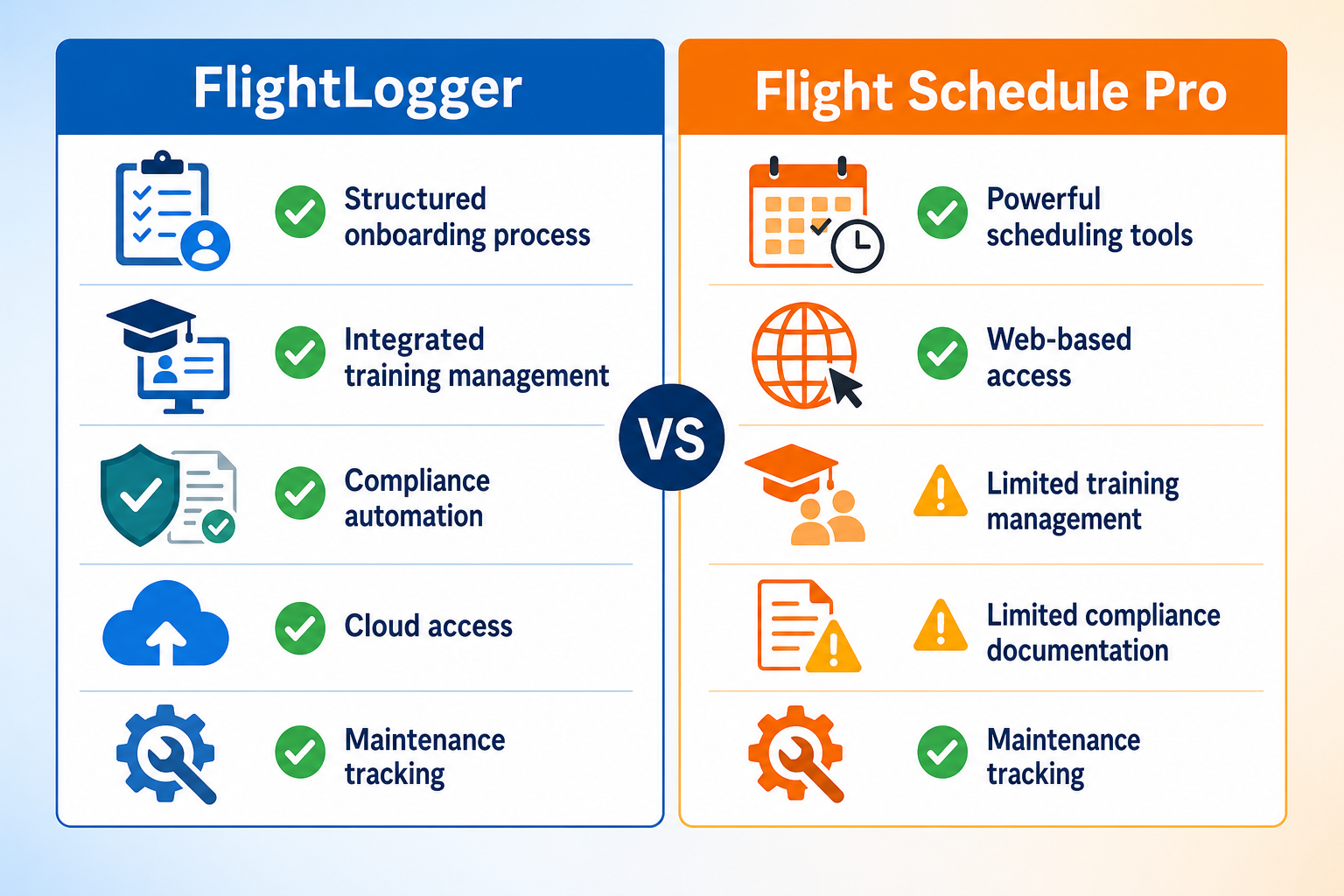
Comparison Table: The Best Solution for Managing Flight Training Operations
| Feature | FlightLogger | Separate Tools |
|---|---|---|
| Unified scheduling, training, and maintenance | ✓ | ✗ |
| Real-time aircraft availability updates | ✓ | Manual sync required |
| Multi-regulatory compliance support (EASA, FAA, CASA) | ✓ | Varies by tool |
| Automated maintenance-to-schedule sync | ✓ | ✗ |
| Centralized student progress records | ✓ | Requires manual export |
| Multi-location visibility | ✓ | Requires custom integration |
Why FlightLogger Is the Best Choice for Unified Flight Training Management
The operational cost of running separate tools isn't always visible on an invoice. It shows up in the hours your staff spends moving data between systems, in the scheduling conflicts that could have been prevented, and in the audit preparation that pulls instructors away from training.
FlightLogger eliminates those gaps by design. Because it's built specifically for flight training operations, you're not adapting generic scheduling software to aviation workflows. You're using a platform that already understands how aircraft maintenance affects lesson availability, how compliance documentation needs to flow, and how student progress tracking should work across instructors and locations.
Flight schools using FlightLogger have documented 30–50% efficiency gains in administrative processes, with some tripling enrollment without adding operational staff. That's the difference between a system you work around and one that works with you. If you're evaluating whether your current tool stack is serving your operation or slowing it down, FlightLogger is worth a closer look.
FAQs: FlightLogger vs Separate Flight School Tools
What makes a unified flight training platform different from using separate tools?
A unified platform like FlightLogger keeps your scheduling, student records, maintenance tracking, and compliance documentation connected in one system. That means data flows automatically between functions without manual entry or custom integrations. Separate tools require you to move information between applications, which takes time and creates opportunities for errors.
Can FlightLogger support flight schools with multiple locations?
Yes. FlightLogger gives you centralized visibility across all your campuses, so you can monitor schedules, student progress, and aircraft status from a single dashboard. This helps operations teams balance resources and maintain consistent training standards without waiting for location-by-location reports.
How does FlightLogger help with regulatory compliance?
FlightLogger maintains training records and operational documentation in formats aligned with EASA, FAA, CASA, and other regulatory authorities. Automated record-keeping means your data is audit-ready at any time, without the last-minute scramble to gather files from multiple systems.
What kind of efficiency improvements can flight schools expect?
Organizations using FlightLogger have reported 30–50% efficiency gains in administrative processes, up to 75% reduction in administrative overhead, and double-digit improvements in on-time lesson starts. Some flight schools have tripled their enrollment capacity without adding operational staff.
Is it difficult to switch from separate tools to FlightLogger?
FlightLogger's onboarding team assists with data migration and platform configuration. Because the system is purpose-built for flight training, implementation typically reflects your actual workflows rather than requiring extensive customization. Many organizations report rapid onboarding compared to adapting generic software.