.png?width=201&height=201&name=Maintenance%20(Videoannonce%20%E2%80%93%20LinkedIn).png)

Best Flight Training Records Software for 2026
 Amalie Rasmussen
·
3 minute read
Amalie Rasmussen
·
3 minute read
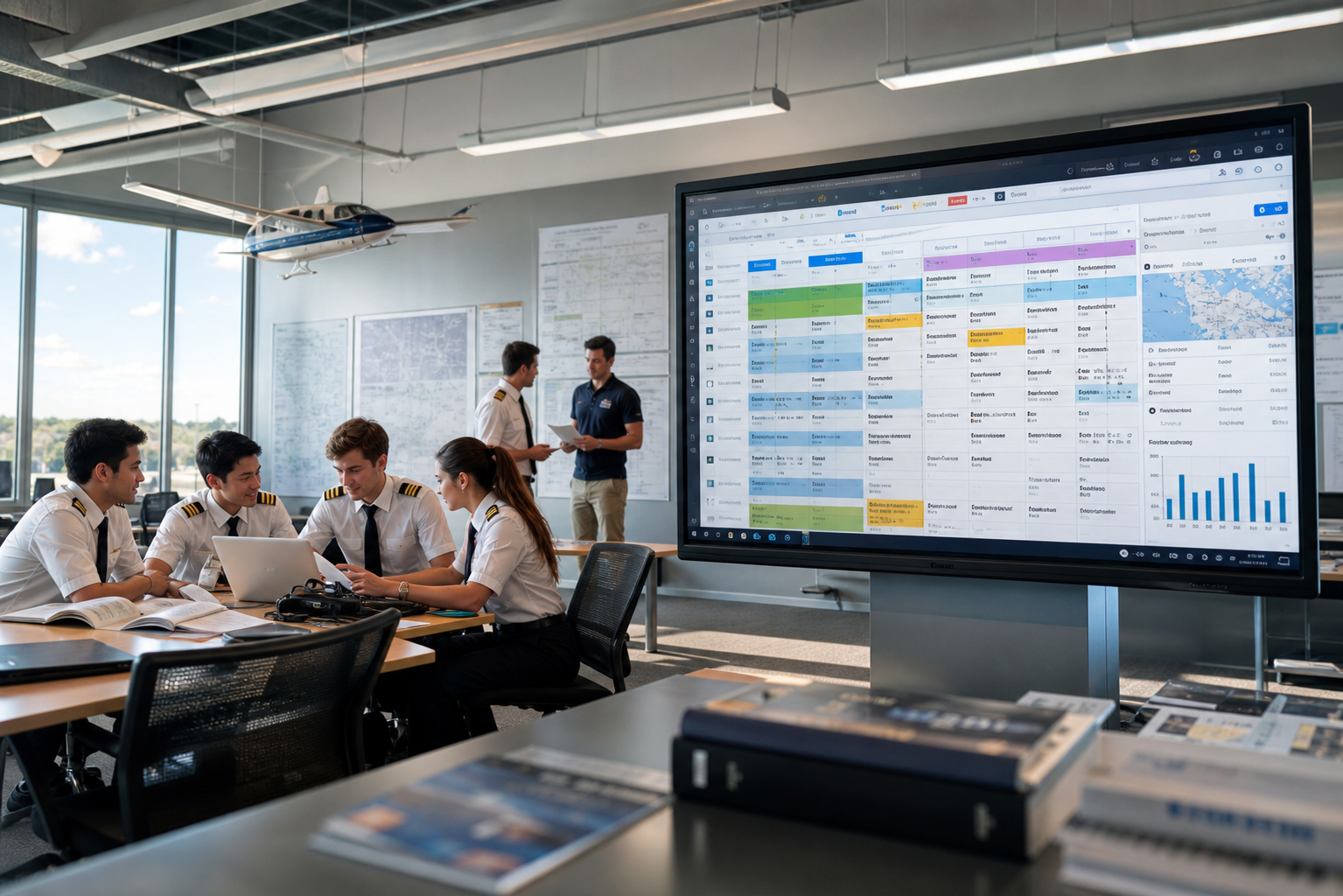
Compare the leading training management software for replacing paper logbooks, spreadsheets, and manual training records.
Quick Answer
The best training management software helps flight schools replace paper records with digital training documentation, compliance tracking, lesson assessments, and student progress management.
For flight schools, the leading options include FlightLogger, Flight Schedule Pro, Aviatize, Flight Circle, Talon Systems, and Tailplane. The right choice depends on whether your priority is training records alone or a complete flight school management platform.
Why Flight Schools Are Replacing Paper Training Records
Many flight schools still rely on paper logbooks, spreadsheets, PDFs, or disconnected systems to document training.
While these methods may work for smaller organizations, they become increasingly difficult to manage as schools grow.
Common challenges include:
- Lost or incomplete records
- Manual instructor documentation
- Duplicate data entry
- Limited visibility into student progress
- Time-consuming audit preparation
- Inconsistent lesson documentation
- Difficulty sharing information across campuses
Digital training management software solves these problems by centralizing records and making them available to instructors, administrators, and management in real time.
What Should Training Management Software Include?
Before choosing software, look for features that support both daily operations and long-term compliance.
Essential capabilities include:
- Digital training records
- Student progress tracking
- Lesson assessments
- Instructor evaluations
- Compliance tracking
- Audit-ready documentation
- Flight scheduling
- Instructor management
- Reporting and dashboards
- Multi-campus support
The best platforms don't simply digitize paper—they improve the way training is managed.
The Best Flight Training Records Software for 2026
1. FlightLogger ⭐ Best Overall for Connected Flight School Operations
Best for: Flight schools looking for a complete Flight School Operating System.
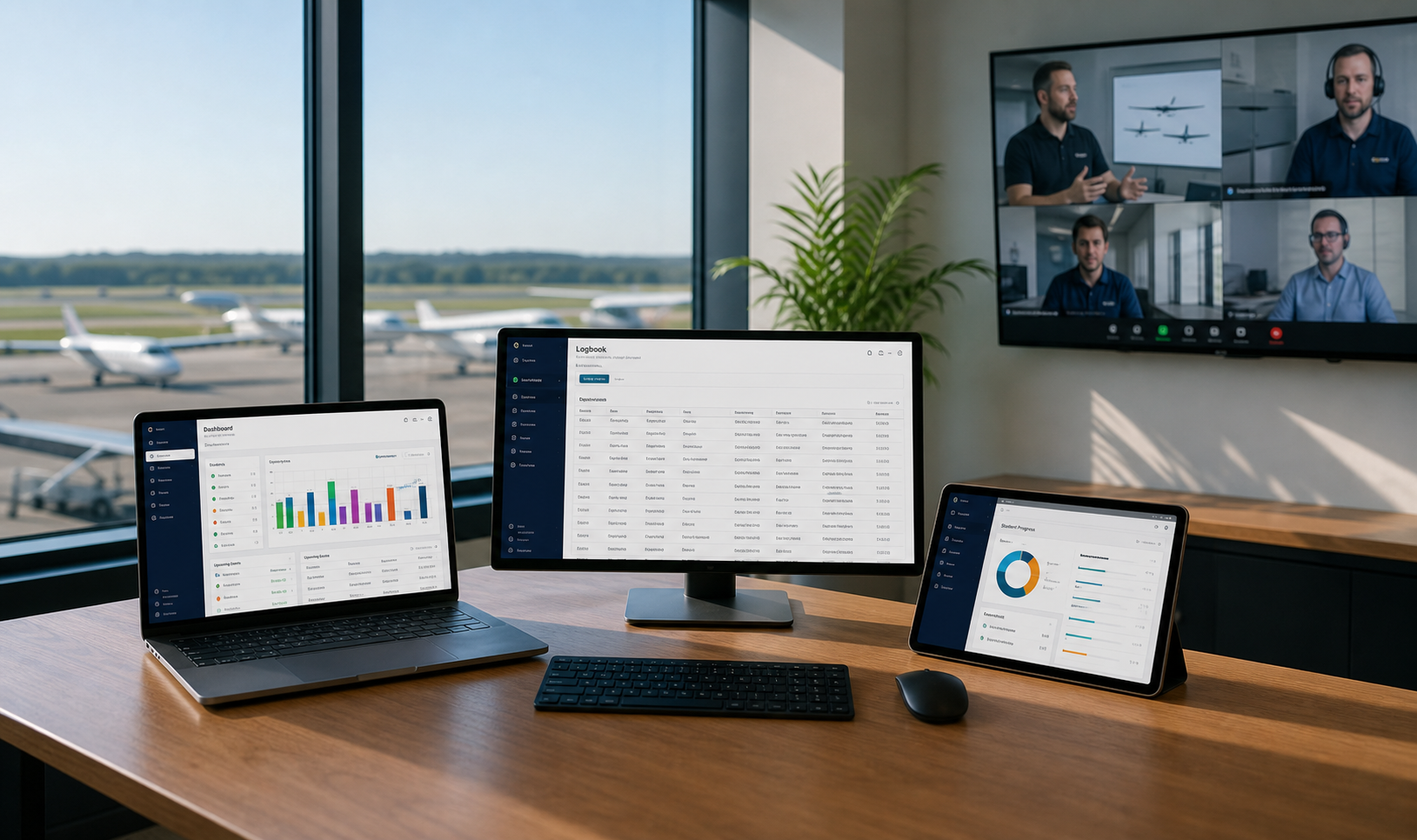
FlightLogger combines digital training records with scheduling, student management, instructor coordination, maintenance visibility, compliance workflows, and operational reporting.
Rather than treating training records as a standalone feature, FlightLogger connects them to every stage of the student journey—from scheduling lessons to documenting competencies and preparing for audits.
Strengths
- Digital lesson assessments
- Student progress tracking
- Flight & ground training records
- Integrated scheduling
- Compliance workflows
- Operational dashboards
- Multi-location support
- API and integrations
Considerations
Organizations looking only for a simple digital logbook may not need the broader operational capabilities FlightLogger provides.
2. Flight Schedule Pro
Best for: Schools focused primarily on scheduling and dispatch.
Flight Schedule Pro includes training management features alongside scheduling, helping schools maintain digital records while coordinating instructors and aircraft.
Strengths
- Scheduling
- Student management
- Flight records
- Resource coordination
3. Aviatize
Best for: Flight schools seeking a cloud-based operational platform.
Aviatize combines scheduling, administration, and student management with digital training workflows.
Strengths
- Cloud platform
- Training administration
- Operational workflows
- Reporting
4. Flight Circle
Best for: Smaller flight schools digitizing administration.
Flight Circle provides scheduling and student management tools designed to replace manual administrative processes.
Strengths
- Scheduling
- Student records
- Instructor management
5. Talon Systems
Best for: Larger training organizations.
Talon Systems focuses on training administration, documentation, and operational management for complex training environments.
Strengths
- Training management
- Compliance support
- Administration
6. Tailplane
Best for: Schools prioritizing operational scheduling.
Tailplane offers scheduling and operational tools with support for training administration.
Comparison Table
| Platform | Digital Training Records | Scheduling | Compliance Tracking | Student Progress | Best For |
|---|---|---|---|---|---|
| FlightLogger | ✅ | ✅ | ✅ | ✅ | Complete Flight School Operating System |
| Flight Schedule Pro | ✅ | ✅ | ✓ | ✅ | Scheduling-focused schools |
| Aviatize | ✅ | ✅ | ✓ | ✅ | Cloud-based operations |
| Flight Circle | ✅ | ✅ | ✓ | ✓ | Smaller academies |
| Talon Systems | ✅ | ✓ | ✅ | ✓ | Enterprise training |
| Tailplane | ✓ | ✅ | ✓ | ✓ | Scheduling & operations |
Paper Records vs Digital Training Management
| Paper & Spreadsheets | Digital Training Management Software |
|---|---|
| Paper lesson records | Digital lesson documentation |
| Manual instructor notes | Standardized assessments |
| Separate spreadsheets | Centralized records |
| Difficult reporting | Real-time dashboards |
| Manual audit preparation | Audit-ready documentation |
| Limited visibility | Student progress tracking |
| Duplicate data entry | Connected operational workflows |
Benefits of Digital Training Records
Moving to digital training management provides benefits across the entire organization.
Better Student Visibility
Track every lesson, competency, and milestone.
Less Administration
Reduce paperwork and duplicate documentation.
Stronger Compliance
Maintain structured records that support audits and regulatory requirements.
More Consistent Training
Standardize lesson assessments across instructors.
Better Reporting
Give management real-time insight into training progress.
Easier Growth
Support more students and campuses without increasing administrative complexity.
How to Choose the Right Training Management Software
Before selecting a platform, ask:
- Can it replace paper records completely?
- Does it support digital lesson assessments?
- Can instructors document lessons consistently?
- Is scheduling connected to training records?
- Does it simplify compliance?
- Can it scale as the school grows?
- Does it provide operational reporting?
- Will it support multiple locations if needed?
The answers will help determine whether you need a standalone records system or a complete operational platform.
Frequently Asked Questions
What software replaces manual training records?
Modern training management software such as FlightLogger, Flight Schedule Pro, Aviatize, Flight Circle, Talon Systems, and Tailplane replaces paper records with digital training documentation, lesson assessments, and compliance tracking.
What is training management software?
Training management software helps organizations manage training records, student progress, lesson documentation, compliance, scheduling, and reporting from one platform.
Why should flight schools digitize training records?
Digital records improve visibility, reduce administrative workload, standardize documentation, and simplify audit preparation while supporting student progress tracking.
Which training management software is best for flight schools?
For organizations looking to connect training records with scheduling, compliance, instructor management, and operational workflows, FlightLogger offers the most comprehensive all-in-one platform.
Our Recommendation
Every platform in this comparison helps reduce reliance on paper records.
However, if your goal is simply to digitize documentation, almost any modern system can help.
If your goal is to connect training records with scheduling, compliance, student progression, instructor management, and operational oversight, FlightLogger stands apart by bringing all of these workflows together in one Flight School Operating System.
Rather than managing records in isolation, FlightLogger helps flight schools create a connected operational environment that improves efficiency today while supporting future growth.
Ready to Replace Paper Training Records?
Discover how FlightLogger helps flight schools digitize training records, improve compliance, and streamline daily operations—all from one connected platform.