.png?width=201&height=201&name=Maintenance%20(Videoannonce%20%E2%80%93%20LinkedIn).png)

How to Digitize a Flight School Without Downtime
 Amalie Rasmussen
·
4 minute read
Amalie Rasmussen
·
4 minute read
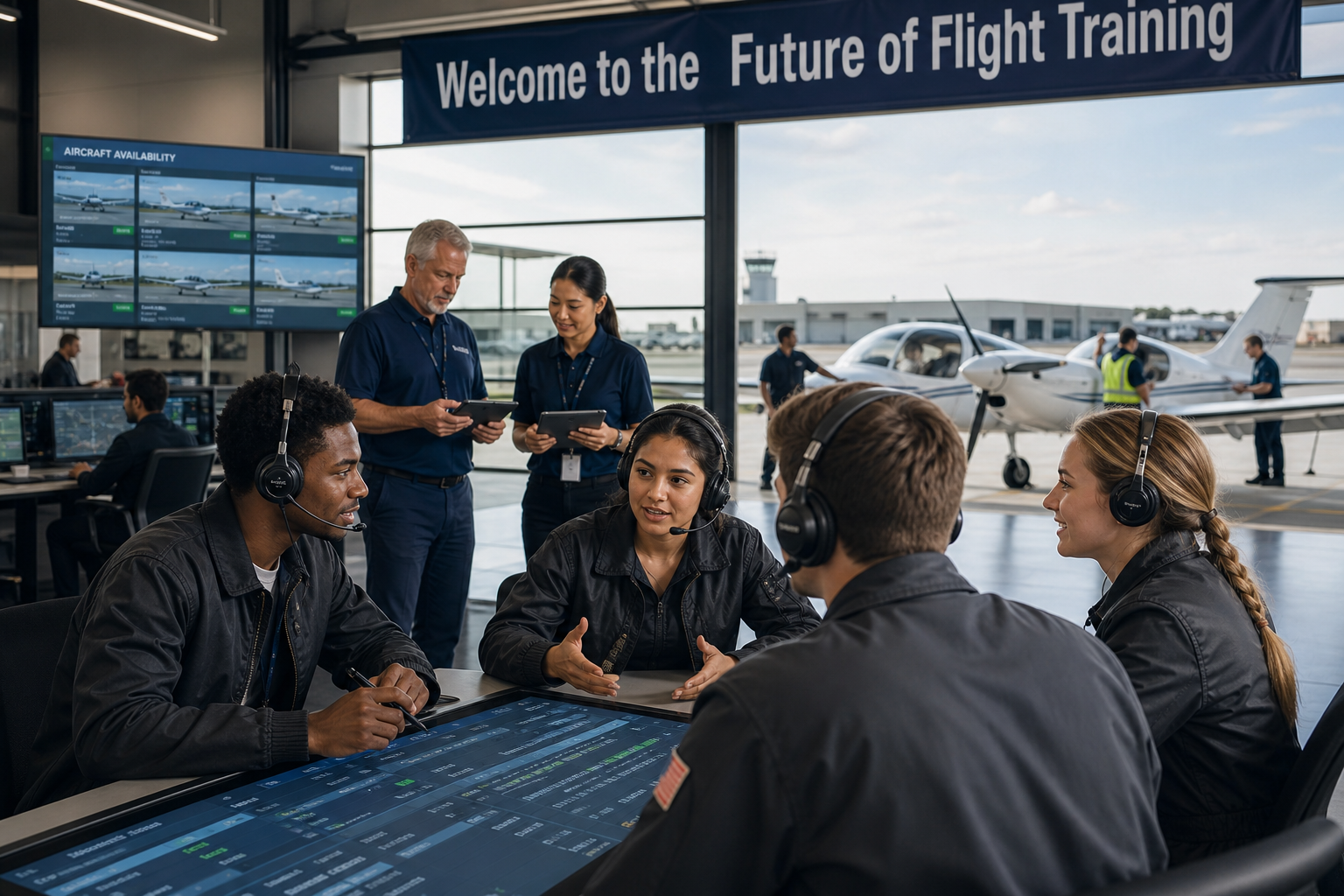
You digitize a flight school without downtime by moving to one connected platform, such as FlightLogger, in phases: import your data first, then switch scheduling, training records, maintenance, and compliance over one at a time while training continues.
Digitizing a flight school isn't just about replacing paper with software—it's about transforming how your entire operation works.
For many schools, the biggest concern isn't choosing the right system. It's avoiding disruptions during the transition. Questions like "Will we lose our scheduling?", "What happens to our training records?", or "Can we keep flying while we migrate?" are common.
The good news is that modern flight school digitization doesn't require shutting down operations. With the right approach, flight schools can transition gradually while continuing to train students, schedule flights, and maintain compliance.
This guide explains how to digitize your flight school without downtime and build a connected operation for the future.
Quick Answer
Flight school digitization involves replacing paper records and disconnected tools with a unified digital platform, such as FlightLogger, for scheduling, student training, aircraft management, maintenance, compliance, and administration. The safest approach is a phased implementation that allows schools to continue operating while data, workflows, and users transition to the new system.
Why Flight Schools Are Moving Away From Paper
Many flight schools still rely on a mix of:
- Paper training records
- Whiteboards
- Excel spreadsheets
- Shared calendars
- Separate maintenance systems
- Manual compliance documentation
While these tools may work initially, they become increasingly difficult to manage as the school grows.
Common challenges include:
- Double data entry
- Scheduling conflicts
- Missing documentation
- Limited operational visibility
- Time-consuming administration
- Difficulty preparing for audits
Modern aviation management software addresses these issues by connecting every operational workflow in one system.
Step 1: Map Your Current Workflows
Before implementing new software, document how your school operates today.
Identify processes for:
- Student enrollment
- Flight scheduling
- Instructor assignments
- Aircraft management
- Maintenance planning
- Training records
- Billing
- Compliance documentation
Understanding your current workflows helps ensure nothing is overlooked during the transition.
Step 2: Centralize Your Data
The next step is bringing your information together.
Typical data includes:
- Student profiles
- Instructor records
- Aircraft information
- Training history
- Flight hours
- Documents and certificates
- Maintenance records
Having one centralized database eliminates duplicate information and provides a single source of truth.
Step 3: Digitize Training Records
Training records are often the first area schools choose to digitize.
Replacing paper files with digital training solutions allows instructors to:
- Record lessons digitally
- Track student progression
- Monitor competencies
- Store assessments
- Access records from anywhere
Digital records also make audits significantly easier by ensuring documentation is organized and accessible.
Step 4: Move Scheduling Into One Platform
Scheduling is at the center of every flight school's operation.
Instead of managing separate calendars, digitized schools coordinate:
- Student bookings
- Instructor availability
- Aircraft schedules
- Ground training
- Resource allocation
Because scheduling is connected with training and aircraft availability, staff spend less time resolving conflicts manually.
Step 5: Connect Maintenance With Operations
Maintenance should never exist in isolation.
Modern platforms link maintenance planning directly with operational scheduling by displaying:
- Aircraft status
- Scheduled inspections
- Maintenance downtime
- Fleet availability
This prevents aircraft from being booked when they are unavailable and improves operational planning.
Step 6: Digitize Compliance Documentation
Compliance becomes much easier when documentation is maintained digitally.
Schools can manage:
- Student documentation
- Instructor qualifications
- Medical certificates
- Training records
- Audit documentation
- Regulatory reporting
Instead of preparing for inspections manually, schools remain audit-ready throughout the year.
Step 7: Train Your Team Gradually
Technology adoption succeeds when people are confident using it.
Rather than changing every workflow overnight:
- Train administrators first
- Introduce instructors gradually
- Provide hands-on support
- Run parallel processes where necessary
- Collect feedback throughout implementation
A phased rollout minimizes disruption while building confidence across the organization.
Step 8: Monitor and Improve
Digitization isn't a one-time project—it's an ongoing improvement process.
After implementation, monitor:
- Scheduling efficiency
- Student progression
- Aircraft utilization
- Administrative workload
- Compliance readiness
- Operational performance
This allows your school to continuously refine workflows as it grows.
How to Avoid Downtime During Implementation
One of the biggest misconceptions is that digitizing a flight school requires stopping operations.
In reality, successful implementations typically follow a phased approach:
Phase 1
Import student, instructor, and aircraft data.
Phase 2
Begin using digital scheduling while maintaining existing records.
Phase 3
Move training records and compliance documentation into the new platform.
Phase 4
Introduce maintenance planning and financial administration.
Phase 5
Retire legacy systems once the new workflows are fully established.
This staged rollout allows flight schools to continue training without interrupting day-to-day operations.
Benefits of Flight School Digitization
Schools that replace disconnected systems with integrated aviation technology often experience:
- Less manual administration
- Faster scheduling
- Better operational visibility
- Improved student progression
- Higher aircraft utilization
- Simplified compliance
- Better communication across teams
- More scalable operations
The biggest benefit isn't simply going paperless—it's connecting every department into one operational workflow.
What to Look for in a Digital Flight School Platform
When evaluating software, look for a solution that supports:
| Capability | Why It Matters |
|---|---|
| Student training management | Tracks progression and records |
| Scheduling | Coordinates students, instructors, and aircraft |
| Aircraft management | Maximizes fleet utilization |
| Maintenance planning | Prevents operational conflicts |
| Digital training records | Eliminates paper documentation |
| Compliance management | Supports audit readiness |
| Financial administration | Simplifies billing and payments |
| Reporting & dashboards | Improves decision-making |
| Integrations | Connects your wider technology ecosystem |
The most valuable platforms don't simply digitize individual tasks—they connect them into one operational system.
How FlightLogger Helps Flight Schools Digitize
FlightLogger – The Flight School Operating System helps flight schools transition from paper-based processes and disconnected tools to one connected digital platform.
With FlightLogger, schools can:
- Digitize student training records
- Coordinate flight and ground scheduling
- Manage instructors and aircraft
- Connect maintenance with daily operations
- Maintain compliance documentation
- Simplify financial administration
- Gain real-time operational insights
Because these workflows are connected, schools can modernize their operations gradually without disrupting training activities.
FAQs About Digitizing a Flight School
How do you digitize a flight school?
The safest approach is to implement a centralized platform, such as FlightLogger, in phases. Start by digitizing records and centralizing data, then move scheduling, maintenance, compliance, and administration into the new system while continuing normal operations.
Can a flight school digitize without interrupting training?
Yes. Modern flight school software supports phased implementation, allowing schools to migrate data and introduce new workflows gradually while continuing to schedule lessons and train students.
What are the benefits of flight school digitization?
Digitization reduces manual administration, improves scheduling, simplifies compliance, increases operational visibility, and connects training, maintenance, and administration into one unified workflow.
What software is used to digitize flight school operations?
Many schools use integrated pilot training systems and aviation management software, such as FlightLogger, that combine scheduling, training management, compliance, maintenance, reporting, and financial administration into a single platform.
Future-Proofing Your Flight School
Digitizing a flight school isn't simply about replacing paperwork. It's about creating a more connected, efficient, and scalable operation.
By bringing together scheduling, student training, maintenance, compliance, and administration in one platform, flight schools can continue delivering high-quality training while reducing manual work and improving operational visibility.
That's why more organizations are choosing FlightLogger – The Flight School Operating System to modernize their operations without sacrificing continuity.
Book a Walkthrough!
See FlightLogger in action and discover how we can help you achieve significant efficiency gains, streamline compliance, and make your daily operations smoother.