.png?width=201&height=201&name=Maintenance%20(Videoannonce%20%E2%80%93%20LinkedIn).png)

Digital Flight School Change Management Guide for 2026
 Amalie Rasmussen
·
9 minute read
Amalie Rasmussen
·
9 minute read
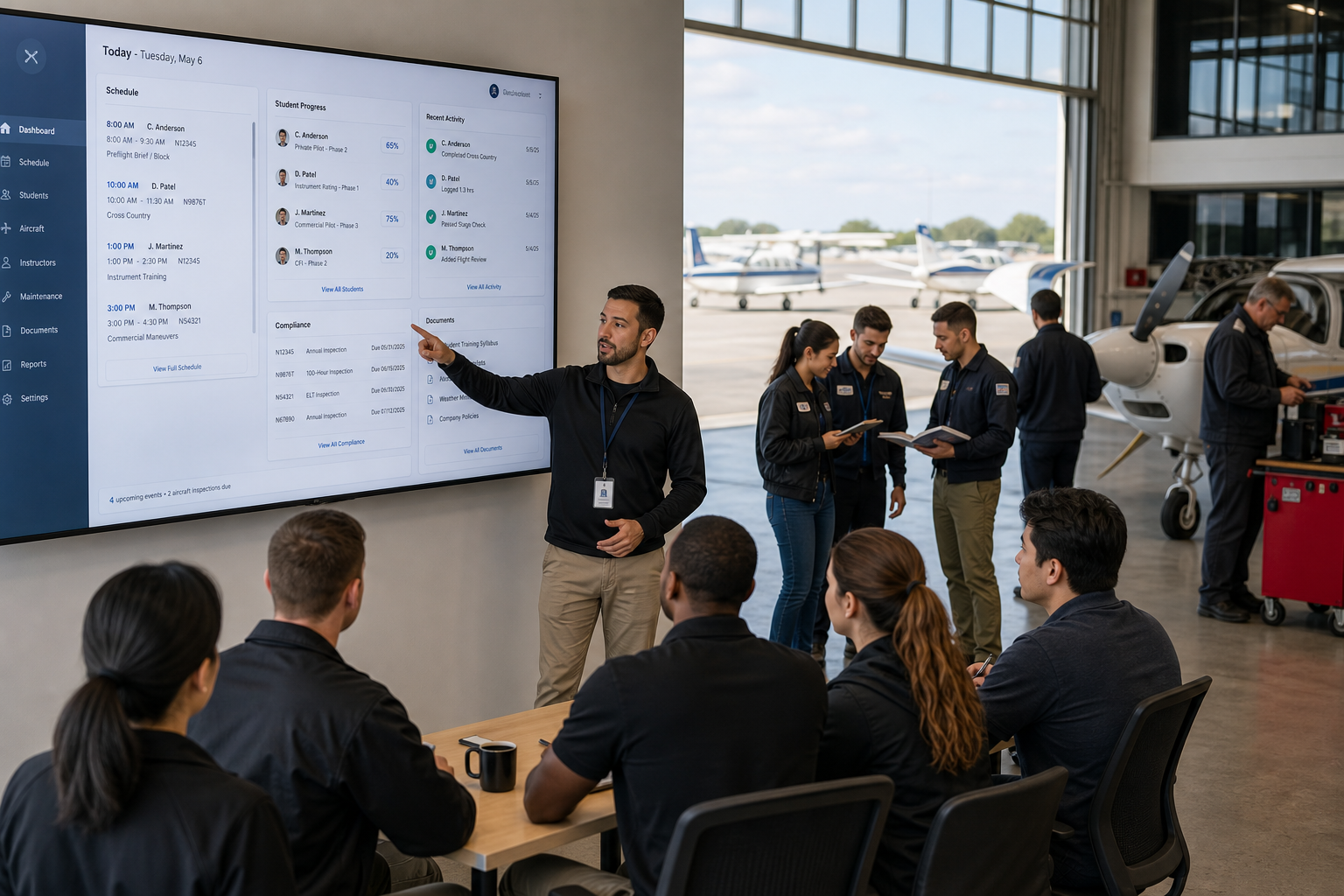
"Digitizing our flight school will create chaos." That concern comes up in nearly every conversation about moving away from manual processes. And it makes sense. Because in flight training, operations don't pause. Students are progressing. Flights are scheduled. Instructors depend on existing workflows.
This guide covers the people, process, and system changes required to digitize scheduling, records, compliance, and training operations at your flight school. You'll find a structured approach to managing each transition stage without losing momentum on the flight line.
From building your change team to measuring post-transition results, every section is designed for operational leaders who need their digitization effort to succeed on the first attempt.
Key Takeaways: Digital Flight School Change Management
- Successful flight school digitization depends on managing people and process changes, not just selecting new software.
- Building a cross-functional change team with instructors, dispatchers, and maintenance staff prevents adoption bottlenecks early.
- Phased rollouts aligned to training cycles protect student progression and instructor confidence during system transitions.
- FlightLogger's structured onboarding process completes implementation in four to six weeks while keeping training on schedule.
- Measuring adoption rates, scheduling accuracy, and compliance response times reveals the real impact of your digitization effort.
What Is Change Management in Flight School Digitization?
Change management is the structured approach to moving your operation from current workflows to new digital processes. In a flight school context, this means coordinating shifts across scheduling, record-keeping, compliance documentation, maintenance coordination, and instructor workflows.
The technical side of digitization (selecting a platform, migrating data, configuring modules) is only half the equation. The other half involves preparing your team to adopt new tools, adjusting daily routines, and maintaining compliance throughout the transition.
Without a structured change management plan, even the right platform can fail. Instructors revert to familiar habits. Dispatchers keep side records. Compliance gaps emerge during the adjustment period.
Why Flight Schools Need a Dedicated Change Management Approach
Flight training operations have unique characteristics that make generic change management frameworks insufficient. Your operation runs on tight scheduling windows, regulatory oversight, and real-time coordination between people, aircraft, and facilities.
A delayed lesson affects student progression timelines. A miscommunicated schedule change grounds an aircraft or leaves an instructor idle. A compliance gap during transition can trigger regulatory scrutiny at the worst possible moment.
Because these interconnections exist, flight school change management must account for training continuity, scheduling accuracy, and regulatory requirements at every phase. You can't pause operations to implement a new system. The system must fit around your operation.
How to Build Your Flight School Change Team
Identify Key Roles and Responsibilities
Your change team should include representatives from every operational area the new system touches. At minimum, assign an executive sponsor, a project lead, and operational champions from dispatch, instructors, maintenance, and administration.
The executive sponsor removes organizational barriers and communicates strategic priority. The project lead manages timelines and coordinates between departments. Operational champions become the go-to experts their colleagues trust during the transition.
Why Instructor Buy-In Matters More Than Any Other Factor
Instructors interact with your training management system more frequently than anyone else in the operation. They record lessons, update student progress, submit squawk reports, and check schedules multiple times daily.
If instructors resist the new system, adoption stalls across the entire operation. Involve two or three experienced instructors early in the process. Let them test the platform, surface concerns, and become advocates who help their peers navigate the change.
Include Dispatch and Administrative Staff From Day One
Dispatchers and front desk teams manage the highest volume of daily system interactions. They handle aircraft and instructor scheduling, student inquiries, and billing questions.
Training these staff members first creates a support structure for the rest of the team. When dispatchers can answer questions confidently, instructor and student adoption accelerates.
How to Assess Your Current Operations Before Making Changes
Map Information Flow Across Your Operation
Track how data moves from a student's enrollment through lesson scheduling, instructor assignment, lesson completion, record updates, and billing. Document every handoff point where information transfers between people or systems.
This mapping reveals where manual steps create delays, where data gets re-entered, and where communication breakdowns occur most frequently. These are your highest-priority targets for digital change.
Identify Your Operation's Change Readiness
Evaluate how your team currently responds to process changes. Have previous adjustments to scheduling procedures or documentation requirements gone smoothly? Where did past changes face the most resistance?
Understanding your operation's change readiness helps you calibrate the pace of implementation and determine where additional support or communication is needed. According to a 2025 Technical University of Munich study on technology adoption and mindset, employee resistance to new systems often stems from perceived loss of control rather than the technology itself.
Document What's Working and What's Not
Not everything about your current operation needs to change. Identify processes that work well and should be preserved in the new system. Equally, name the specific pain points that justify the transition.
This balanced assessment prevents over-engineering the change and gives your team confidence that their effective practices won't disappear in the transition.
How to Plan a Phased Flight School Digitization Rollout
Phase 1: Scheduling and Resource Management
Start with scheduling because it touches every department and delivers visible efficiency gains quickly. Move aircraft bookings, instructor assignments, and classroom reservations into the new system first.
Immediate benefits like conflict prevention and real-time availability updates build confidence. Your team sees the value of the change before you ask them to adopt more complex modules.
Phase 2: Training Records and Student Progression
Once scheduling stabilizes, introduce digital training records. Migrate active student files, configure grading standards, and train instructors on recording lessons through the new platform.
Connected training records give instructors and students visibility into the same progression data. Everyone knows where a student stands without checking multiple sources. This is where standardized grading and competency-based training and assessment (CBTA) frameworks become possible.
Phase 3: Maintenance Integration and Compliance Workflows
Connect maintenance tracking and compliance documentation after training records are stable. Link inspection schedules to aircraft booking calendars. Configure certificate expiration alerts and automated compliance reporting.
By this phase, your team already trusts the system for scheduling and record-keeping. Adding maintenance and compliance modules builds on established confidence rather than introducing everything at once.
Phase 4: Financial Systems and Reporting
Connect billing and accounting integration last. Automatic invoicing based on recorded flight hours, instructor time, and fees eliminates manual calculation. Financial reports pull from operational data that's already accurate because of the work done in earlier phases.
How to Maintain Training Continuity During System Transitions
Schedule Transitions Around Low-Activity Periods
Avoid launching new systems during peak enrollment, checkride seasons, or holiday periods. Identify your operation's natural slower periods and schedule major transitions accordingly.
FlightLogger's implementation process is typically completed in four to six weeks with dedicated onboarding specialists who understand aviation operations and tailor the rollout to your training calendar.
Run Parallel Systems for a Defined Period
Maintain your existing processes alongside the new system for a short overlap period (typically one to two weeks per phase). This gives staff a safety net while building familiarity with new workflows.
Define a clear cutover date in advance. Open-ended parallel operation creates confusion about which system is authoritative and doubles the administrative workload temporarily.
Protect Active Student Files During Data Migration
Prioritize migrating records for currently enrolled students. Verify that lesson histories, progression status, and upcoming milestones transfer accurately before moving to historical data.
Inaccurate student records during transition erode trust faster than any other issue. Assign a dedicated team member to verify migrated records against source documents before going live.
How to Handle Resistance to New Flight School Systems
Acknowledge Concerns as Legitimate Professional Considerations
Resistance to new systems usually comes from legitimate worries about workflow disruption, not stubbornness. Instructors who have developed efficient personal routines over years may see a new system as a threat to their productivity.
Address these concerns directly. Show specifically how the new system handles their most common tasks. Let resistant staff see the platform in action before asking them to commit.
Focus on Benefits That Matter to Each Role
Instructors care about reducing time spent on post-flight paperwork. Dispatchers want fewer scheduling conflicts and phone calls. Maintenance teams need accurate aircraft status visibility. Management needs operational efficiency data.
Tailor your messaging to each audience. Generic statements about "digital progress" don't motivate behavior change. Specific, role-relevant benefits do.
Create Quick Wins in the First Two Weeks
Identify one or two tasks in each role that become noticeably easier with the new system. Maybe dispatchers can resolve a scheduling conflict in seconds instead of minutes. Maybe instructors can complete a lesson record from their phone on the ramp.
Celebrate these wins publicly. Quick wins create positive momentum that carries the team through the harder adoption phases.
What Compliance Requirements Must Be Met During Transitions?
Regulatory bodies (EASA, FAA, CASA, TCCA, and others) require uninterrupted documentation regardless of what system you're using. Your transition plan must guarantee that no documentation gap exists between old and new processes.
FlightLogger supports audit-ready compliance across EASA, FAA, CASA, TCCA, DGCA, GCAA, and CAAP frameworks. Compliance documentation generates naturally as instructors complete their daily work, which means the transition to digital record-keeping strengthens audit readiness rather than weakening it.
Notify your regulatory authority about significant system changes when required by your jurisdiction. Most regulators welcome transitions to structured digital records because they simplify inspection processes.
How to Train Staff on New Flight School Management Software
Structure Training by Role and Responsibility
Don't run one generic training session for everyone. Dispatchers need deep knowledge of scheduling workflows. Instructors need to master lesson recording and student progress tools. Administrators need reporting and compliance modules.
Role-specific training sessions keep content relevant and reduce the time each person spends in training. Staff retain more when the material directly connects to their daily responsibilities.
Use Real Operational Scenarios in Training
Train with your actual aircraft, instructor schedules, and student profiles (or realistic copies). Abstract demonstrations with placeholder data don't build confidence for real operations.
Walk through common scenarios: a weather cancellation that requires rescheduling three flights, a maintenance squawk that grounds an aircraft mid-day, a student approaching a stage check with prerequisites to verify.
Build Ongoing Support Structures After Go-Live
Training doesn't end on go-live day. Plan for a support period where operational champions are available to help colleagues, vendor support is readily accessible, and refresher sessions address emerging questions.
FlightLogger's client care program includes ongoing training resources and dedicated support beyond the initial onboarding period. This continued access helps your team build proficiency over time rather than expecting mastery on day one.
How to Measure Success After Flight School Digitization
Track Adoption Rates by Department
Monitor which departments and roles are using the new system consistently and where manual workarounds persist. Low adoption in specific areas signals a need for additional training or workflow adjustment.
Set adoption targets for each phase. By the end of week two in Phase 1, for example, all scheduling should happen through the new system with zero side bookings.
Measure Operational Efficiency Improvements
Compare time spent on administrative tasks before and after implementation. Track scheduling conflicts, booking errors, and hours dedicated to manual record-keeping. Organizations using FlightLogger consistently report documented 30 to 50 percent efficiency gains and over 20 hours of monthly admin time saved.
Monitor Compliance Response Times
Measure how quickly your team can produce documentation when requested by regulators or internal auditors. A system that generates compliance records on demand should dramatically reduce preparation time compared to assembling paper files or searching through disconnected digital folders.
Evaluate Student Progression and Training Throughput
Track whether digitization improves student advancement rates. Better scheduling visibility and connected progress tracking should translate into fewer delays, more consistent lesson frequency, and shorter time-to-checkride for your students.
Common Change Management Mistakes Flight Schools Make
Launching Without a Communication Plan
Announcing a new system on the day it goes live creates confusion and resistance. Your team needs advance notice, clear timelines, and honest answers about what's changing and why.
Start communicating at least four weeks before the first phase launches. Regular updates reduce uncertainty and give staff time to prepare mentally for new workflows.
Skipping Workflow Analysis Before Implementation
Implementing new tools on top of inefficient processes just makes inefficient processes faster. Take time to optimize workflows before encoding them in a new system.
The goal isn't to digitize your current operation exactly as it exists. The goal is to build better processes that a connected platform makes possible.
Setting Unrealistic Adoption Timelines
Full operational proficiency with a new system takes weeks, not days. If your plan assumes everyone will be comfortable by day three, you're setting your team up for frustration.
Build buffer time into each phase. Allow for questions, adjustments, and the natural learning curve that comes with any operational change.
Neglecting Post-Implementation Support
Many digitization efforts lose momentum after the initial launch excitement fades. Without ongoing support, advanced features go unused and staff develop workarounds that bypass the system's capabilities.
Schedule regular check-ins during the first 90 days. Review usage data, address emerging questions, and introduce features that weren't part of the initial rollout.
How FlightLogger Supports Flight School Change Management
FlightLogger is built specifically for flight training operations. That structural advantage means you're implementing a system that already reflects how your operation works, rather than configuring general-purpose software to fit aviation workflows.
Dedicated onboarding specialists manage the implementation through a structured process designed to maintain training continuity. These specialists understand aviation terminology, regulatory requirements, and the daily pressures of running a flight school.
The platform centralizes scheduling, training records, maintenance coordination, compliance documentation, and reporting in one connected system. This means your change management effort moves toward one system rather than coordinating adoption across multiple disconnected tools.
In Conclusion: How to Make Your Flight School Digitization Succeed
Flight school digitization succeeds when change management receives the same attention as technology selection. Building the right team, phasing your rollout, maintaining training continuity, and supporting your staff through adoption are the operational decisions that determine outcomes.
Start with the areas that create the most visible improvement. Build confidence through quick wins. Protect compliance at every stage. And invest in the ongoing support that turns initial adoption into lasting operational excellence.
FlightLogger never sleeps, so your operation never falls behind. Book a walkthrough and see how quickly your team can get started.
FAQs About Flight School Change Management
What is change management in flight school digitization?
Change management is the structured process of preparing your team, adjusting workflows, and maintaining operations while transitioning to digital systems. It covers people, processes, and technology together.
FlightLogger's onboarding process builds change management into implementation, with dedicated specialists who guide your team through each transition phase.
How long does flight school change management take?
A phased approach typically takes two to four months from initial assessment through full adoption. FlightLogger's structured implementation completes core platform setup in four to six weeks, with additional modules rolling out in subsequent phases.
How do you prevent training disruptions during digitization?
Phase your rollout around natural training cycles, run parallel systems for a defined overlap period, and protect active student records during migration. Planning transitions during lower-activity periods reduces impact on student progression.
What if instructors resist using the new system?
Address resistance by involving instructors early, showing role-specific benefits, and creating quick wins in the first two weeks. FlightLogger's mobile interface lets instructors record lessons from the ramp, which reduces their post-flight administrative workload.
Does changing systems affect regulatory compliance?
A properly managed transition strengthens compliance rather than weakening it. FlightLogger captures compliance documentation as part of daily operations across EASA, FAA, CASA, TCCA, and other frameworks, so audit readiness improves as adoption increases.
What is the most common mistake in flight school digitization?
Trying to digitize everything at once is the most frequent mistake. Phased rollouts succeed more consistently because each module stabilizes before the next one launches, which keeps your team's confidence and adoption rates high.