.png?width=201&height=201&name=Maintenance%20(Videoannonce%20%E2%80%93%20LinkedIn).png)

6 Best Training Record Software for Flight Schools (2026)
 Amalie Rasmussen
·
8 minute read
Amalie Rasmussen
·
8 minute read
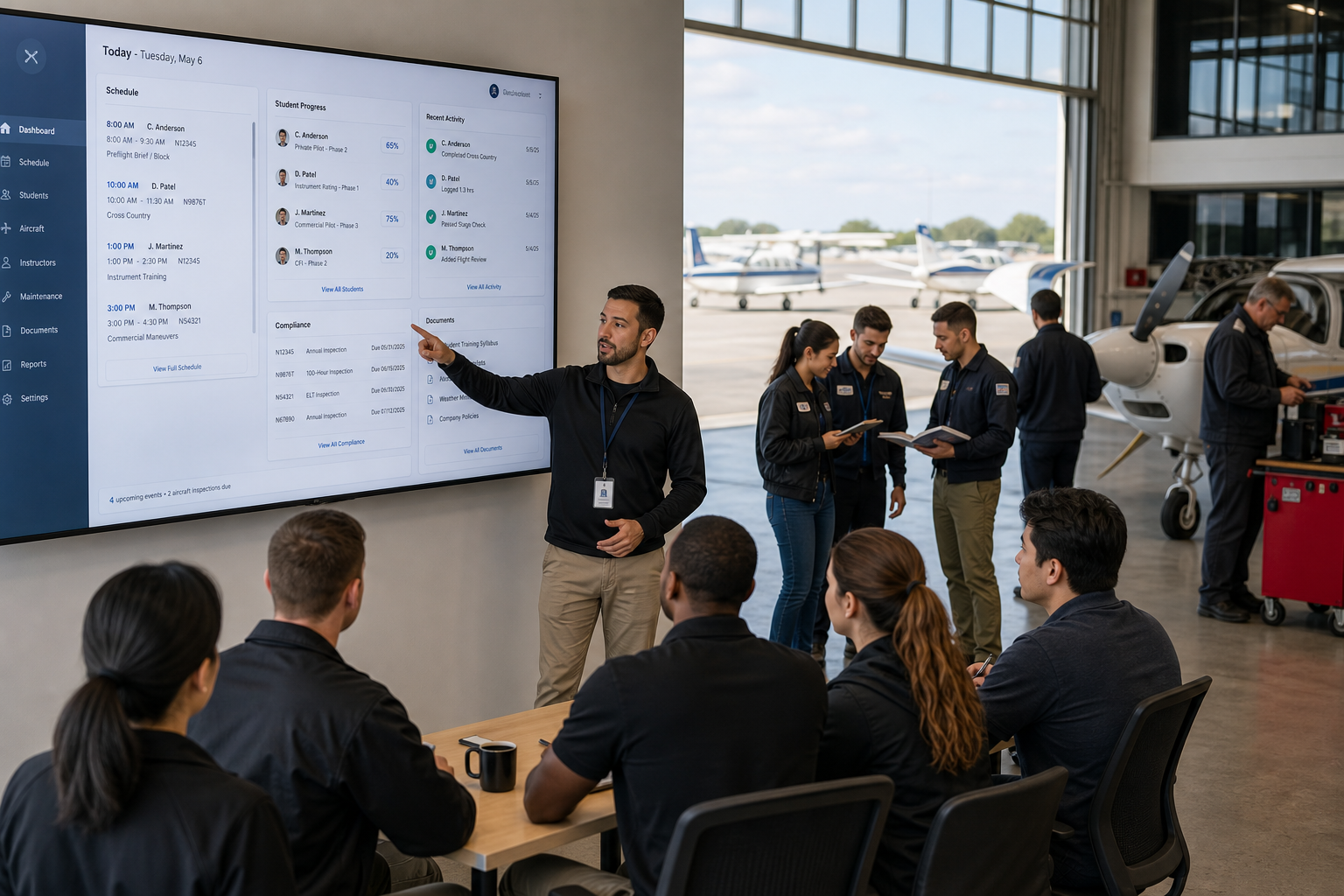
Choosing a training record management system for your flight school means evaluating more than feature lists. You need a platform that aligns with how your operation runs day to day, from lesson sign-offs and grading to maintenance coordination and audit documentation. The stakes are high because a gap in your records can surface during an inspection, not during a demo.
This article compares six training record software options built for flight schools. FlightLogger gives you a centralized, audit-ready record system designed specifically for aviation training operations. Below, you'll find a side-by-side look at how each platform handles digital training records, compliance, and operational integration.
Quick guide: 6 best training record software for flight schools
- FlightLogger: The best audit-ready training record platform for flight schools managing complex operations
- Aviatize: Modular flight school software covering scheduling, billing, and training records
- Flight Schedule Pro: Scheduling-centered platform with Part 61 and Part 141 recordkeeping
- Talon Systems (ETA): Web-based training management system used by universities and larger academies
- Flight Circle: Aircraft scheduling and management software with training record features
- Tailplane: Scheduling-focused platform with fleet management and basic training tracking
How we chose the best training record software for flight schools
Running a flight school means your records need to hold up under regulatory scrutiny, not just during daily operations. That's why we evaluated each platform against criteria that matter when your documentation gets audited.
- Regulatory alignment: Does the software support EASA, FAA, CASA, and other frameworks so your records meet authority requirements without manual formatting?
- Training record depth: Can you track lesson completion, grading, instructor sign-offs, milestones, and certification readiness in one place?
- Maintenance integration: Are aircraft maintenance records connected to training schedules, so you know fleet readiness before assigning a booking?
- Audit preparation: Can you pull complete student files, instructor records, and scheduling history on demand during an inspection?
- Operational visibility: Does the platform give you real-time status of aircraft, instructors, and student progression without running manual reports?
- Multi-campus support: Can you standardize records and workflows across multiple locations while still seeing school-level detail?
The 6 best training record software for flight schools
1. FlightLogger: Best overall training record software for flight schools
FlightLogger is built specifically for flight school compliance and training record management. The platform connects training records, scheduling, maintenance readiness, student progress, and instructor documentation in a single system. This means your compliance data lives where your daily workflows happen.
For operations running across multiple campuses, FlightLogger centralizes records so every location follows the same documentation structure. When an inspector asks for a student file or instructor activity history, the data is already organized and accessible. Organizations transitioning to FlightLogger consistently highlight the speed of implementation (typically 4 to 6 weeks) and the structured onboarding process.
FlightLogger supports audit-ready compliance for EASA, FAA, CASA, TCCA, DGCA, GCAA, and CAAP. With documented 30 to 50% efficiency gains reported by flight schools, the platform eliminates the administrative overhead that comes with disconnected recordkeeping approaches.
FlightLogger features
- Centralized training records: Track lesson completion, instructor evaluations, student milestones, sign-offs, and training progress from one hub, so nothing gets lost between instructors or locations.
- Integrated maintenance management: Aircraft maintenance status connects directly to your training schedule, helping you avoid assigning aircraft that aren't operationally ready.
- Multi-regulatory compliance: Built-in support for EASA, FAA, CASA, and additional authorities means your records automatically align with the documentation standards your regulator expects.
- Real-time operational visibility: See instructor availability, aircraft readiness, and student engagement without waiting for end-of-day reports or manual data pulls.
- Competency-based training (CBTA): CBTA support lets you structure grading and assessments around competency frameworks rather than hour-based milestones alone.
- 99.99% uptime: Cloud-hosted with enterprise-grade reliability, so your records stay accessible across time zones and campus locations at all times.
FlightLogger pros and cons
Pros:
- Connects training records, scheduling, maintenance, and compliance in one platform, eliminating the need to cross-reference multiple systems.
- Supports regulatory frameworks across multiple jurisdictions simultaneously, which is critical for schools operating internationally.
- Dedicated onboarding specialists and a structured client care program help your team get productive quickly.
Cons:
- The depth of configuration options may take new administrators a few sessions to fully explore.
- Some advanced modules (such as safety management or business insights) are added separately from the core platform.
- Schools with very small fleets (fewer than five aircraft) may not use every feature the platform offers.
2. Aviatize: Modular platform with scheduling, billing, and training records
Aviatize offers a modular flight school management platform that covers scheduling, training, billing, maintenance, and compliance. The system includes support for both EASA and FAA regulatory environments, with built-in tools for Part 61, Part 141, and Part-DTO/ATO documentation.
All modules are included on every plan, and Aviatize has native mobile apps for students and instructors. The billing module generates invoices from flight data automatically, and the platform syncs with QuickBooks Online and Sage Intacct.
Aviatize features
- Training syllabus management: Configurable syllabi with grading, deferred item tracking, and homework assignments for structured training documentation.
- Compliance and auditing: An audit management module with finding tracking and compliance scoring.
- Safety management: ECCAIRS-aligned occurrence reporting with root cause analysis and mitigation tracking.
Aviatize pros and cons
Pros:
- All modules are included on every plan with no per-module fees.
- Native mobile apps are available for students, instructors, and technicians.
- Accounting integrations sync invoice data with QuickBooks Online and Sage Intacct.
Cons:
- The platform does not list support for CASA, TCCA, or DGCA regulatory frameworks on its website.
- Multi-campus centralization features are not prominently documented.
- Maintenance execution follows an EASA-specific two-stage release process, which may not align with FAA-only operations.
3. Flight Schedule Pro: Scheduling-focused with Part 61 and 141 records
Flight Schedule Pro is a scheduling-centered platform used by over 1,100 flight schools, universities, and flying clubs. The system includes Part 61 record organization and Part 141 compliance features with FSDO-approved reports. A compliance workflow focus on FAA environments makes it a familiar choice for U.S.-based schools.
Flight Schedule Pro also includes billing with online payment collection and a training portal where instructors and students can track lesson progress.
Flight Schedule Pro features
- FAA compliance reports: FSDO-approved reporting for Part 141 programs.
- Student training portal: Progress dashboards, lesson preparation, and exam grade tracking in one view.
- Billing integration: Online payment collection with scheduling-based billing requirements.
Flight Schedule Pro pros and cons
Pros:
- FSDO-approved reports are designed specifically for FAA Part 141 audits.
- The student and instructor portal includes progress tracking and lesson prep tools.
- Used by over 1,100 organizations, indicating broad adoption in the U.S. market.
Cons:
- The platform is built around FAA requirements and does not list EASA, CASA, or TCCA compliance support.
- Maintenance management is not a core feature of the platform.
- Multi-campus record centralization across international locations is not documented.
4. Talon Systems (ETA): University-grade training management for larger academies
Talon Systems offers ETA (Education and Training Administration), a web-based training management system that has been in operation since 2001. The platform is used by university flight programs and larger academies, including Embry-Riddle and Western Michigan University.
ETA includes close to 300 built-in reports and supports automated scheduling that suggests each student's next lesson based on syllabus sequencing and instructor currency.
Talon Systems features
- Syllabus and course control: Stage, phase, and objective-based training with prerequisite sequencing and grading rules.
- Dispatch and flight tracking: Electronic check-in, overdue aircraft alerts, and Hobbs/Tach billing integration.
- Automated reporting: Close to 300 reports with automated delivery to your inbox.
Talon Systems pros and cons
Pros:
- Trusted by university flight programs for over two decades.
- Close to 300 built-in reports cover training, operations, and financial data.
- Automated scheduling suggests the next lesson based on student progress and instructor currency.
Cons:
- The platform's interface reflects its 2001-era architecture and has not undergone a recent visual redesign.
- EASA and CASA compliance support are not prominently listed.
- Integration with modern accounting platforms (such as QuickBooks or Xero) is not documented on the website.
5. Flight Circle: Aircraft management with training record additions
Flight Circle is an aircraft scheduling and management platform that serves flight schools and flying clubs. The platform includes a Part 61/141 training module, billing with QuickBooks sync, electronic signatures, and a digital logbook.
Flight Circle offers a 60-day free trial and includes maintenance reminders with a squawk manager for tracking aircraft issues.
Flight Circle features
- Part 61/141 training module: Recordkeeping for FAA training programs with electronic signature support.
- Maintenance reminders: Squawk manager and maintenance tracking for fleet oversight.
- Billing and QuickBooks sync: Point-of-sale transactions, recurring charges, and accounting integration.
Flight Circle pros and cons
Pros:
- A 60-day free trial lets you test the platform before committing.
- Electronic signature and digital logbook features support paperless recordkeeping.
- CRM and contact management are included for student outreach.
Cons:
- The platform is primarily designed for FAA environments and does not list EASA or CASA support.
- Training record depth is limited compared to platforms built specifically for structured syllabus management.
- Multi-campus centralization and cross-location reporting are not listed features.
6. Tailplane: Scheduling-focused with fleet management basics
Tailplane is a flight school management platform focused on scheduling, fleet management, and a student booking portal. The interface includes drag-and-drop scheduling and aircraft availability views with maintenance tracking.
Tailplane offers data import and export tools and is expanding its feature set with upcoming notification preferences and third-party integrations.
Tailplane features
- Student scheduling portal: A self-service booking interface where students manage their own schedule and view training progress.
- Fleet management: Aircraft utilization, maintenance status, and inspection tracking at a glance.
- Reporting and analytics: Dashboards with aircraft utilization, instructor availability, and location-specific data.
Tailplane pros and cons
Pros:
- A clean scheduling interface with customizable views and filtering options.
- Free plan available for smaller operations getting started.
- Photo galleries and fleet profiles add a visual element to your public-facing pages.
Cons:
- Training record management is not a core focus of the platform.
- Notification features and third-party integrations are listed as "coming soon."
- No documented support for EASA, FAA, or other specific regulatory compliance frameworks.
Comparison table: The best training record software for flight schools
| Platform | Multi-regulatory compliance | Integrated maintenance | Multi-campus support |
|---|---|---|---|
| FlightLogger | ✓ (EASA, FAA, CASA, TCCA, DGCA, GCAA, CAAP) | ✓ | ✓ |
| Aviatize | ✓ (EASA, FAA) | ✓ | ✗ |
| Flight Schedule Pro | ✗ (FAA only) | ✗ | ✗ |
| Talon Systems | ✗ (FAA only) | ✓ (via RMS integration) | ✓ |
| Flight Circle | ✗ (FAA only) | ✗ | ✗ |
| Tailplane | ✗ | ✗ | ✗ |
What should flight schools look for in training record software?
Your training record system needs to match the way your operation actually runs. A platform that handles records in isolation from scheduling, maintenance, and compliance creates extra work every time an inspector or auditor asks a question.
Look for a system that connects student records to instructor activity, aircraft assignments, and maintenance readiness. This connection is what makes the difference between reactive recordkeeping and documentation that stays audit-ready throughout the year.
Regulatory alignment matters too. If you operate under EASA and FAA simultaneously, your software should handle both frameworks natively. According to EASA's ED Decision 2025/011/ED, training course approval requirements continue to evolve, making structured digital records increasingly important for ATOs.
How do digital training records help flight schools pass audits?
Digital training records consolidate lesson data, instructor sign-offs, scheduling history, and student milestones into a structured format that auditors can access on demand. Instead of pulling files from multiple binders or cross-referencing different systems, your documentation is already organized.
FlightLogger helps flight schools stay audit-ready by keeping compliance data connected to the workflows your team uses every day. When records are captured during training rather than reconstructed before an inspection, accuracy goes up and preparation time goes down.
Schools that have moved to digital records report fewer findings during inspections, faster interactions with inspectors, and less time spent on pre-audit documentation gathering.
Why FlightLogger is the best training record software for flight schools
The real question isn't whether you need digital training records. It's whether your current system connects those records to the rest of your operation. FlightLogger gives you a single platform where training records, scheduling, maintenance, compliance, and reporting work together, not as separate workflows.
That difference matters. FlightLogger supports compliance across EASA, FAA, CASA, TCCA, DGCA, GCAA, and CAAP, serving more than 215 organizations across 50+ countries. Because FlightLogger is built by aviation professionals, for aviation professionals, the platform reflects the actual workflows your team follows every day.
FlightLogger never sleeps, so your records and operations stay connected around the clock. Book a walkthrough and see how FlightLogger can help your flight school move from disconnected recordkeeping to audit-ready operations.
FAQs about training record software for flight schools
What is training record management software for flight schools?
Training record management software helps flight schools track lesson completion, grading, instructor sign-offs, and student milestones digitally. FlightLogger connects these records to scheduling, maintenance, and compliance data, giving your operation a single source of truth for audit preparation and daily oversight.
Can digital training records replace paper logbooks at flight schools?
Yes. Digital records can replace paper-based documentation when the system meets your regulator's requirements. FlightLogger supports structured digital records aligned with EASA, FAA, CASA, and other authorities, allowing flight schools to maintain accurate documentation without relying on printed files.
How long does it take to implement training record software?
Implementation timelines vary by platform and operation size. FlightLogger typically completes onboarding in 4 to 6 weeks with dedicated specialists managing the process. This structured approach helps your team start using the system without disrupting daily flight school operations.
Does training record software help with FAA and EASA compliance?
It depends on the platform. Some tools focus only on FAA documentation, while FlightLogger supports both FAA and EASA (plus CASA, TCCA, and others) natively. This means your records align with regulatory requirements across jurisdictions without manual reformatting.
What makes FlightLogger different from general scheduling tools?
General scheduling tools handle bookings but don't connect training records to maintenance, compliance, or student progression. FlightLogger integrates every part of your operation, including competency-based training, audit documentation, and fleet readiness, into one platform built specifically for aviation.